

Organizations
Organizations in Paragraph CMS let you separate workspaces, switch between brands or projects, and manage pages, teams, roles, locales, billing, and API keys independently.
 Grzegorz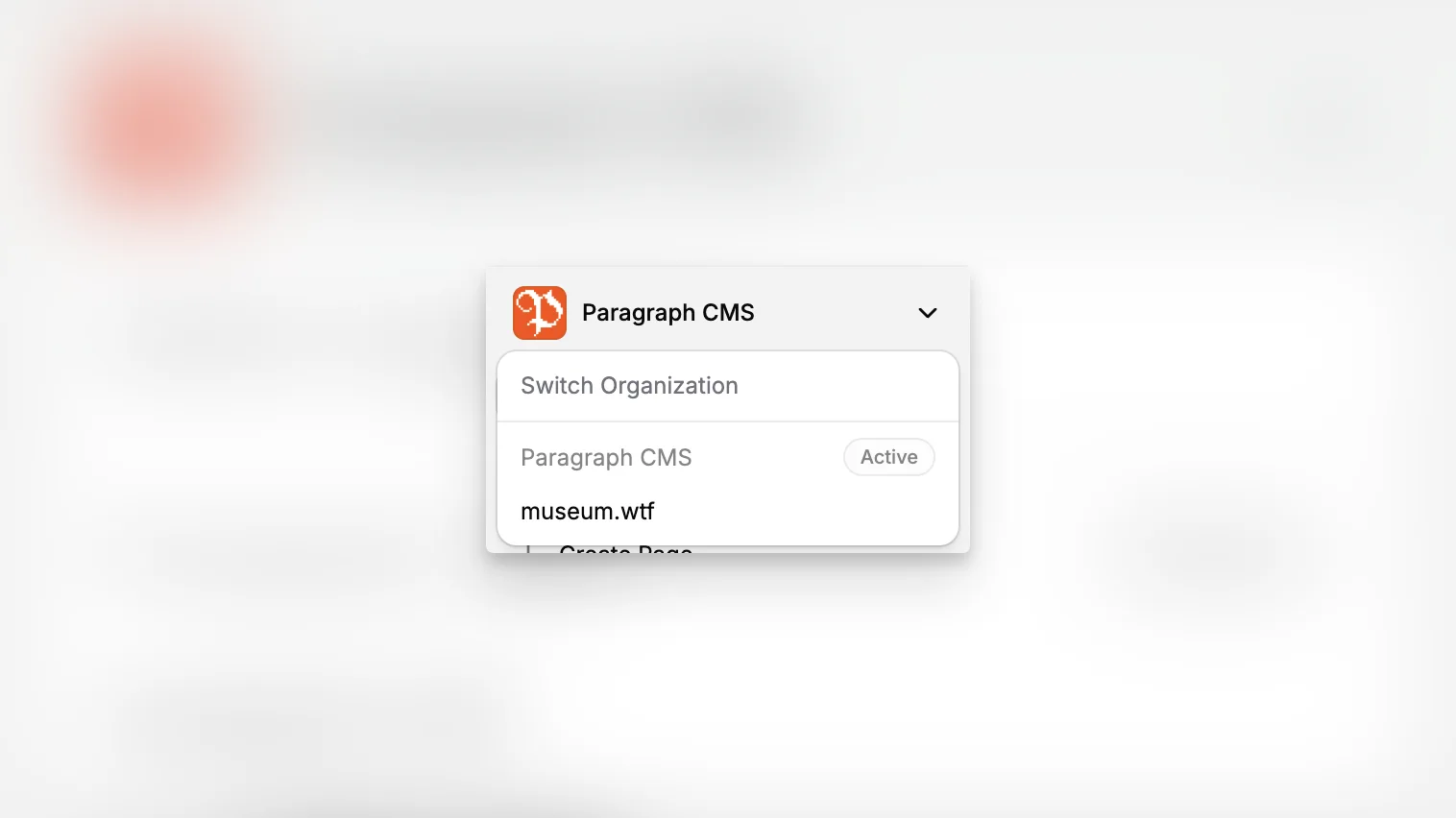
Organizations are the top-level workspace boundary in Paragraph CMS. Each organization keeps its own pages, collections, locales, members, teams, roles, API keys, AI settings, and billing state, which makes it the cleanest way to separate brands, clients, departments, or internal projects.
The feature is available from the account settings area, but it also shows up in the main app through the active organization switcher. That makes organizations a practical day-to-day control, not only a setup concept.
Separate workspaces cleanly
One user can belong to multiple organizations and switch between them without mixing editorial structure or plan usage. In the current implementation, a user can create up to 5 organizations, and each one carries its own plan and limits.
This is useful when the same person manages completely different content operations, for example a product marketing workspace, a docs workspace, and a client workspace. Instead of trying to isolate that work with labels or collections alone, teams can split it at the organization level and keep Members, Teams, and Roles separate.
Switch, leave, or delete
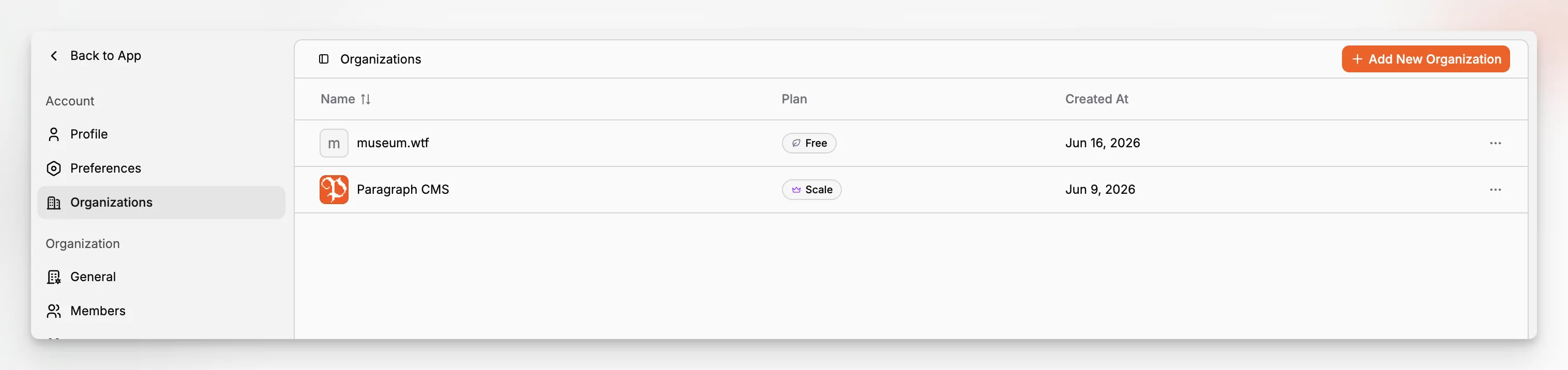
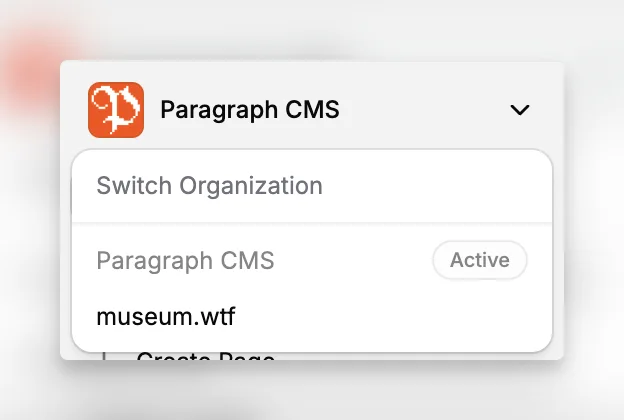
The active organization can be changed from the app sidebar or from the Organizations table. That matters because most app views, from Pages to API Keys, always work against the currently active organization.
Each organization row also supports operational actions:
Switch moves the user into that workspace immediately.
Leave removes a non-owner from the organization.
Delete is reserved for the active organization when the user is allowed to remove it.
Owners cannot delete their last remaining organization, and paid organizations with an active subscription must be canceled first. That keeps account cleanup safer.
New organizations are not empty
When a new organization is created, Paragraph CMS seeds a practical default structure instead of starting from a blank system. In the current implementation that includes:
the default
Englishlocale,starter collections such as
Blog,Help Center,Case Studies,Features, andLegal,starter labels,
and the four default workflow status types.
That gives a new workspace a usable baseline before the team starts customizing Collections, Statuses, or Locales.
