

Multilingual Content
Manage multilingual content with linked page variants, shared locales, and AI translation—without separate content trees or disconnected workflows.
 Grzegorz
Paragraph CMS lets you manage languages at the organization level and create linked language versions at the page level. Teams can choose supported locales, set a base language, create missing variants from inside the page workspace, and use AI to translate or retranslate content without turning every translation into a separate content tree. If you want the broader product context first, see all features or the core content concepts.
What it does
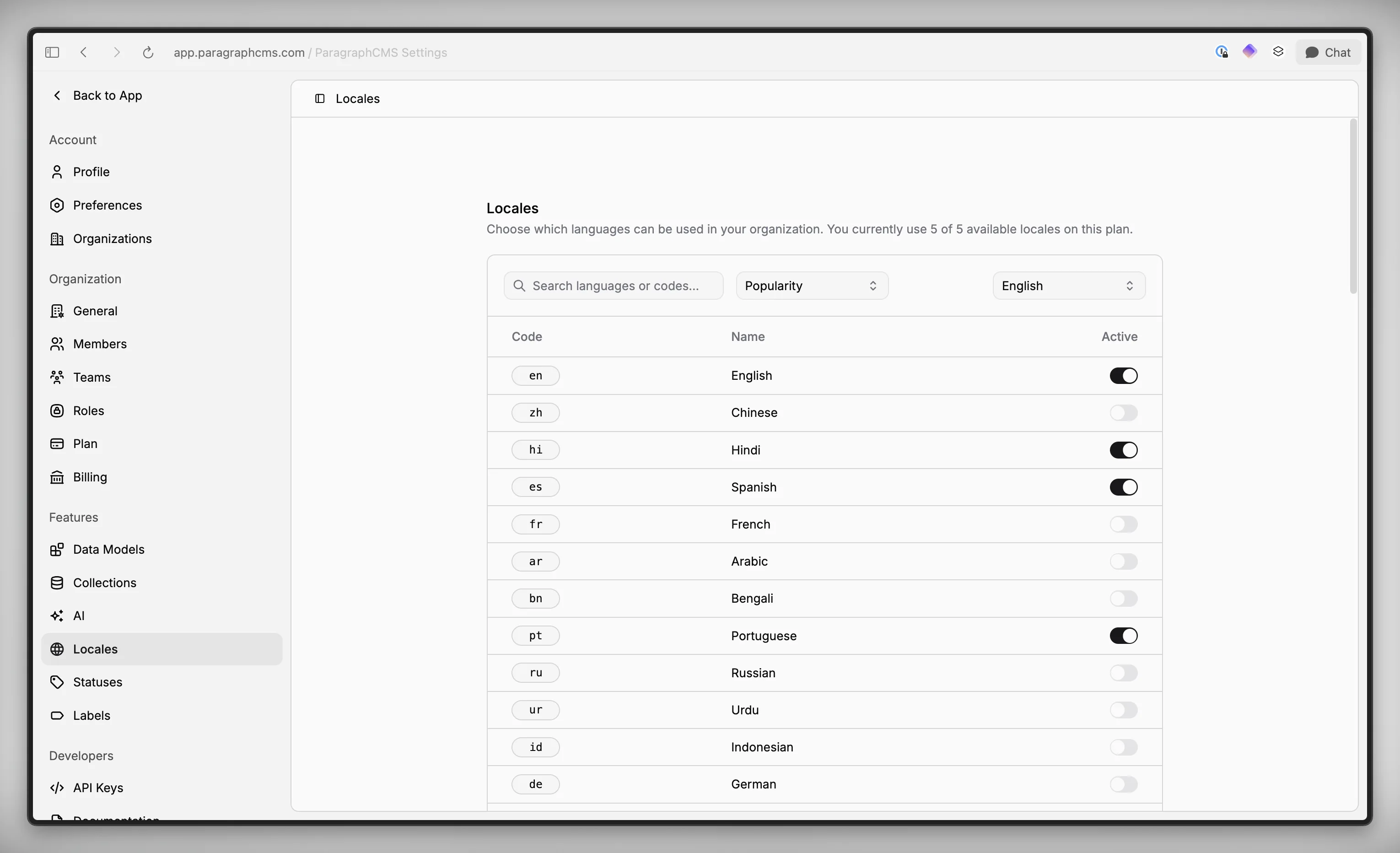
Paragraph gives each organization a shared list of active languages, then lets editors create page variants only where they are actually needed. That means a team can support multiple locales across the CMS without forcing every page to exist in every language on day one.
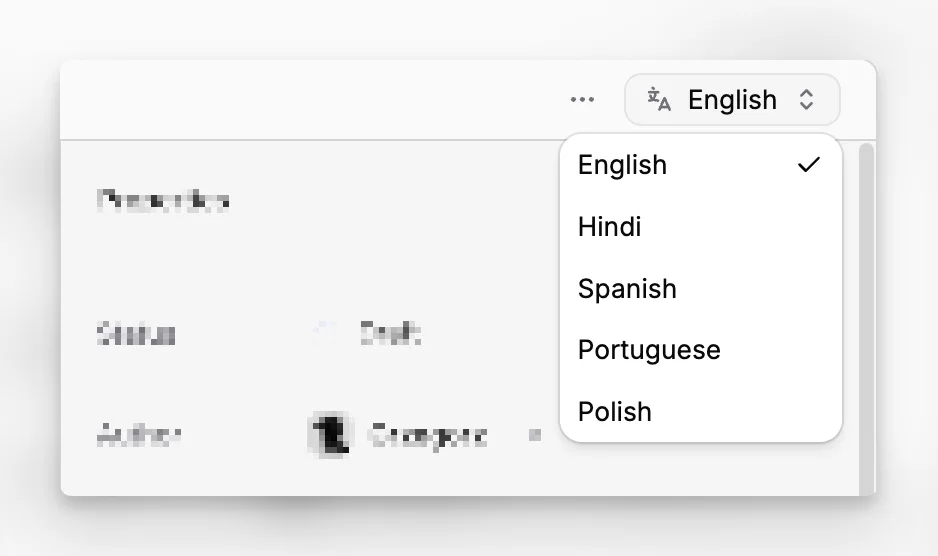
Each page keeps its language versions connected. In the page workspace, the language selector shows which active languages already have a variant and which ones are still missing. In the Pages workspace, translations are grouped together instead of being scattered around as unrelated pages.
How it works
Language setup starts in Locales. An admin or other permitted user enables the languages the organization wants to support and picks a Base language from the active list. New pages then default to the organization's preferred language, which comes from that base locale when it is active.
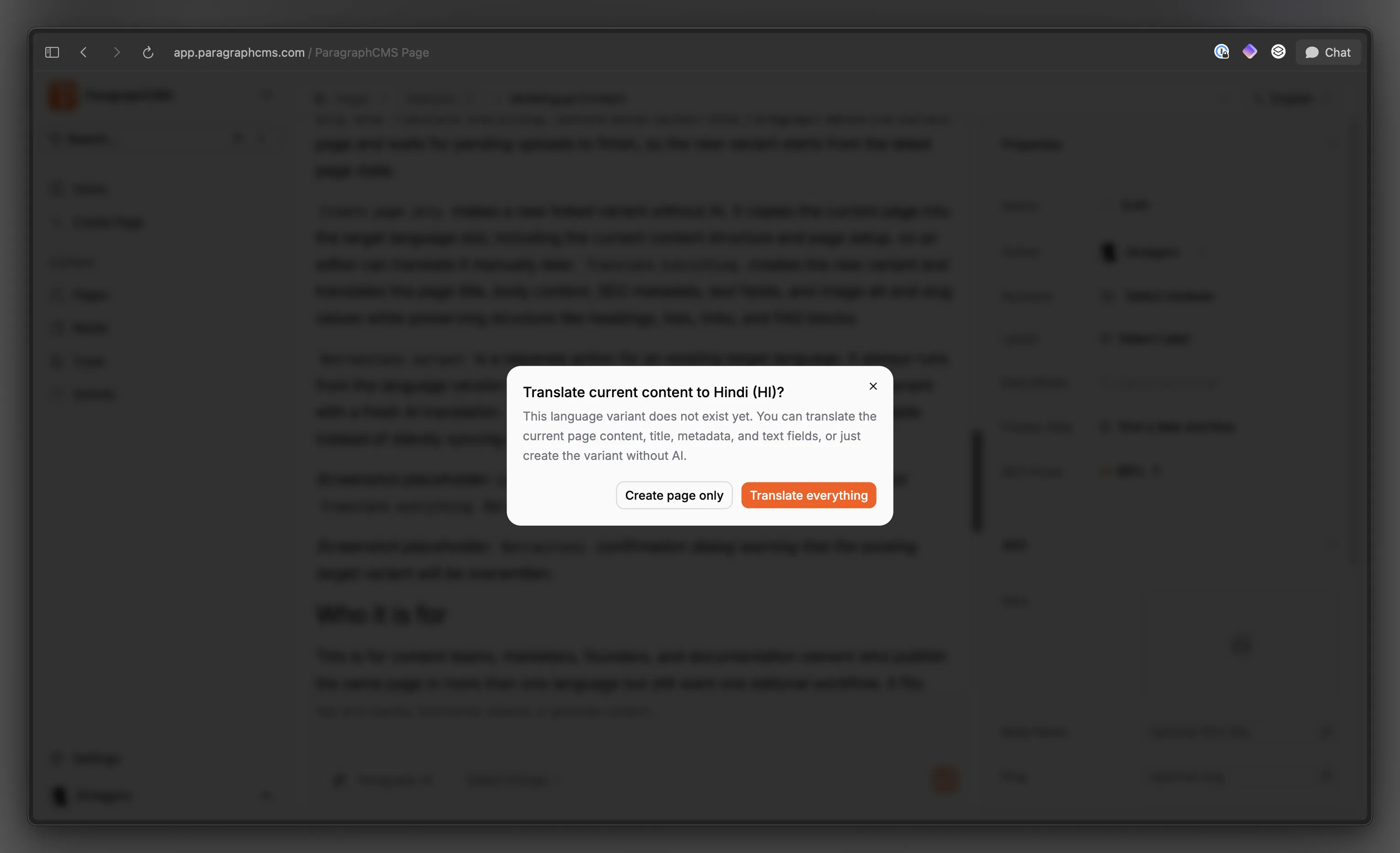
On a page, choosing another active language does one of two things: it opens the existing variant, or, if that version does not exist yet, opens a dialog with Create page only and Translate everything. Before either action runs, Paragraph saves the current page and waits for pending uploads to finish, so the new variant starts from the latest page state.
Create page only makes a new linked variant without AI. It copies the current page into the target language slot, including the current content structure and page setup, so an editor can translate it manually later. Translate everything creates the new variant and translates the page title, body content, SEO metadata, text fields, and image alt and slug values while preserving structure like headings, lists, links, and FAQ blocks.
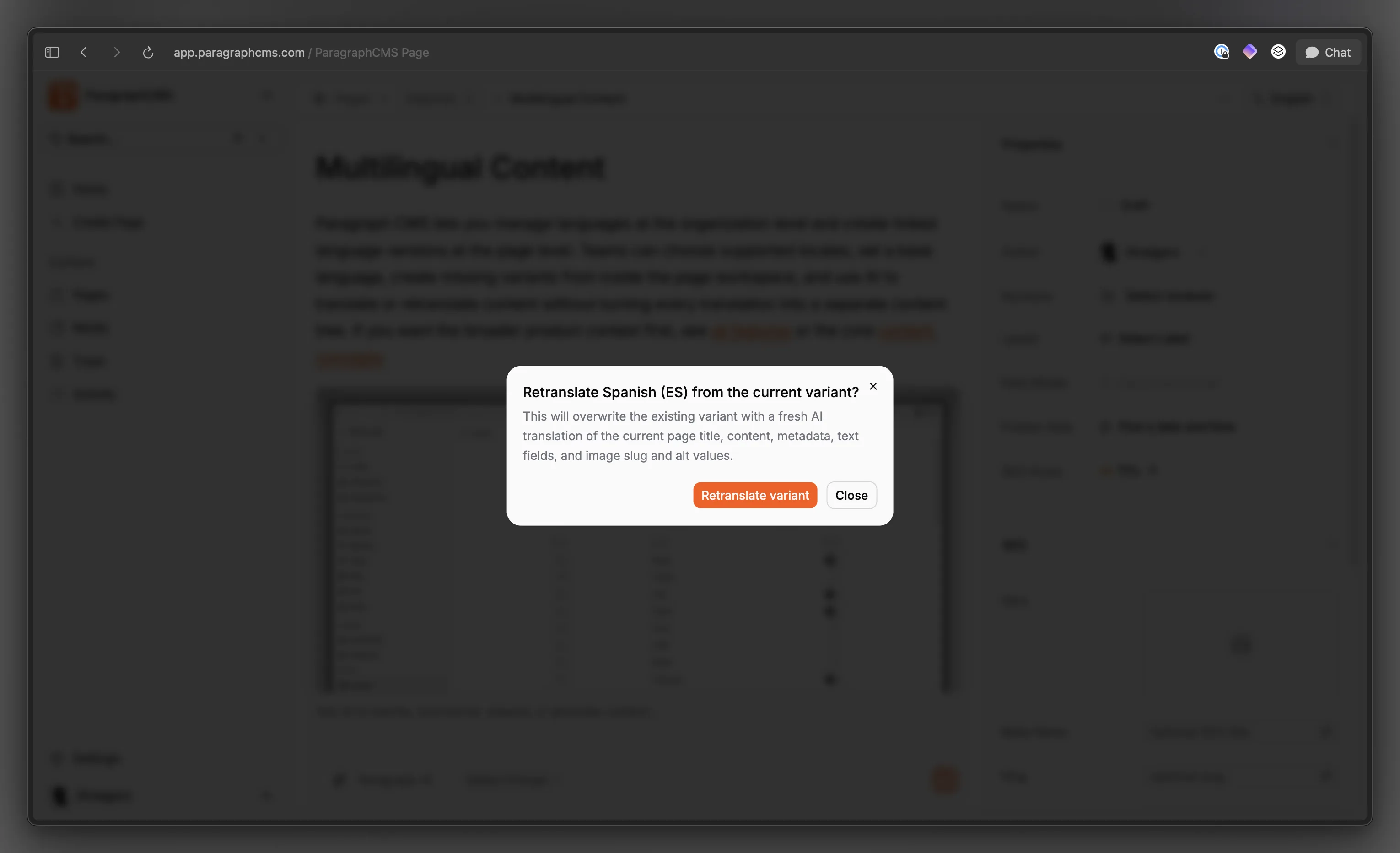
Retranslate variant is a separate action for an existing target language. It always runs from the language version you currently have open, then overwrites the target variant with a fresh AI translation. That keeps translation updates deliberate and reviewable instead of silently syncing changes in the background.
Who it is for
This is for content teams, marketers, founders, and documentation owners who publish the same page in more than one language but still want one editorial workflow. It fits well for product pages, help centers, changelogs, and documentation, especially when the final content later feeds a custom frontend or pre-built components.
It is also a strong fit for smaller teams that do not want a separate translation management system. Paragraph keeps language setup, page relationships, and translation actions inside the CMS the team is already using.
Limits and tradeoffs
Paragraph separates organization-wide language support from page-level variant creation. A language has to be active in Locales before a page can use it, and enabling a locale does not automatically create translated versions of every existing page.
Variants stay connected, but they are not live-synced clones. Editing one language does not update the others automatically, and Retranslate variant intentionally overwrites the target page instead of merging changes. If a source page is already published, a newly created variant starts as draft so it can be reviewed before release.
Plan limits matter here. Free supports 1 active locale. Scale unlocks language variants, AI translation, and more supported languages, with plan configuration going up to 75 locales. AI translation also depends on the selected AI model, and custom providers need their API key configured first. See pricing for plan details.
Why it matters
Multilingual content gets hard to manage when each language becomes a separate page set with no shared context. Paragraph keeps language versions tied together, makes the source and target workflow explicit, and lets teams expand into more languages without rebuilding their structure around translation.
That matters for both speed and control. Editors can add a new language from the same page they are already working on, AI can speed up the first pass, and the team still decides when to create, review, overwrite, publish, or remove each variant.