

Developer Experience
Developer Experience in Paragraph gives teams API keys, a public /v1 API, and full content, workflow, locale, and media control from custom apps and tools.
 Grzegorz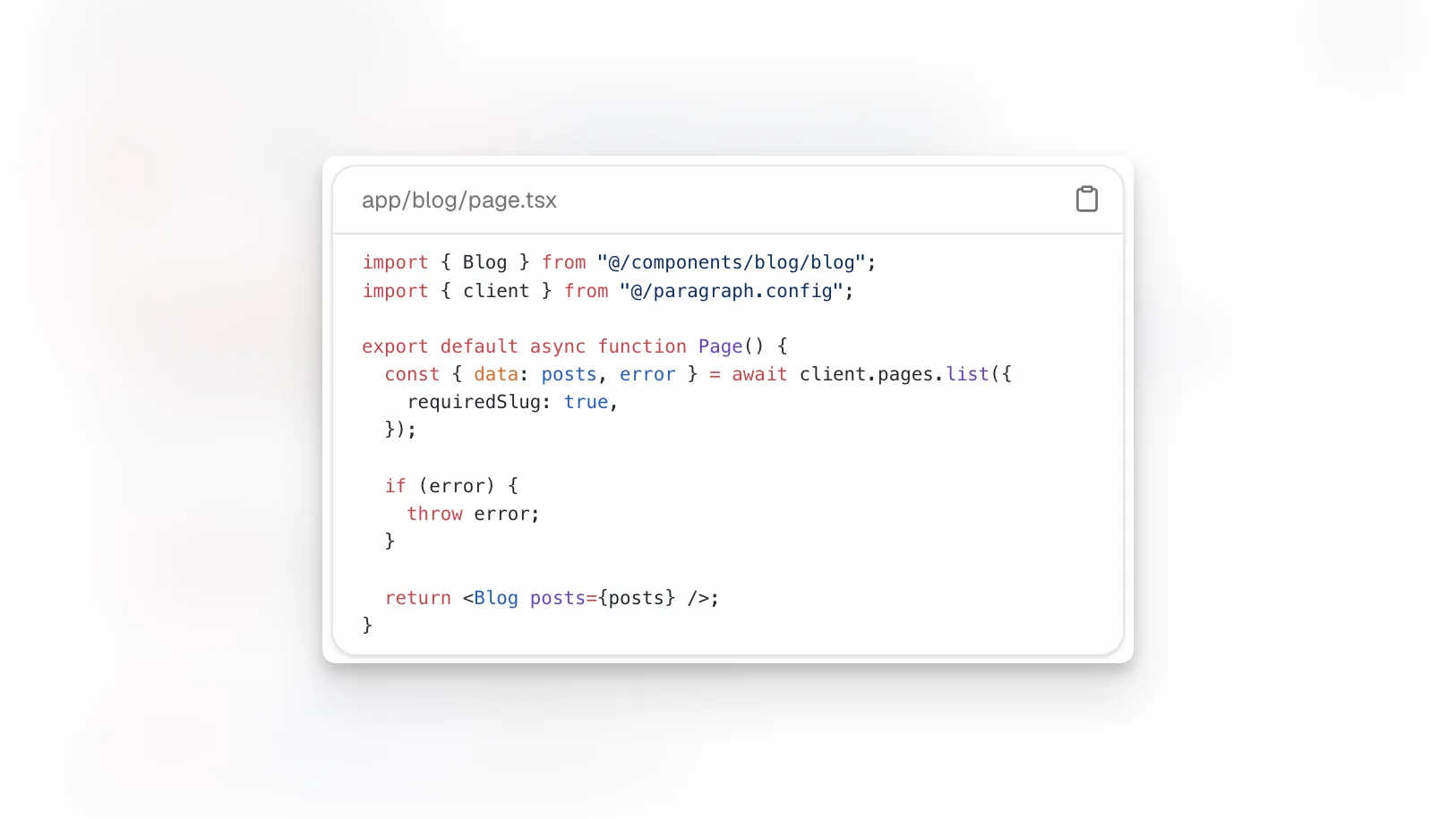
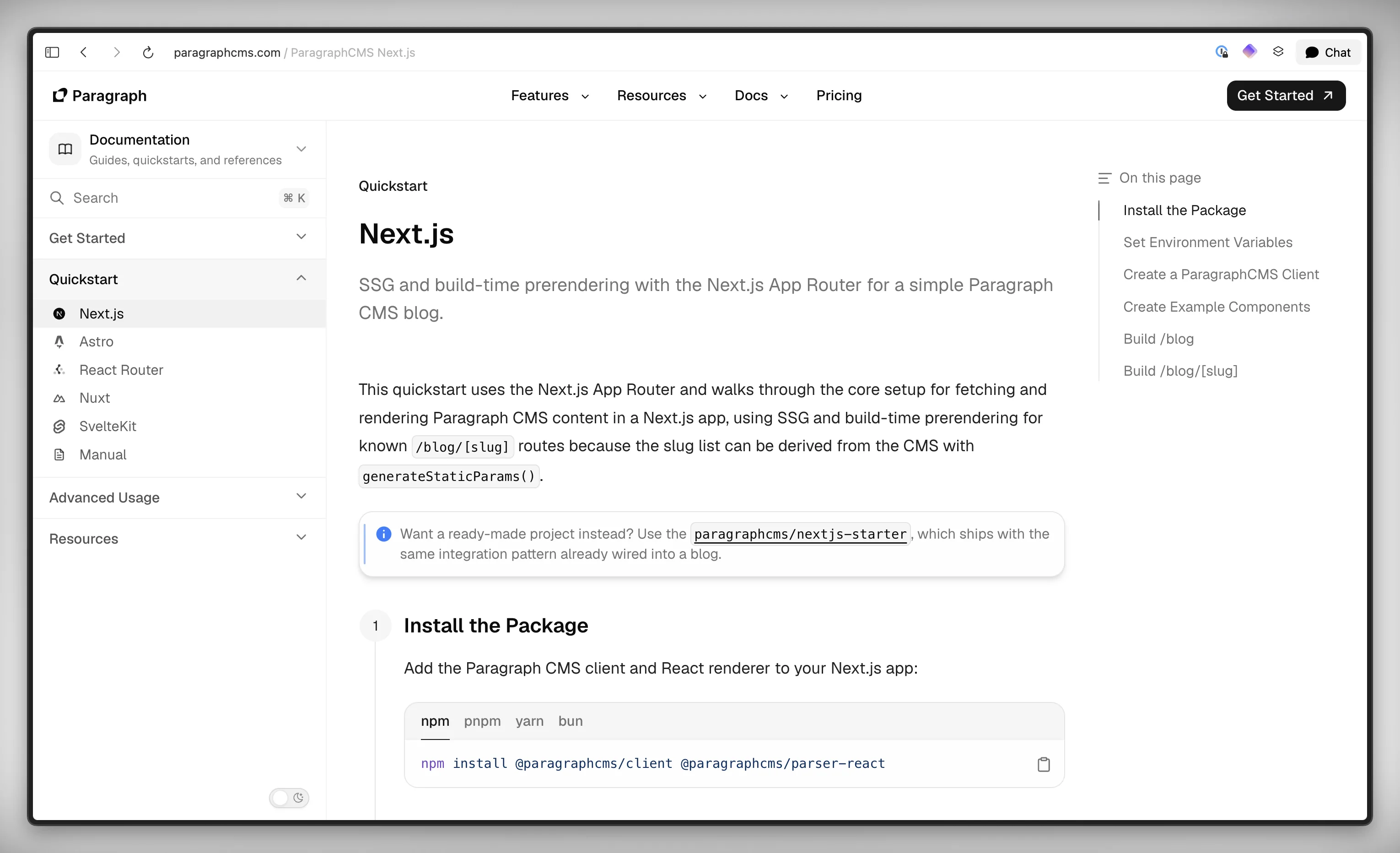
Paragraph CMS stays headless without turning integration into a side project. Teams can create organization API keys, call the public /v1 API, and manage pages, workflow, locales, media, and structured fields from their own frontend, jobs, or internal tools. If you want the broader product picture first, see all features or the manual quickstart.
What it does
Paragraph gives developers read and write access to the same content system editors use in the app. The public API covers pages, collections, media, members, authors, reviewers, statuses, labels, data models, and locales.
That means your app can do more than fetch rendered content. It can create drafts, update slugs and metadata, assign authors and reviewers, move pages through workflow, duplicate entries, restore trashed pages, create language variants, and keep structured field values attached to each page.
Page content can be sent as Tiptap JSON, Markdown, or HTML, so Paragraph fits different rendering pipelines instead of forcing a single output format.
How it works
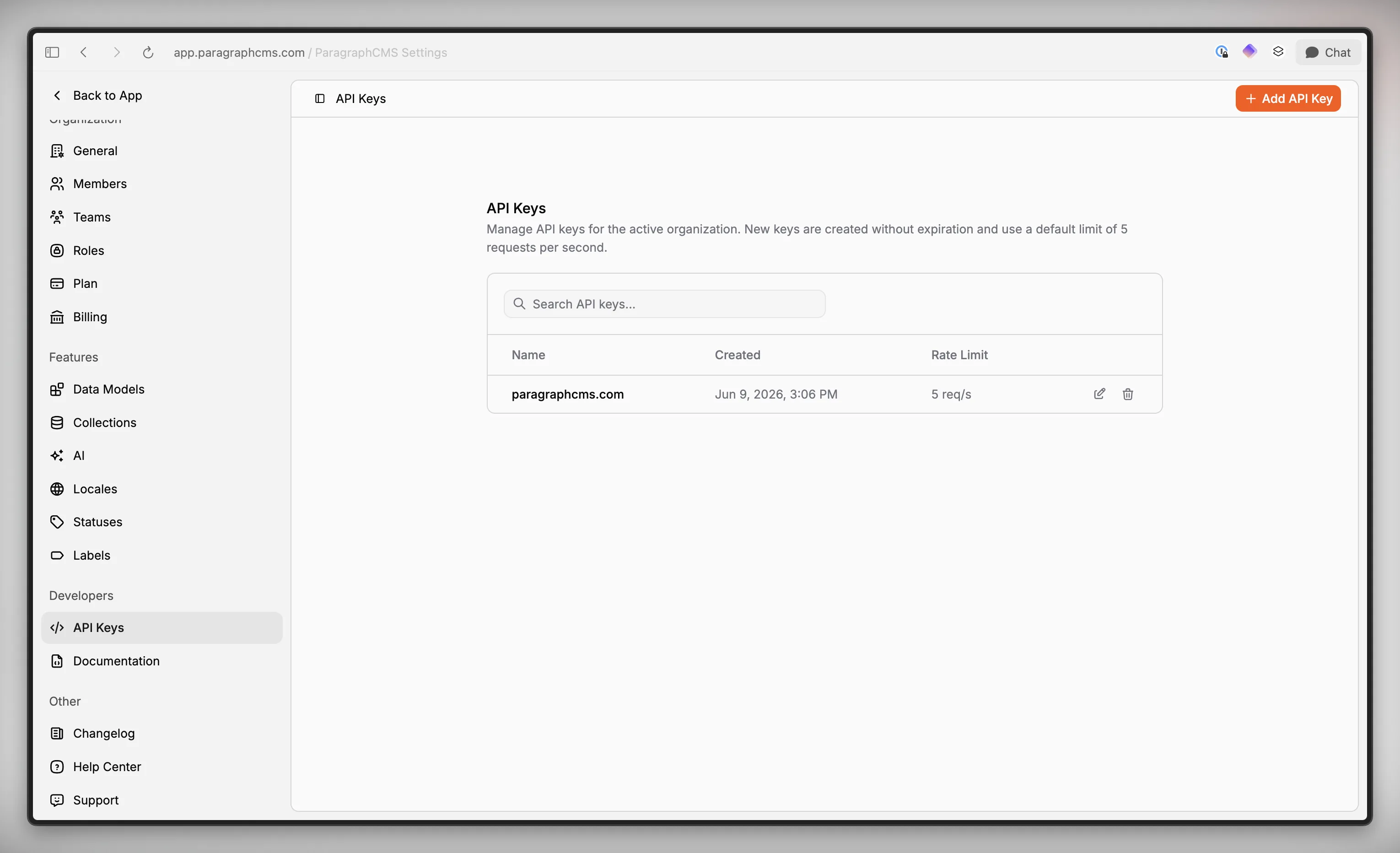
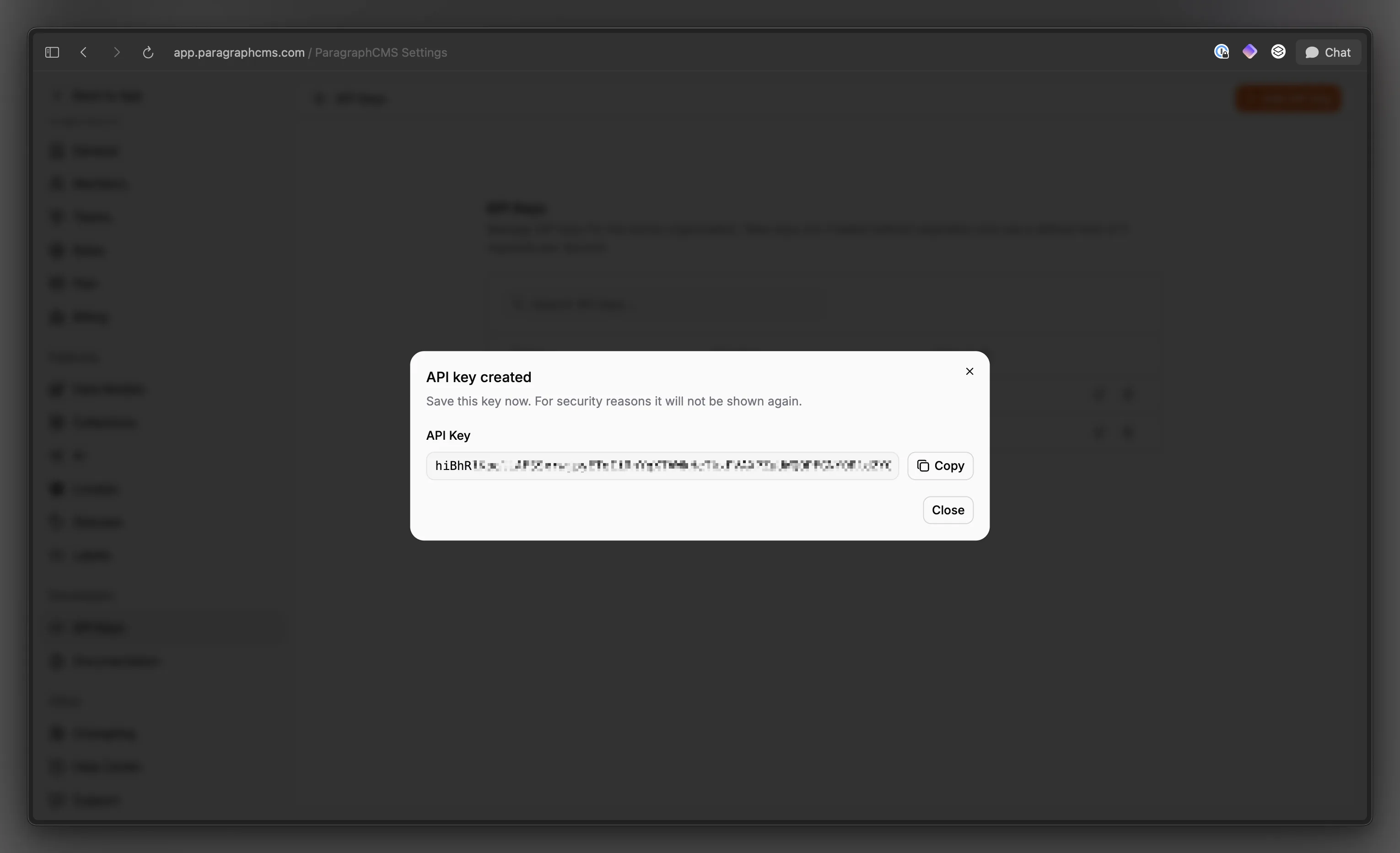
Keys are managed per active organization in Settings > Developers > API Keys. New keys are created without expiration, shown once at creation time, and start with a default limit of 5 req/s. Requests authenticate with either the x-api-key header or Authorization: Bearer <key>.
From there, developers work against /v1, which also exposes /v1/openapi.json for discoverability. The page endpoints support search, filtering, sorting, trash visibility, optional rich-content loading, and mutations for title, content, slug, SEO fields, labels, structured fields, assignments, and publishedAt.
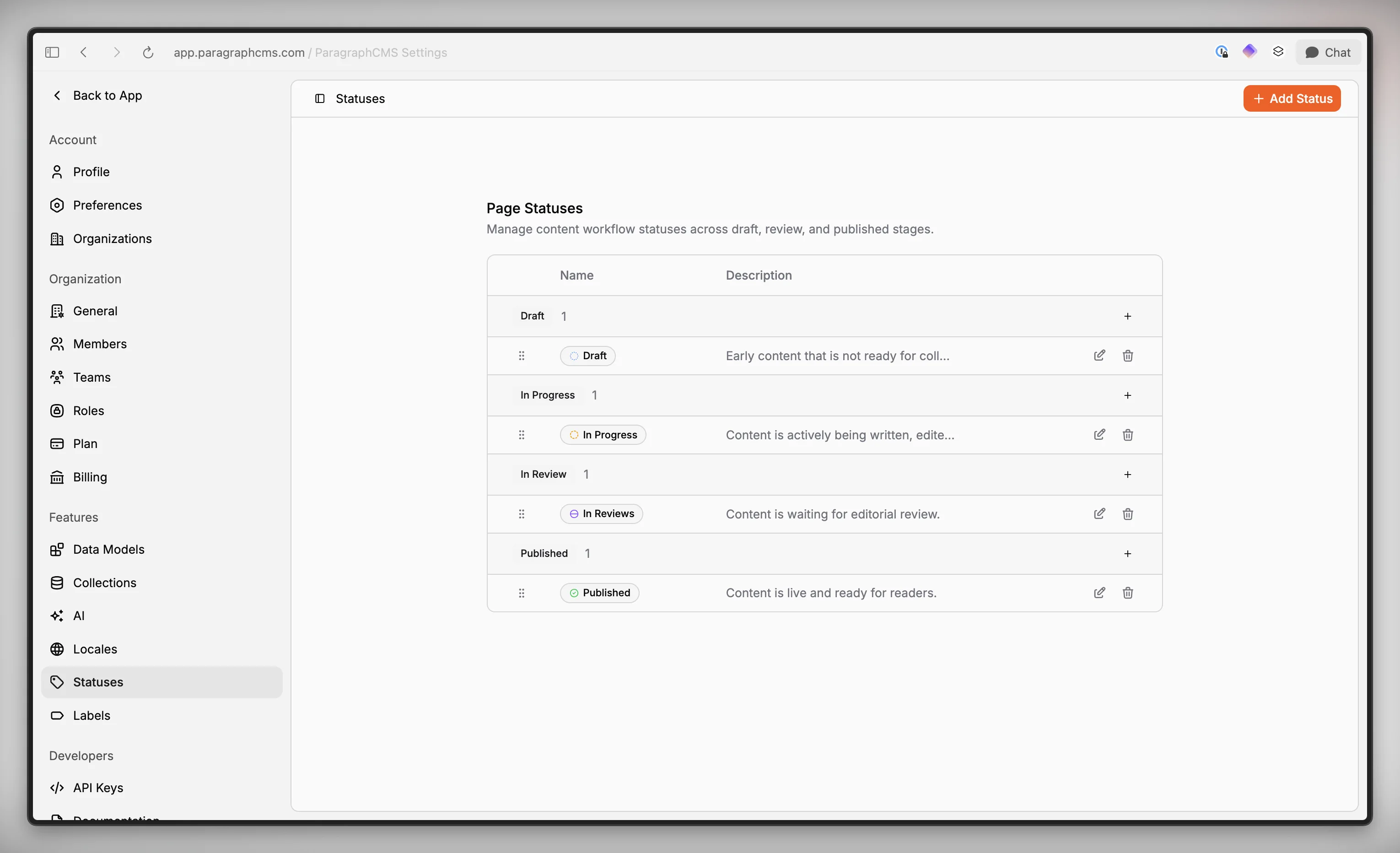
Workflow resources are part of the same API surface, not a separate admin-only layer. Collections, statuses, labels, locales, and data models can be managed through the API too, so custom apps and automations can stay aligned with the CMS instead of recreating editorial rules on the side.
Who it is for
This is for teams that want Paragraph to stay truly headless: product sites in Next.js or Astro, docs in React Router or Nuxt, internal dashboards, import scripts, review automation, and backend services that need to read or write content safely. The supporting SDKs and examples help when you do not want to start from raw HTTP calls.
Limits and tradeoffs
API keys are organization-level credentials. In the current product, they authenticate the organization API rather than separate endpoint scopes, so they should live in server-side systems, not public clients.
The API follows the same product rules as the CMS. A language must already be enabled before content can use it, deleting a collection moves its pages to trash, and deleting a workflow status can reassign affected pages. The system also blocks deleting the last Draft status.
Not every endpoint is equally useful on every plan. API keys are available on Free and Scale, but features such as custom fields, multi-locale editing, language variants, AI translation, and scheduled publishing follow the same plan rules shown on pricing. Media uploads through the public API are image-only, and SVG uploads are not supported.
Why it matters
A headless CMS is only as useful as the path from editor to product. Paragraph exposes the real editorial model, not just raw documents, so your frontend and automation can work with pages, workflow, structure, and localization as first-class concepts.
That reduces glue code, keeps editorial logic in one place, and makes it easier to connect Paragraph to custom sites, apps, and internal tools without giving up the CMS workflow your team already uses.