

Locales
Manage active languages in Paragraph CMS with Locales: enable, search, sort, and set the default locale to power multilingual pages and API content.
 Grzegorz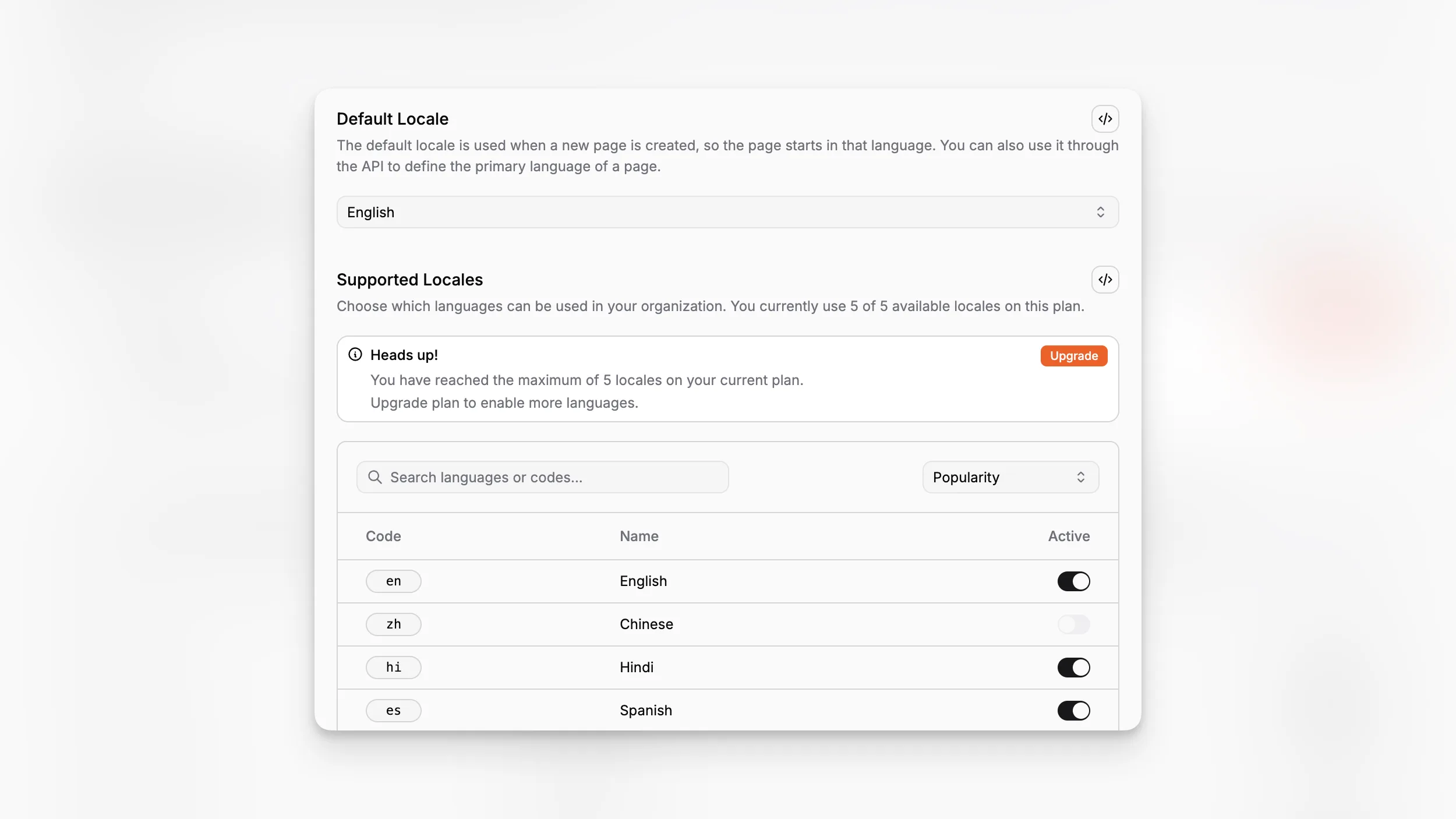
Locales is the organization-level language switchboard in Paragraph CMS. It decides which languages can actually be used across the workspace, not just how they are labeled in the interface.
Each active locale includes a readable name and a short code such as en, de, or pl, and those codes flow directly into Pages, Multilingual Content, and the API Client.
Enable only the languages your team really uses
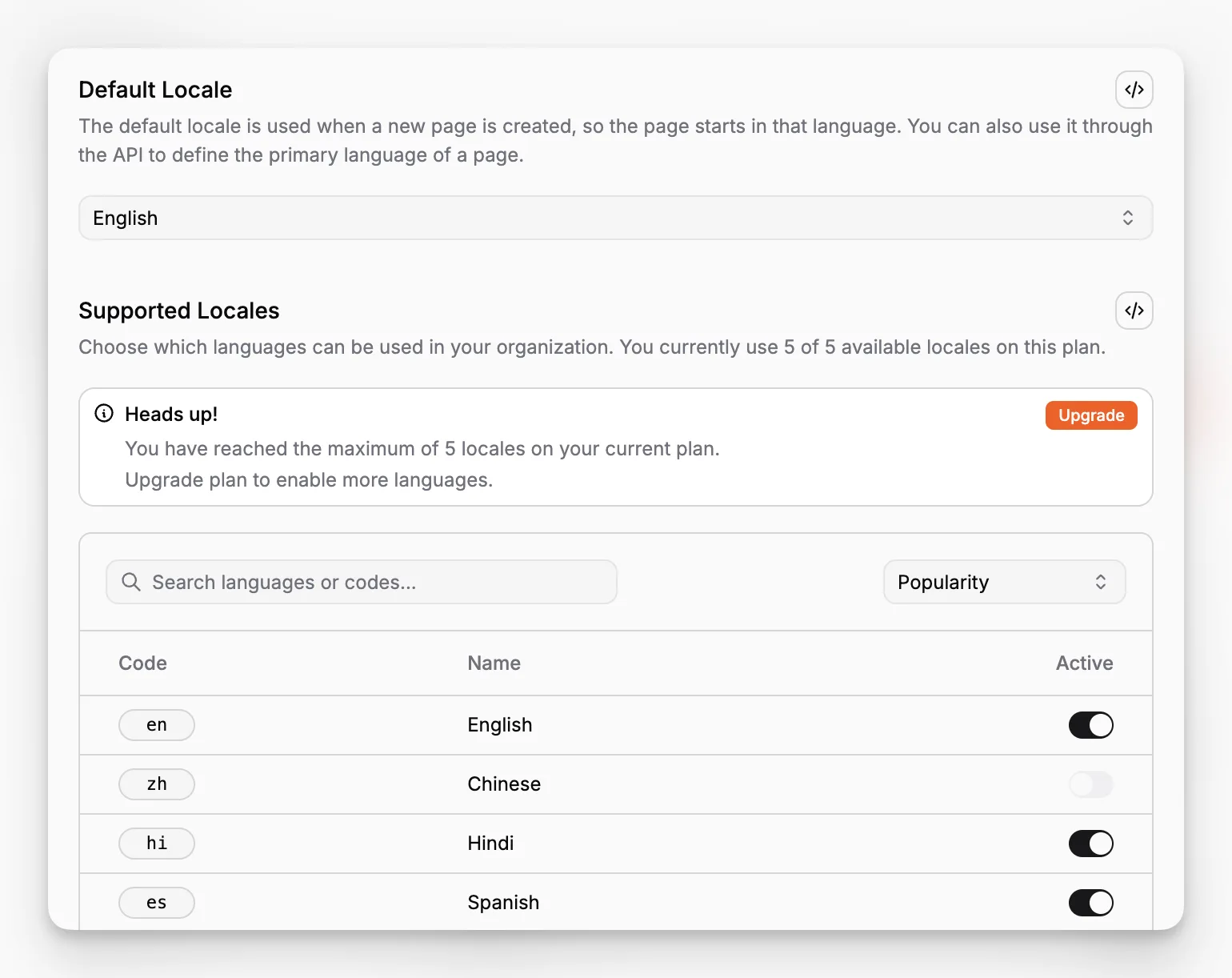
The Locales screen gives teams one searchable list of built-in language options. In the current implementation, the list can be searched by language name or code, sorted, and toggled on or off from one table.
Plan limits are enforced here as well:
Free: 1 active locale
Scale: up to 10 active locales
If the workspace is already at the one-locale limit, Paragraph CMS also supports a direct replacement flow, so a team can swap its only active language without first going through a more awkward disable-then-enable sequence.
Active locales immediately shape page workflows
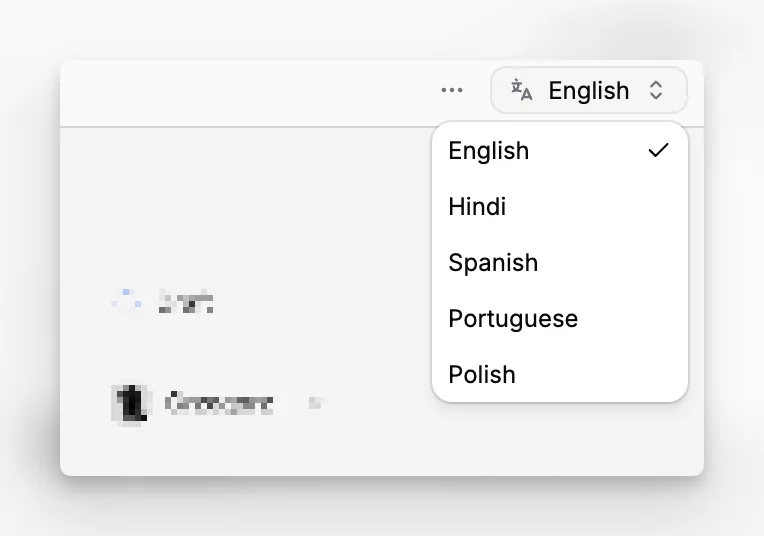
Enabled locales are not passive settings. They become the language choices shown in the page workspace, where editors can switch to an existing variant or create a missing one. They also define which languages are available when a team runs Translations and Retranslations.
That is why Locales sits underneath the whole multilingual experience. If a language is not active here, it does not show up later as a valid page variant target.
Managed together with the primary language
The same screen also controls Default Locale, so language activation and language priority stay in one place. That matters when a team is setting up a new market, replacing its only active language on Free, or preparing multilingual delivery through the API.
