

Translations and Retranslations
Create, translate, and retranslate multilingual page variants in Paragraph CMS with AI-powered workflows, batch progress, and refreshed content after updates.
 Grzegorz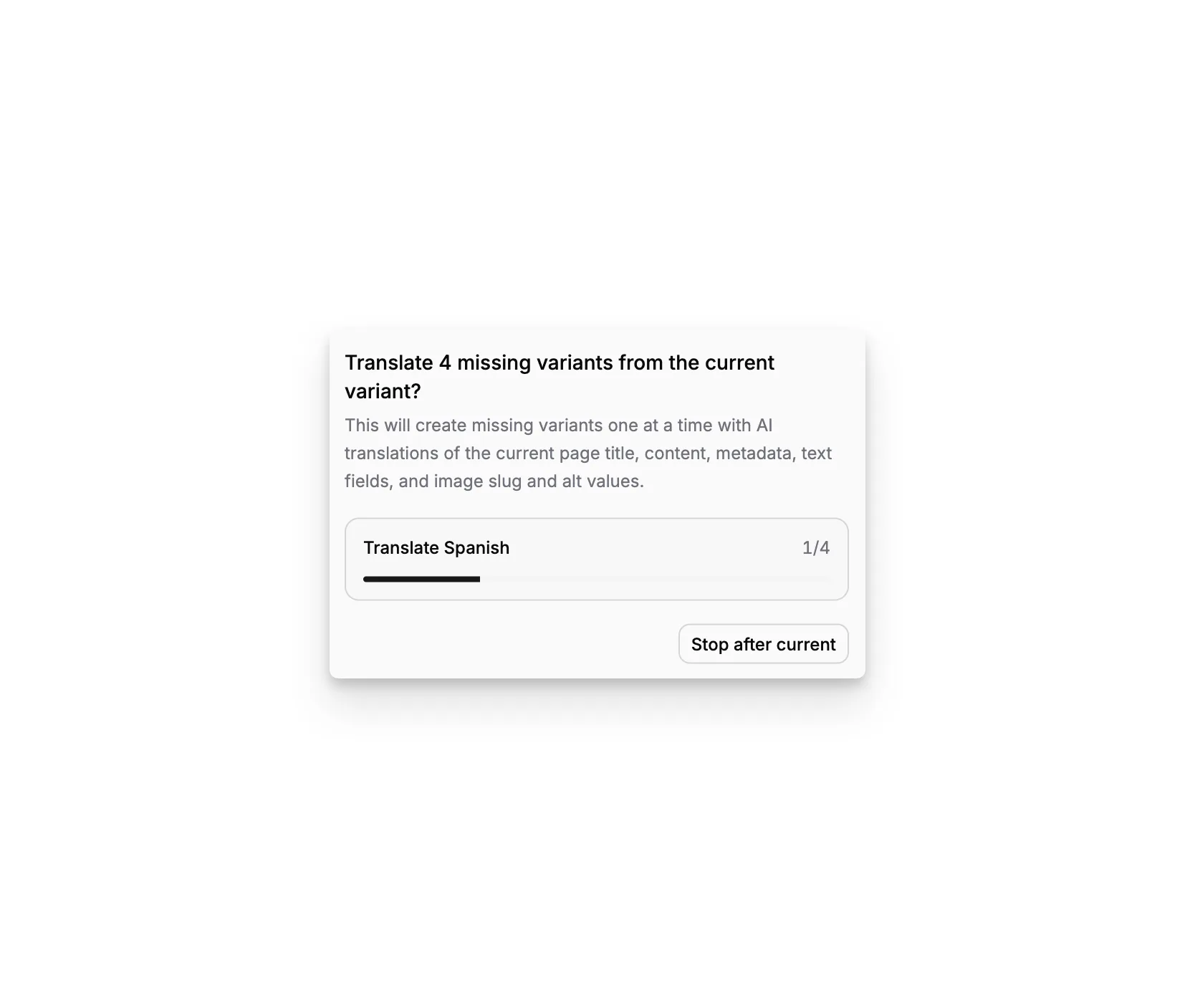
Translations and Retranslations is the language action layer inside the page workspace. It turns multilingual content from a passive structure into an active workflow by letting teams create missing variants, translate them with AI, or refresh existing variants after the source page changes.
It works on top of Multilingual Content, so the language family already exists conceptually before translation starts.
Create a missing variant with or without AI
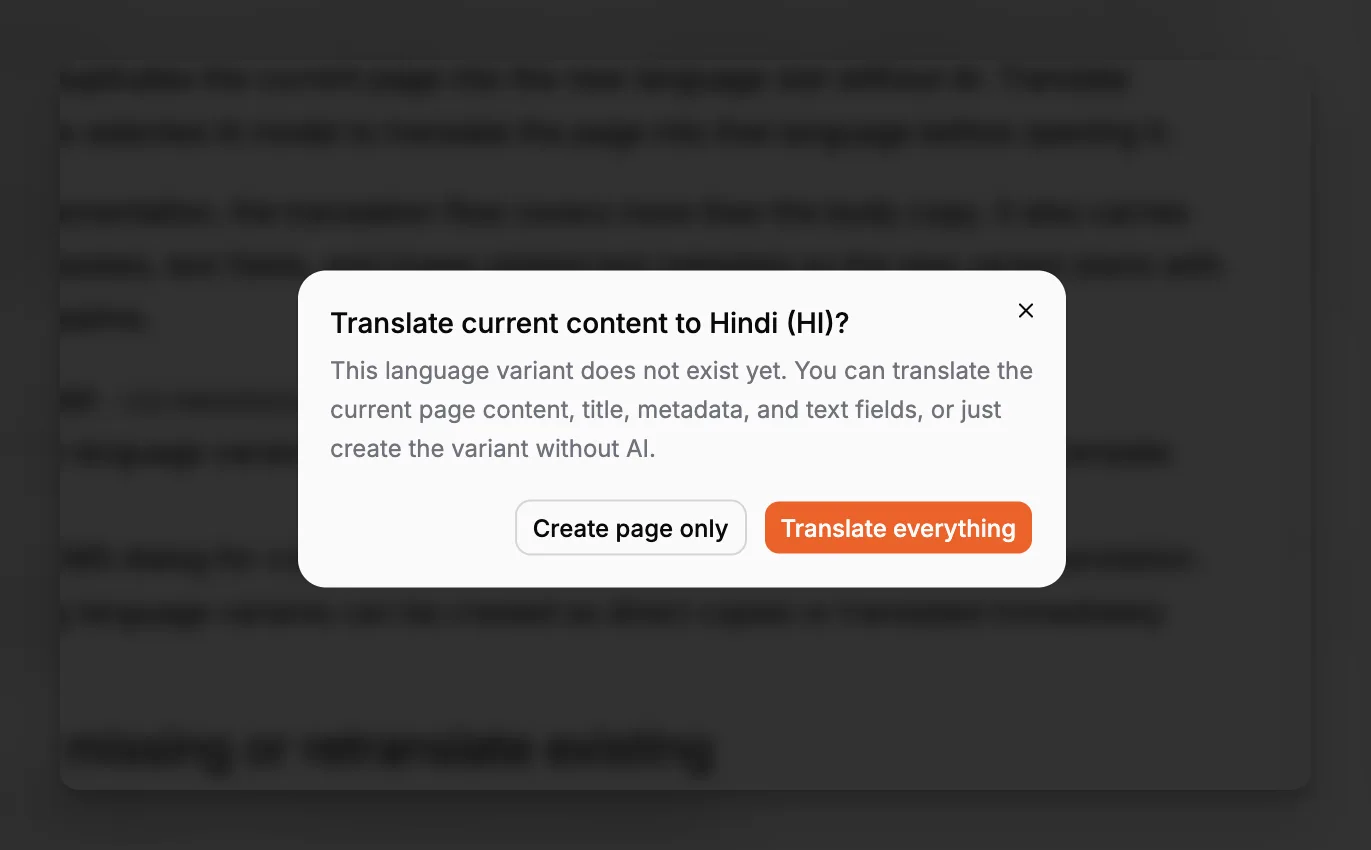
When an enabled locale does not yet have a page variant, selecting that language opens a dialog with two paths:
Create page only
Translate everything
Create page only duplicates the current page into the new language slot without AI. Translate everything uses the selected AI model to translate the page into that language before opening it.
In the current implementation, the translation flow covers more than the body copy. It also carries over page title, metadata, text fields, and image-related text metadata so the new variant starts with a fuller editorial baseline.
Translate all missing or retranslate existing
The page actions menu also exposes batch operations:
Translate for missing variants
Retranslate for existing variants
Both menus support a one-language action and an all-at-once action. For example, a team can translate every missing variant after publishing the source page, or retranslate every existing variant after a major rewrite.
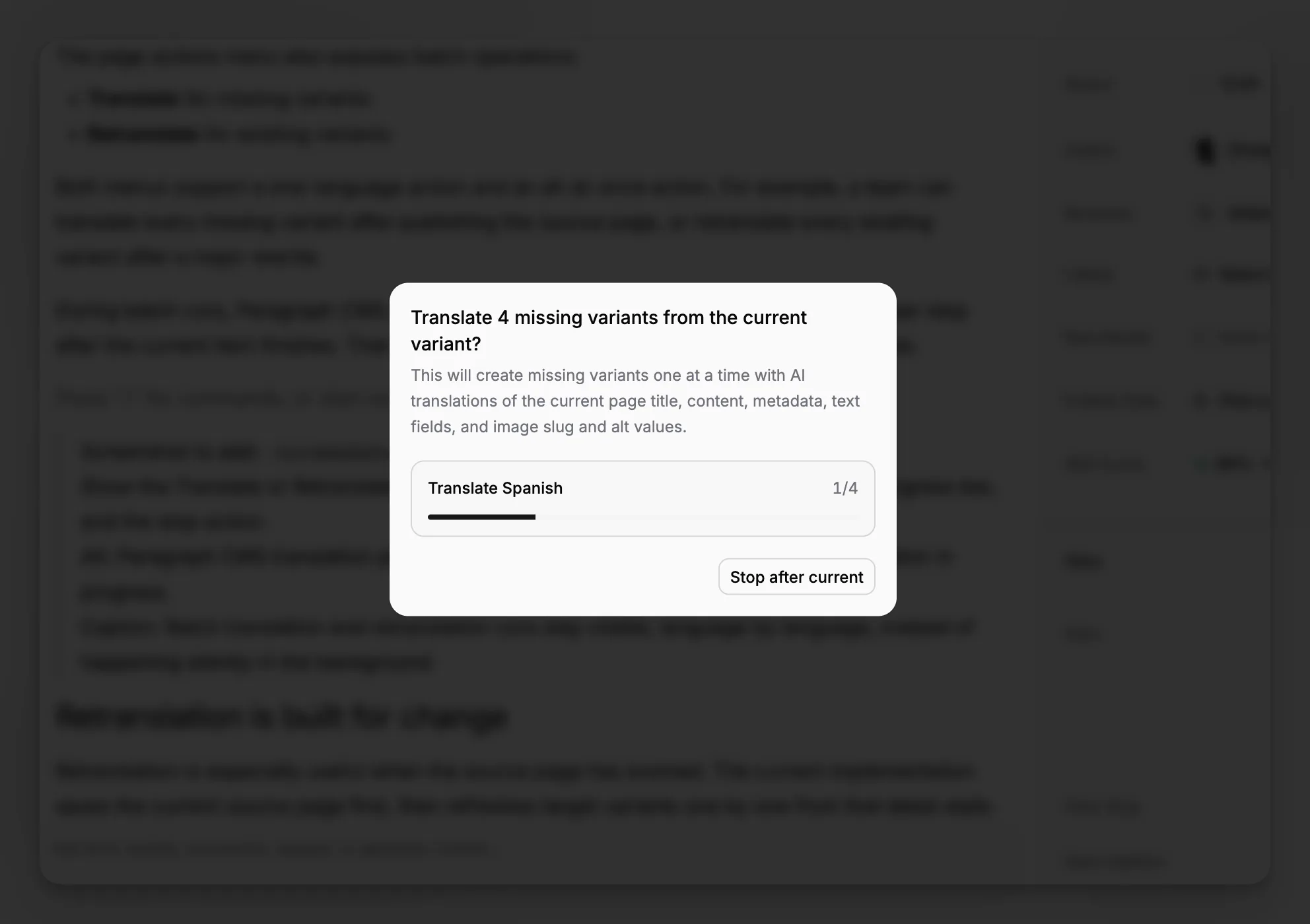
During batch runs, Paragraph CMS shows progress language by language and lets the user stop after the current item finishes. That makes large language refreshes safer and more visible.
Retranslation is built for change
Retranslation is especially useful when the source page has evolved. The current implementation saves the current source page first, then refreshes target variants one by one from that latest state.
That refresh includes:
title,
body content,
meta name,
meta description,
hero caption and hero alt text,
text-based custom fields,
and inline image text metadata such as slug, alt text, and caption.
This works well alongside BYOK and Paragraph AI Credits, because the model used for translation comes from the page workspace itself.
