

Default Locale
Default Locale sets the primary language for new pages in Paragraph CMS, keeps fallbacks aligned with active locales, and supports API delivery.
 Grzegorz
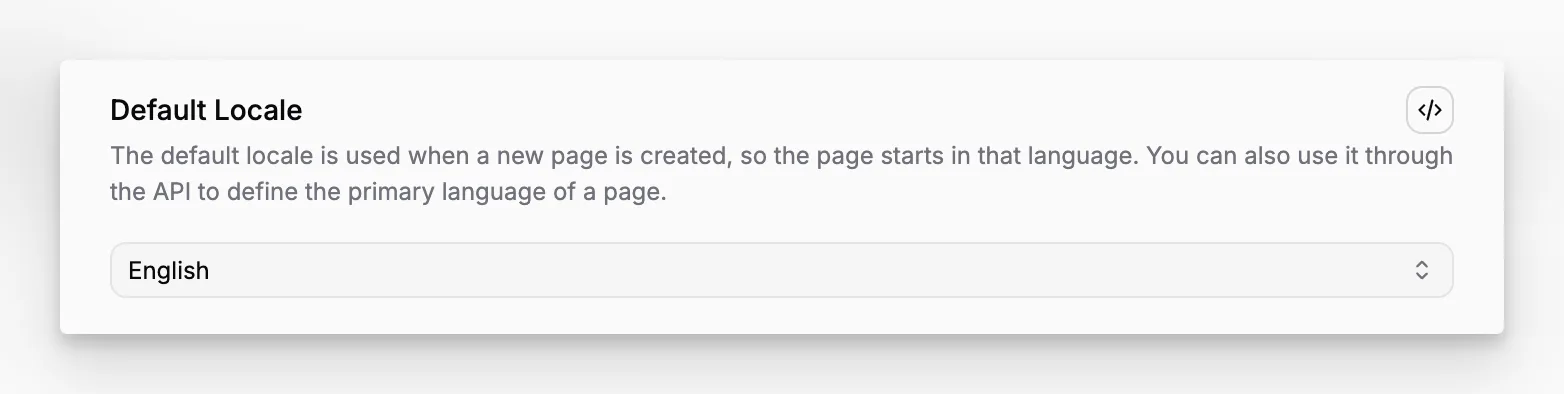
Default Locale is the primary language setting for an organization in Paragraph CMS. It decides which language new pages start in and gives the workspace one clear baseline whenever content needs a first language.
It is configured in the same place as Locales, because the primary language should always come from the set of languages that are actually active.
The starting language for new pages
When a new page is created, Paragraph CMS starts it in the current default locale. That keeps the first draft predictable, especially for teams that create a lot of content in one language before expanding it through Multilingual Content and Translations and Retranslations.
For example, if a team changes its default locale from English to German, the next new page begins in German automatically.
It always stays aligned with active languages
Only active locales can be selected as the default. If the current default language is later disabled, Paragraph CMS automatically falls back to another active one instead of leaving the workspace without a primary language.
In the current implementation, that fallback prefers en when English is still active. Otherwise, the next active locale is chosen from the remaining set. On the Free plan's one-language replacement flow, the newly activated language also becomes the new default immediately.
Useful for external delivery too
Default Locale is not only an editorial setting. It also helps external apps stay aligned with the CMS. Through the API Client, a frontend can read the current default locale and use it as the primary language for routing, content loading, or fallback behavior.
That makes this feature especially relevant when Pages and locale-aware delivery need to stay in sync.
