Collections
Organize pages in Paragraph CMS with Collections—group content, set default data models, assign teams, and manage structure from Pages or Settings.
 Grzegorz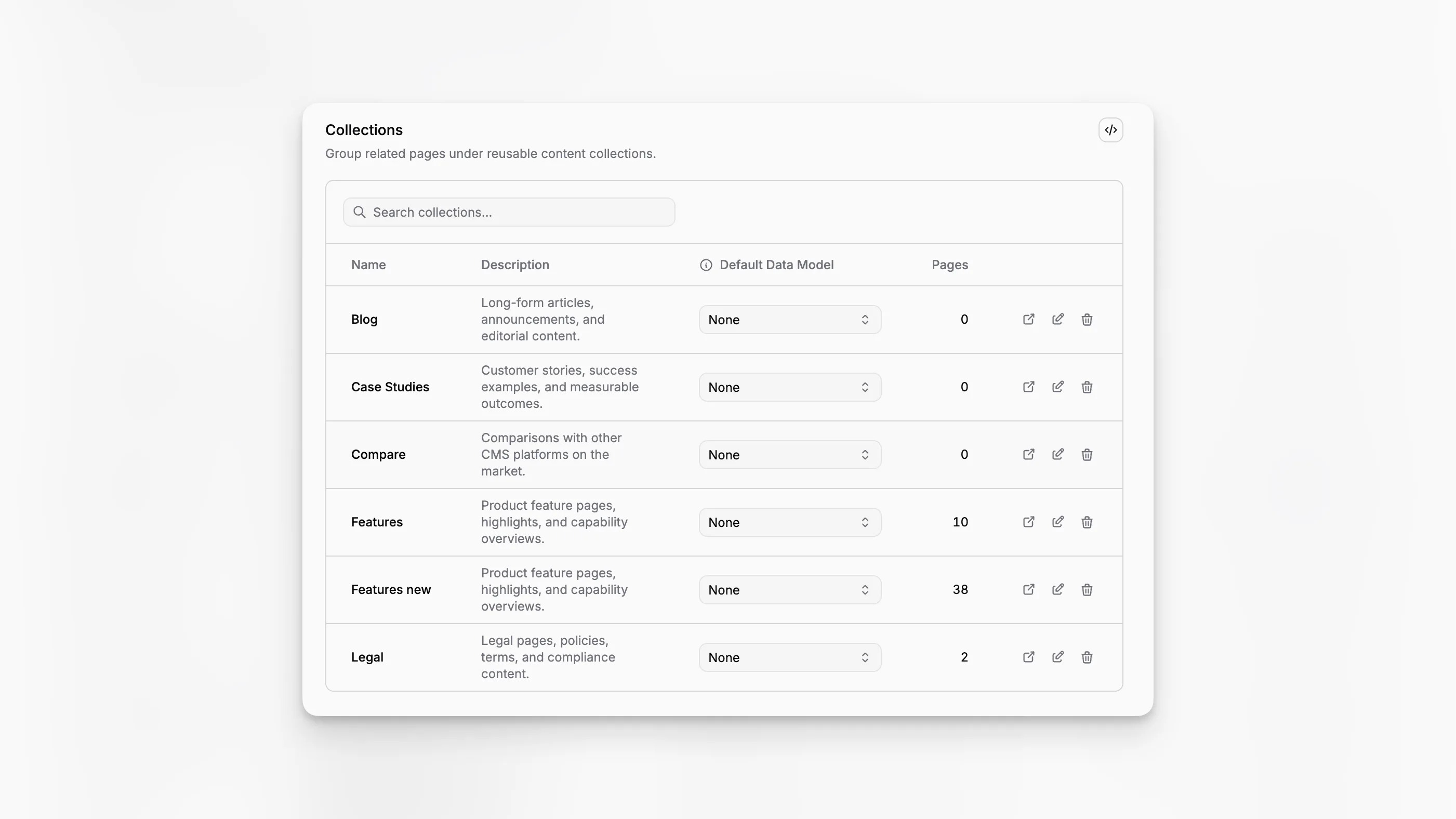
Collections group related pages in Paragraph CMS. They give teams a clean way to separate content by area, format, or owner, whether that means articles, docs, changelogs, landing pages, or feature pages.
Collections show up in two different places because they support two different kinds of work: everyday editing in Pages and structural setup in settings.
Two places to use collections
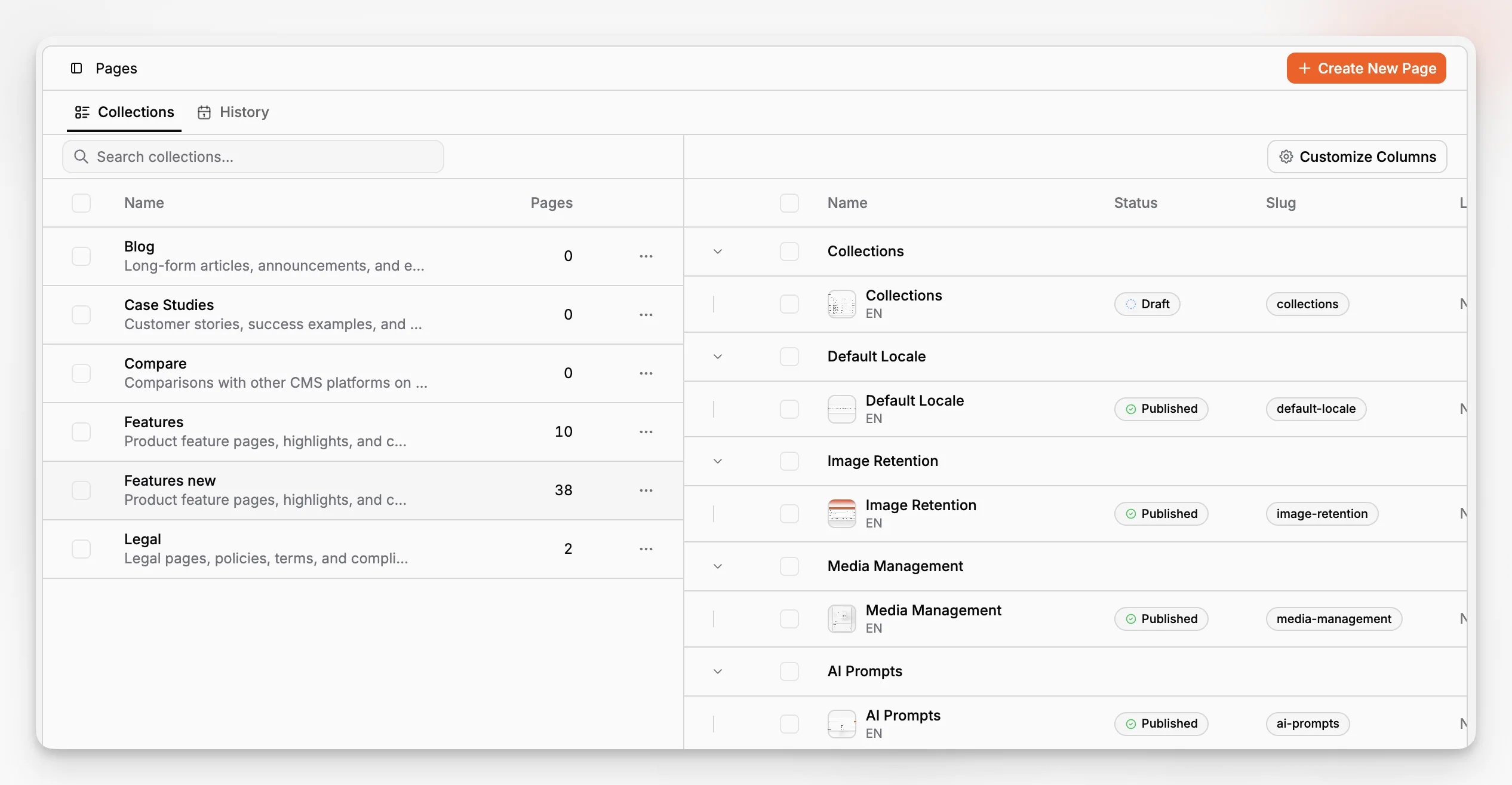
In the Pages workspace, collections act like an editorial navigation layer. Users can browse them, search them, select one, and work with the pages inside it. That makes collections the natural starting point for day-to-day content work.
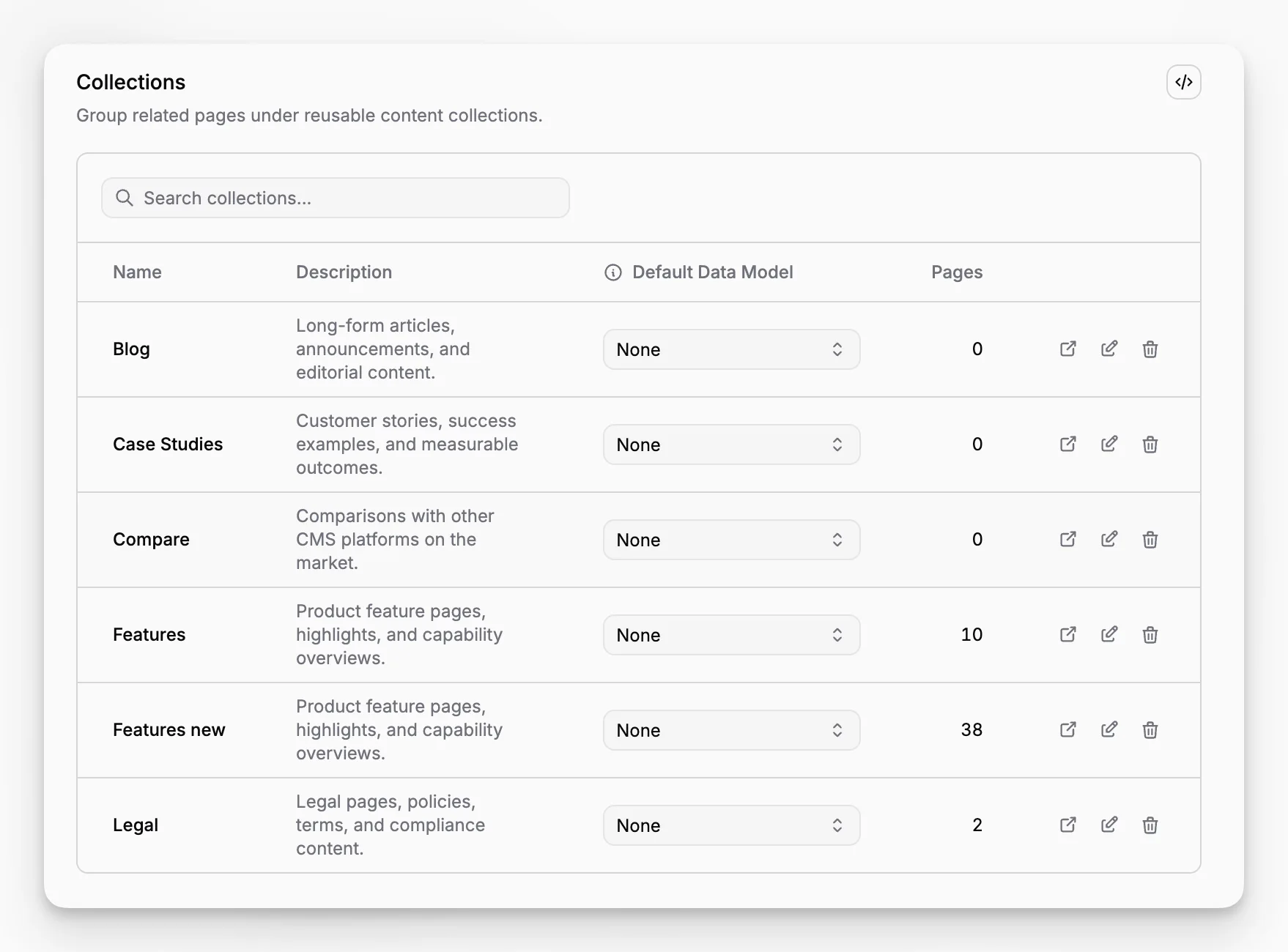
In settings, collections become a management surface. This is where teams create new collections, rename them, add descriptions, connect them to teams, and choose an optional default Data Model.
Keep new pages consistent
A collection can do more than group pages. It can also define the structure new pages should start with.
If a collection has a default data model, every new page created inside that collection can begin with the right custom fields already attached. This is useful when one content type always needs the same extra information, such as pricing fields, campaign tags, authoring metadata, or external links.
Collections can also be assigned to specific Teams, which helps keep ownership clearer in larger organizations.
Without Collection and cleanup
The Pages workspace can also surface a Without Collection row when there are active pages that have not been assigned yet. That gives editors a simple way to find and organize content that still needs a proper home.
When a collection is deleted, its pages are not immediately destroyed. They are moved to Trash, which gives teams a safer cleanup flow when they are reorganizing content structure.