

Trash
Paragraph CMS Trash is a recovery workspace for deleted pages, grouped by translation family, with restore and permanent delete actions before auto-purge.
 Grzegorz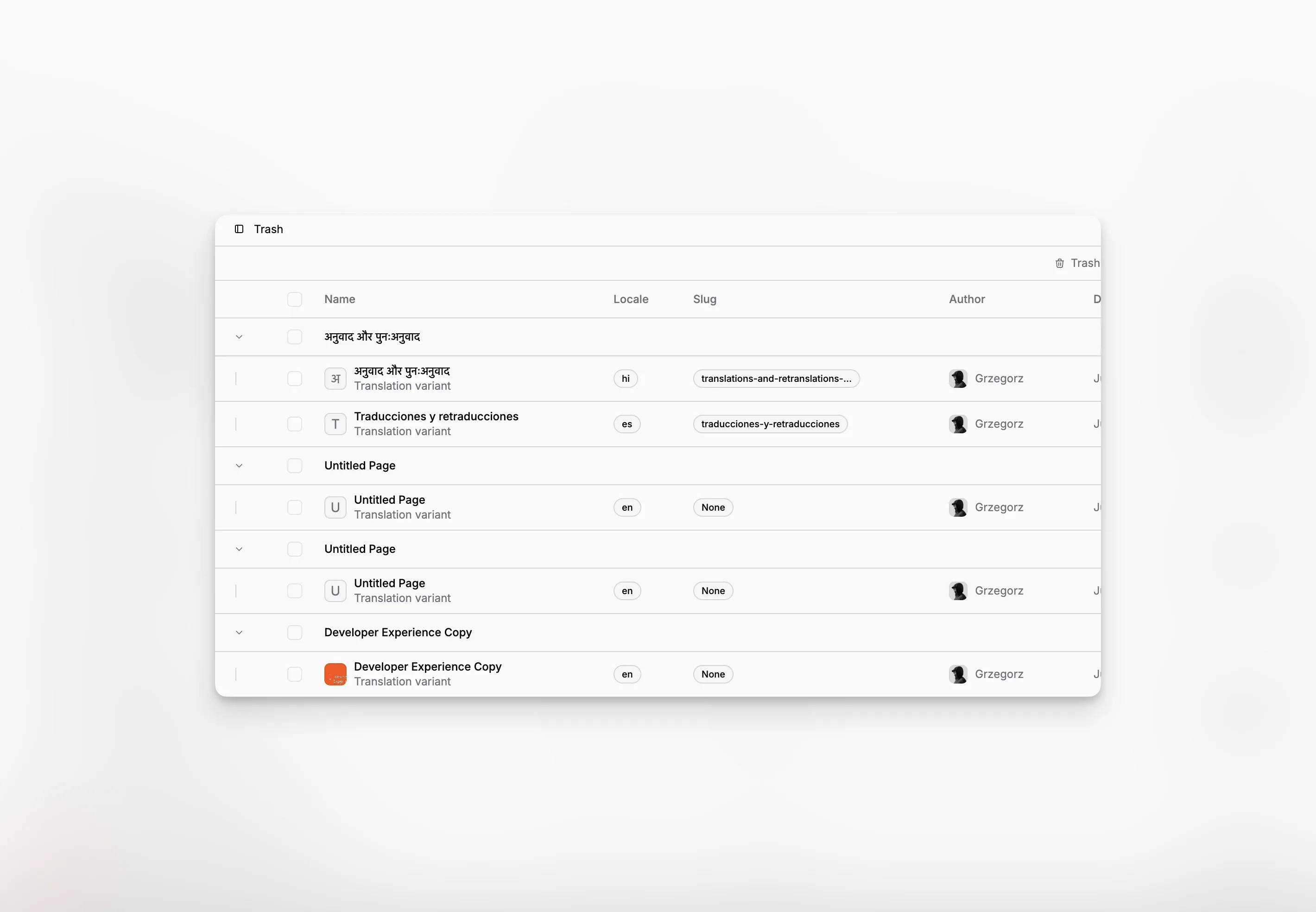
Trash is the recovery workspace for deleted pages in Paragraph CMS. Instead of removing content immediately, the app moves deleted pages into a separate view where teams can restore them or delete them permanently.
It works closely with Pages, Collections, and multilingual page groups, so deleted content stays easier to review before it is gone for good.
Grouped by page family
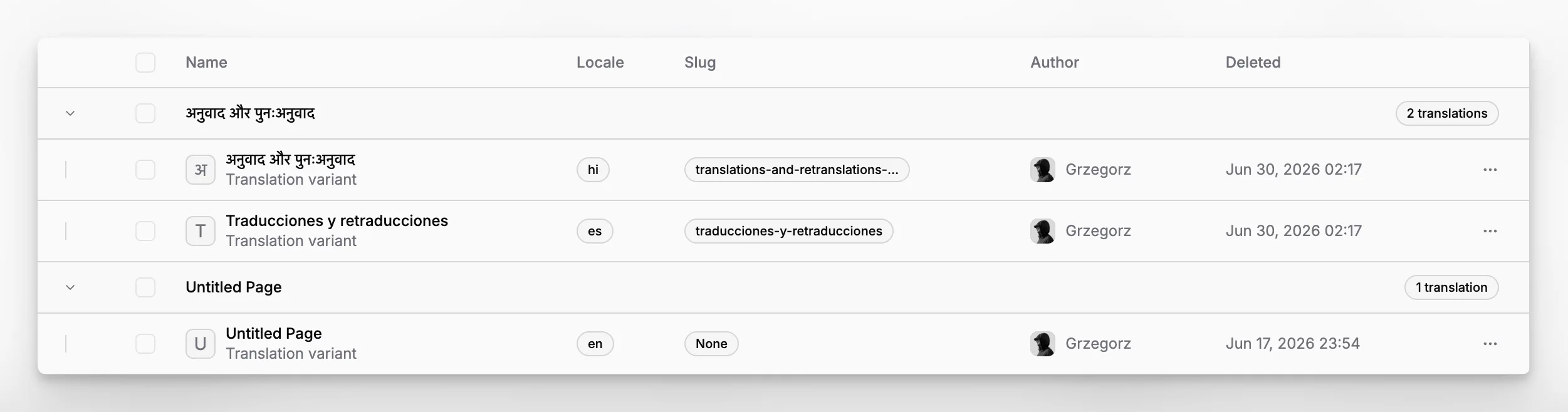
Trash is not a flat list. Pages are grouped by their translation group, which means one deleted page can be opened together with its other language variants.
That matters in real editorial work because teams usually think about a page as one content item with multiple locales, not as completely unrelated rows. Inside each expanded group, you can review the page name, locale, slug, author, and deletion timestamp before deciding what to do next.
Restore or delete permanently
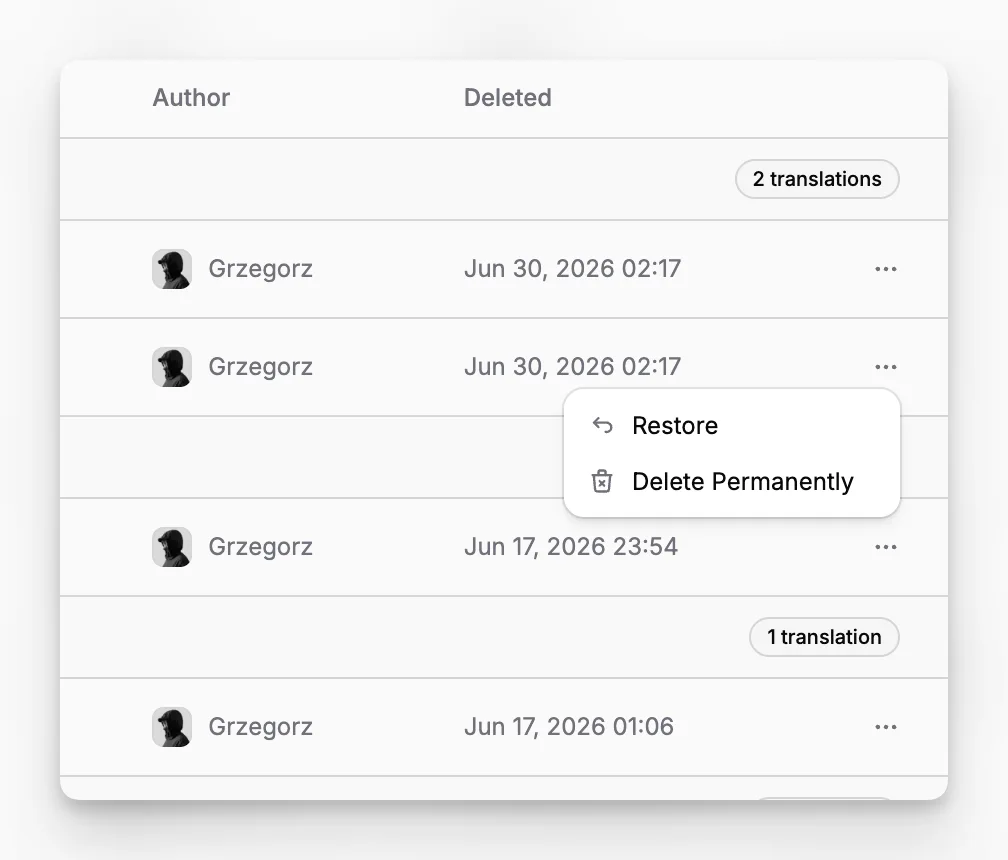
Each deleted page can be restored with one action, and the view also supports permanent deletion for a single page or a selected batch.
That makes Trash useful for both recovery and cleanup. Editors can bring back something that was removed too early, while admins can clear content that is no longer needed. If a collection is deleted, its pages can end up here as well, which makes Trash part of safer content restructuring instead of only a last-resort view.
Retention depends on the plan
Trash is a recovery window, not a permanent archive. In the current implementation, deleted pages are automatically purged after 14 days on Free and 60 days on Scale.
That gives smaller workspaces a short safety buffer and gives larger teams more time to reverse mistakes, review cleanup, or finish related publishing changes before content is removed fully.
