

Members
Manage organization access in Paragraph CMS: invite members by email, assign roles, review active users and pending invites, and update access safely.
 Grzegorz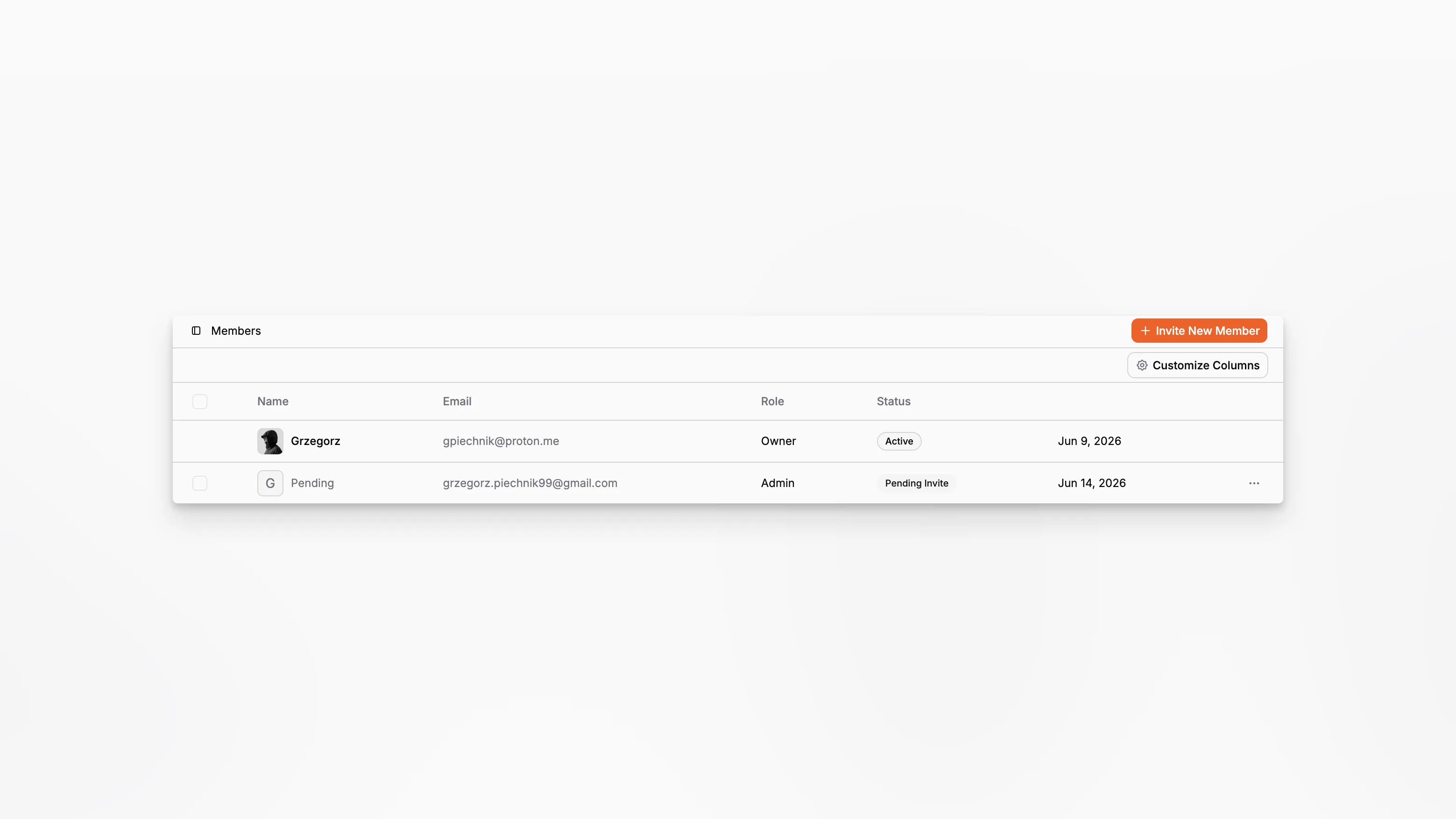
Members is the organization access view in Paragraph CMS. It is where teams invite new people, review who already has access, and manage pending invitations that have not been accepted yet.
The feature works closely with Roles and System Roles, because membership is not only about who is inside the workspace, but also about what they can do after they join.
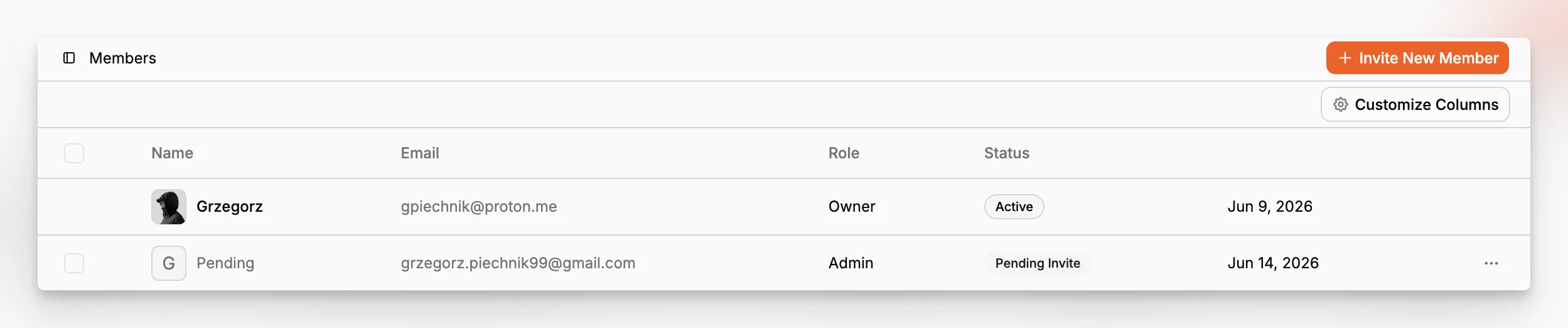
Active members and pending invitations in one table
The Members view combines two access states in one place: active members and pending invitations. Active people are shown with their role and status, while pending invites appear with a separate pending badge and their own actions.
That makes it easy to answer basic operational questions without switching screens: who already joined, who is still waiting, and who should be nudged or removed.
Invite by email and choose the right role
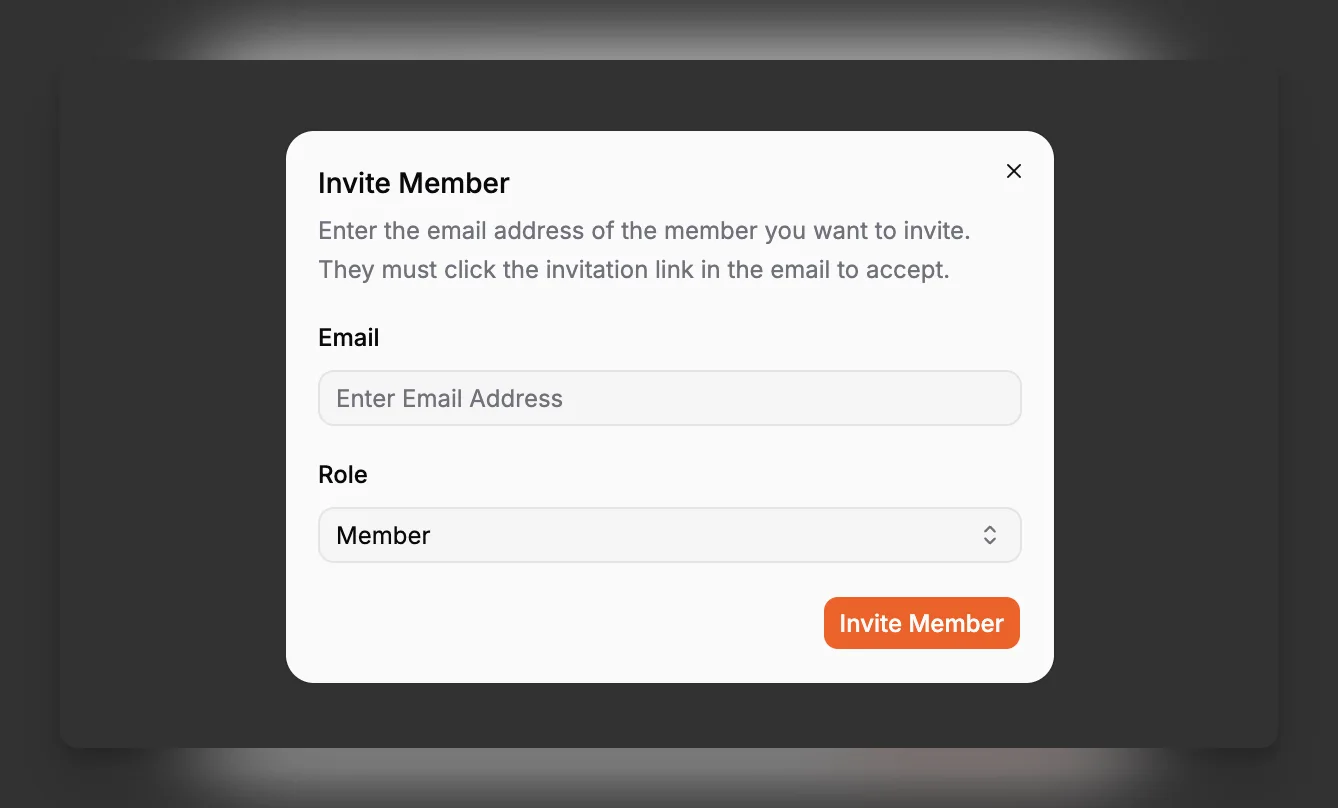
The invite flow is intentionally simple. Enter an email address, choose a role, and send the invitation. The invited person must accept from the email link before they become an active member.
The role picker supports built-in system roles except Owner, and it can also include custom roles when the organization uses them. In the current plan logic, the invitation flow is a Scale feature, with up to 100 members and 100 invitations supported there.
Safe access changes after the invite
Once people are in the organization, owners can change their roles, remove them, resend invitations, or cancel pending invites. The owner account itself is protected from removal or role reassignment, which keeps the workspace from losing its top-level administrator by mistake.
This makes Members a practical day-to-day control surface instead of only a one-time setup screen.
