

React Router Support
Official React Router support for Paragraph CMS with API keys, API client, in-product examples, and docs for a smooth React setup.
 Grzegorz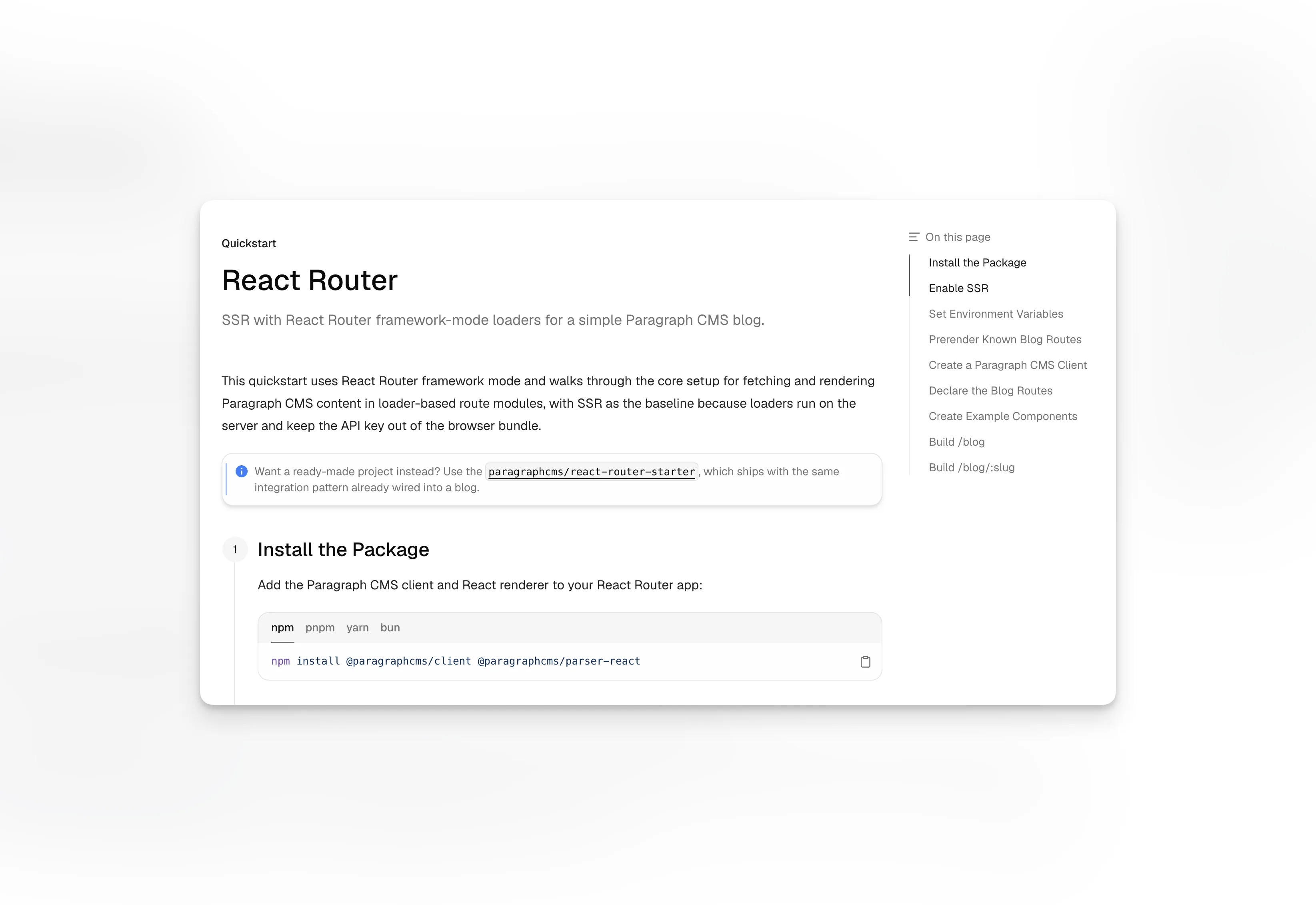
React Router Support is the official Paragraph CMS path for teams building with React Router. It combines API Keys, the API Client, in-product code examples, and dedicated React Router docs into one framework-specific setup path.
It is also a particularly natural fit because the Paragraph CMS frontend itself is built with React Router, so the support path inside the product stays close to the routing ecosystem the team already uses in its own app.
The framework is already part of the product's own stack
React Router is not treated as an afterthought. Paragraph CMS links to an official React Router Quickstart directly from the framework buttons shown in the code examples dialog.
That creates a smoother handoff for React teams. The CMS UI, the examples shown inside it, and the target frontend framework all stay in the same broader ecosystem.
A strong match for React-based content delivery
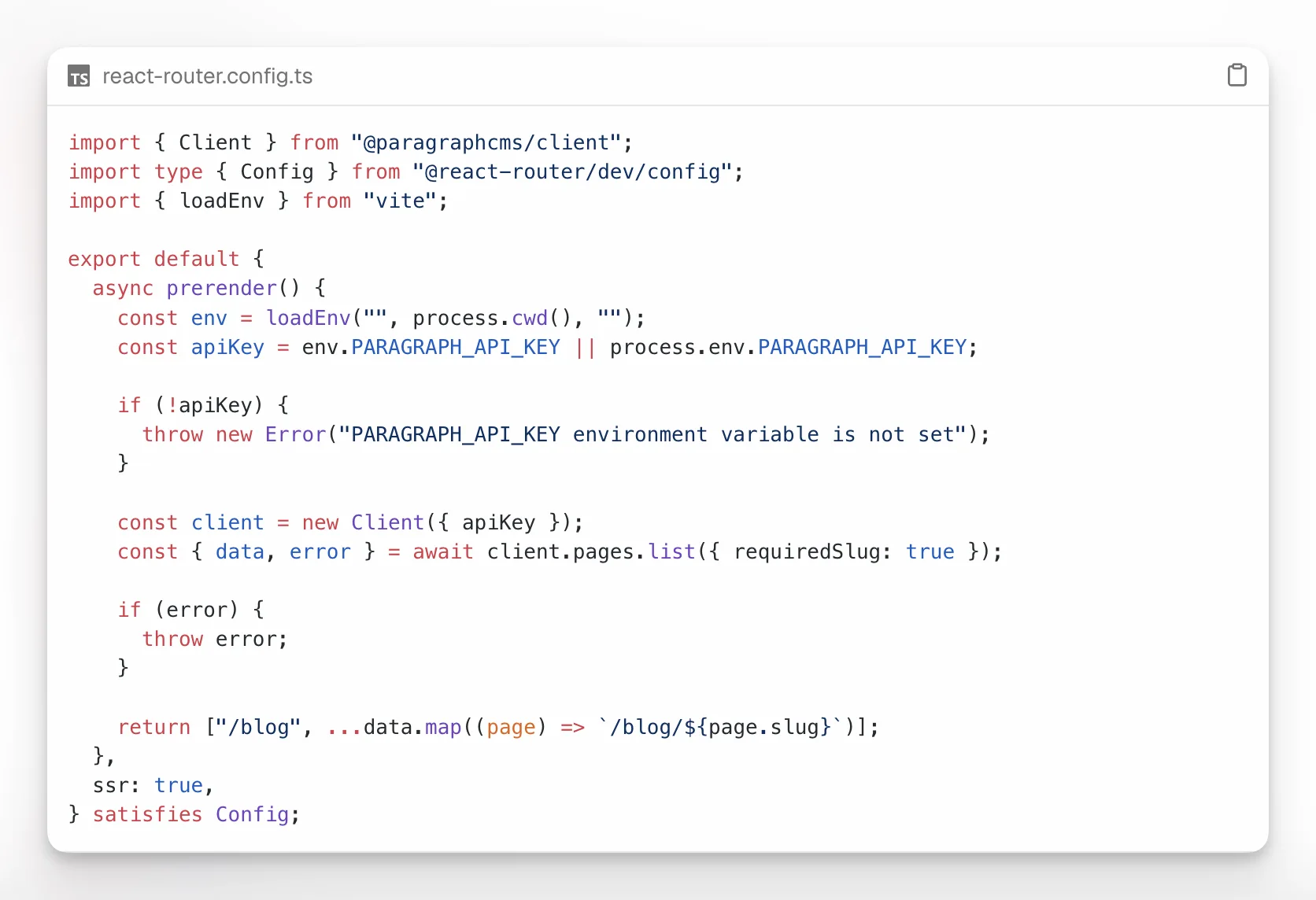
Once connected, a React Router app can consume the same content structures editors already manage in Pages, Collections, Locales, and Default Locale.
That keeps multilingual routes, page slugs, and editorial metadata tied to one source of truth instead of splitting those decisions between the CMS and the frontend. When site-wide SEO outputs are needed as well, SEO Client can use the same content source.
Covered by a quickstart and an advanced guide
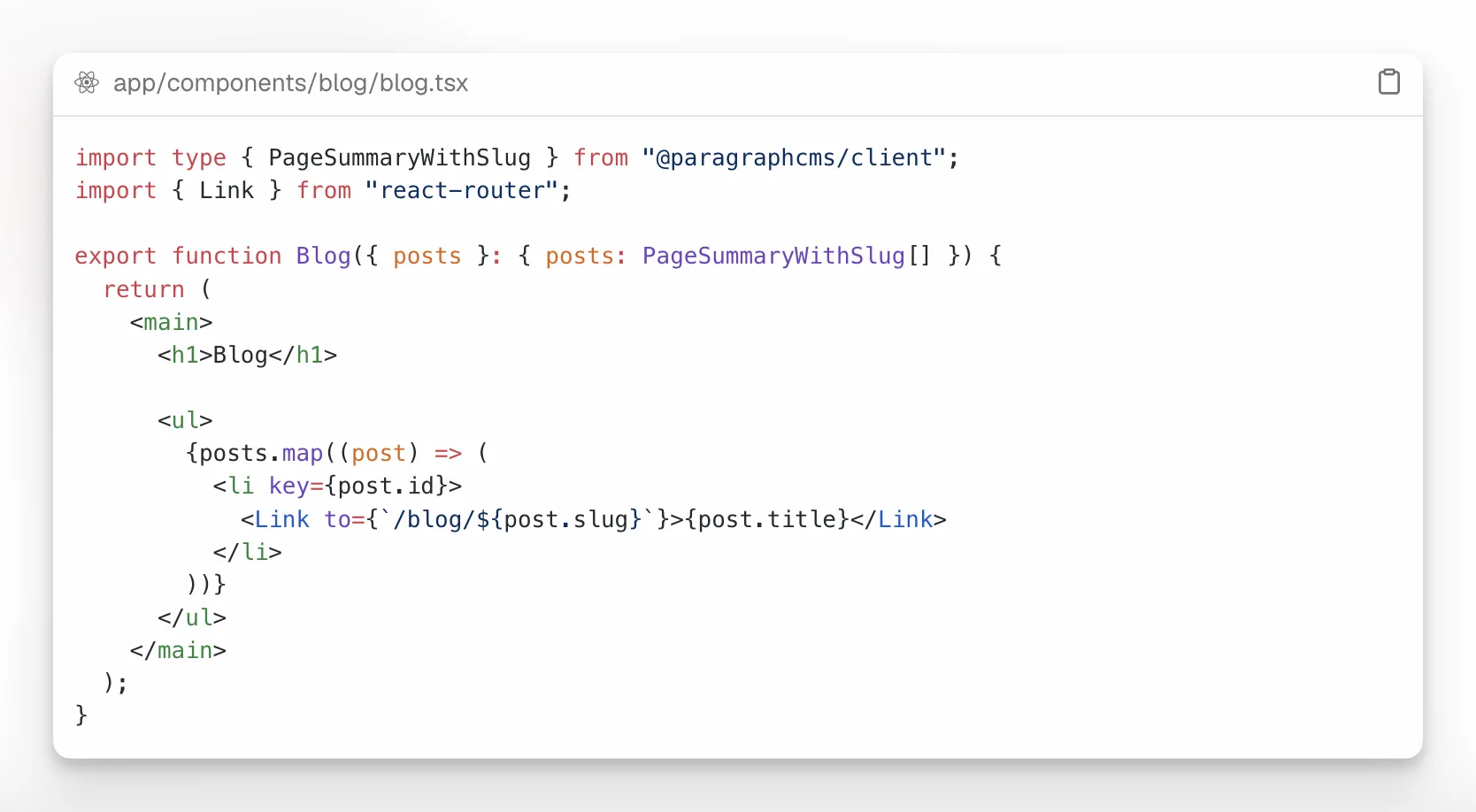
The framework support path is documented in two layers:
That gives teams a practical starting point first, then a second path once the integration needs to go deeper.
