

SEO Client
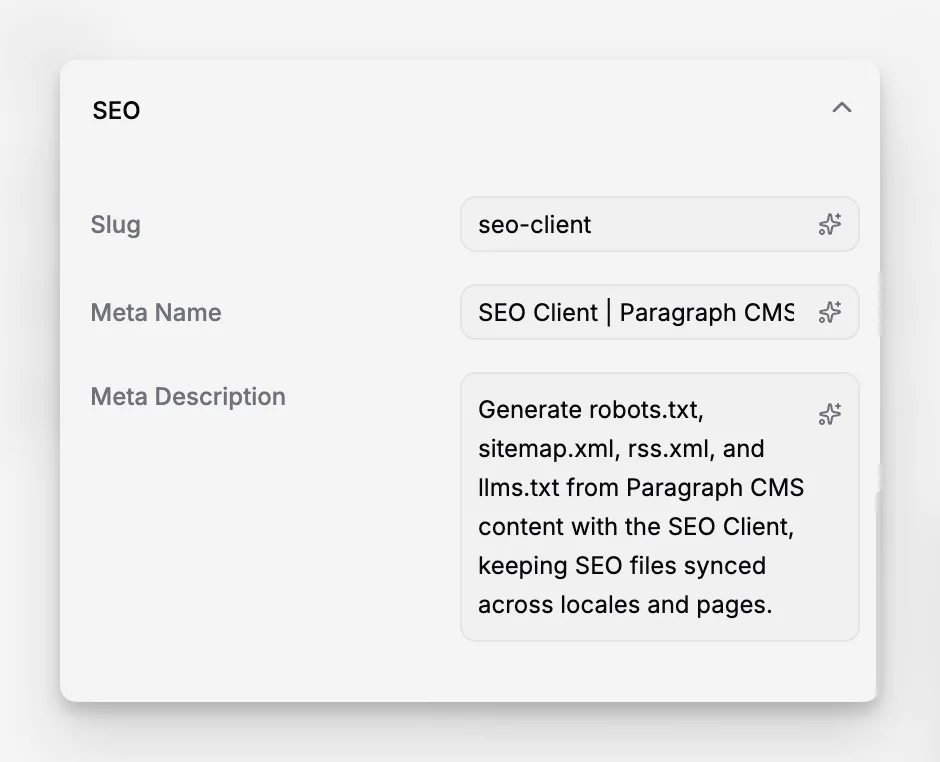
Generate robots.txt, sitemap.xml, rss.xml, and llms.txt from Paragraph CMS content with the SEO Client, keeping SEO files synced across locales and pages.
 Grzegorz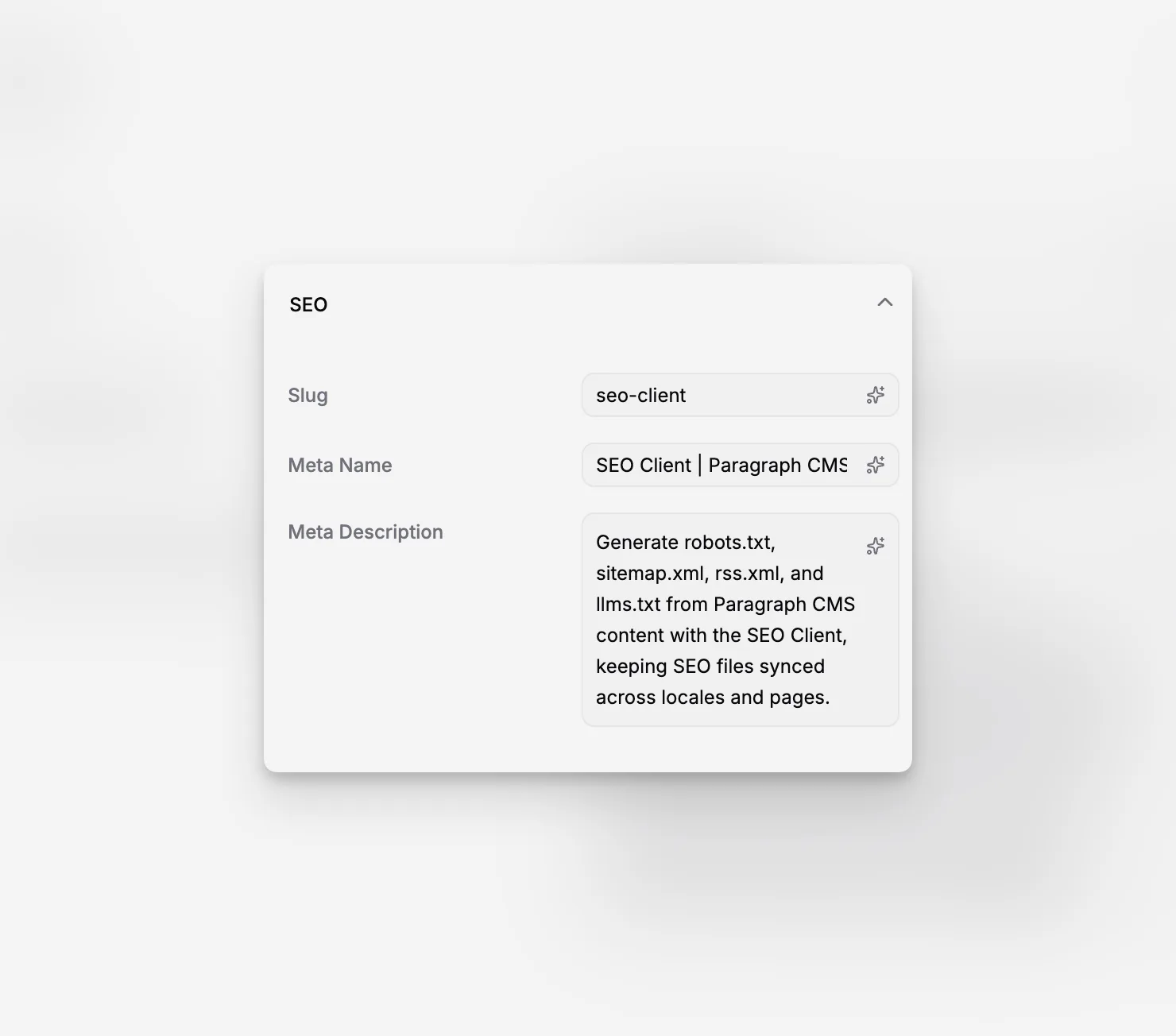
The SEO Client is a TypeScript library for generating site-level SEO files from Paragraph CMS content. It is built for teams that want their robots.txt, sitemap.xml, rss.xml, and llms.txt output to stay aligned with the pages they manage in the CMS.
It works alongside the API Client, so the same content source used to power a website can also power its SEO artifacts.
Turn CMS content into SEO output
Instead of maintaining sitemap entries or feed items by hand, the SEO Client can generate them from your actual content and route definitions.
That is especially useful for websites with sections like blogs, docs, changelogs, or feature libraries, where URLs, locales, and publish state need to stay synchronized over time.
The library is also a strong fit for multilingual setups because it can work with the same locale structure used inside Paragraph CMS.
It builds on page-level SEO work
The SEO Client does not replace page editing. It depends on the content and metadata already managed in Paragraph CMS.
That means fields like slug, meta name, and meta description from Page SEO, along with locale setup from Locales and Default Locale, all feed into the final output.
A delivery-layer tool for production sites
In practice, teams set up an API Key, connect the SEO Client to the same content delivery flow as the API Client, and generate SEO files as part of their application or deployment pipeline.
This makes it a delivery feature rather than a dashboard feature. The CMS provides the structured content, while the SEO Client turns that content into the files search engines, feed readers, and AI systems expect to find.
Screenshot to add:
/screenshots/features/seo-client-api-key-settings.png
Show the API Keys settings table with an API key ready for an external integration.
Alt: Paragraph CMS API Keys settings page used to connect the SEO Client.
Caption: The SEO Client uses the same API key authentication as the official API Client.
