

Media Management
Paragraph CMS Media Management groups images by page family, shows file usage and metadata, and delivers assets fast through the CDN.
 Grzegorz
Media Management is the central image workspace in Paragraph CMS. It collects media uploaded from pages, groups those assets by page family, and makes it easier to review where each file is being used.
It sits between everyday editing in Editor, visual setup in Page Hero, and the delivery layer that serves images to the public site.
One library, grouped by page family
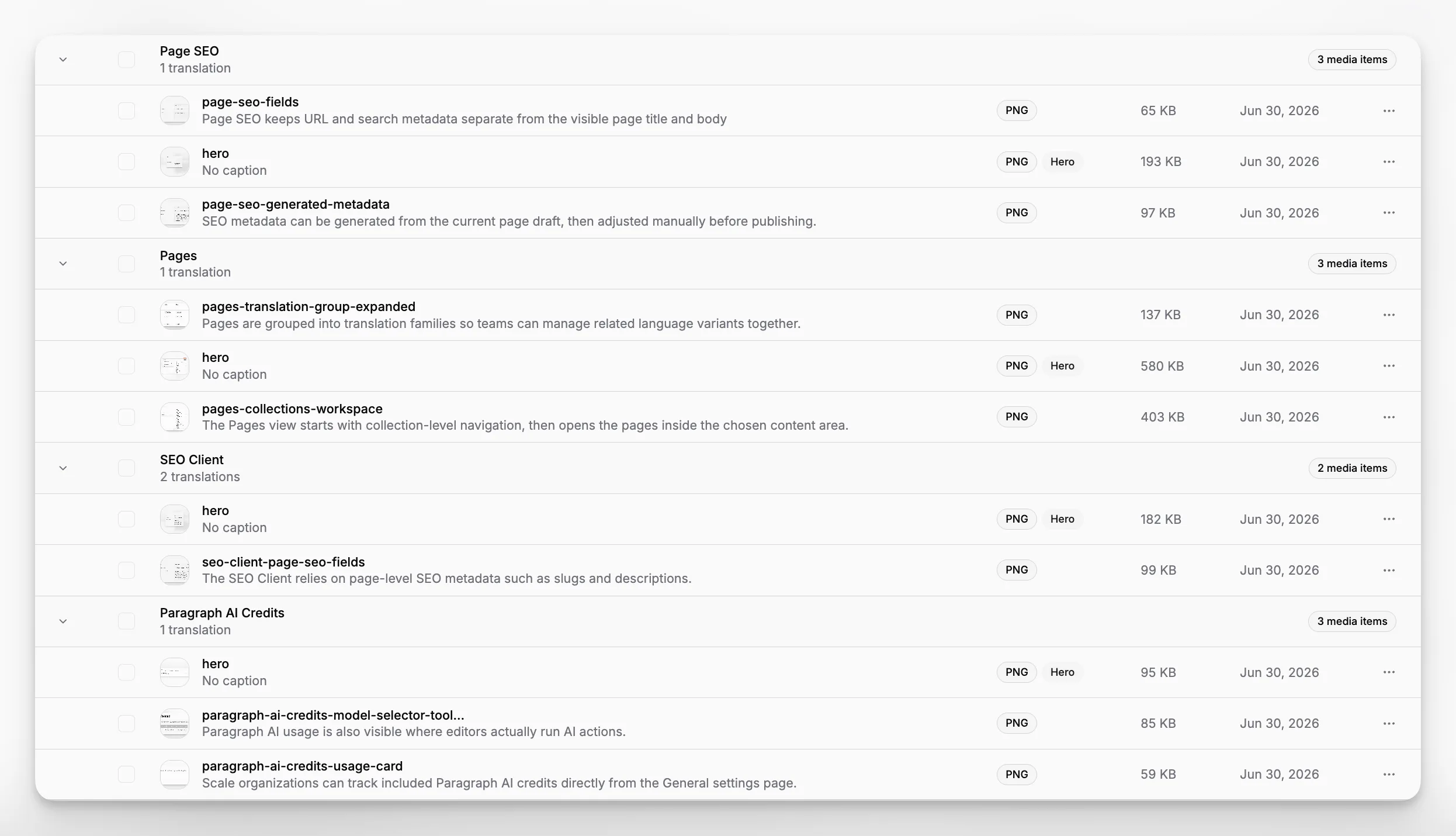
The Media view is organized around translation groups instead of a single flat file list. Each group shows the page family it belongs to, how many translations that family has, and how many media items are connected to it.
That structure is especially useful when the same content exists in multiple languages. Teams can inspect a full page family in one place instead of hunting through separate page screens. The view also includes an Unassigned media group for files that are no longer referenced by any active page.
Preview, metadata, and usage details
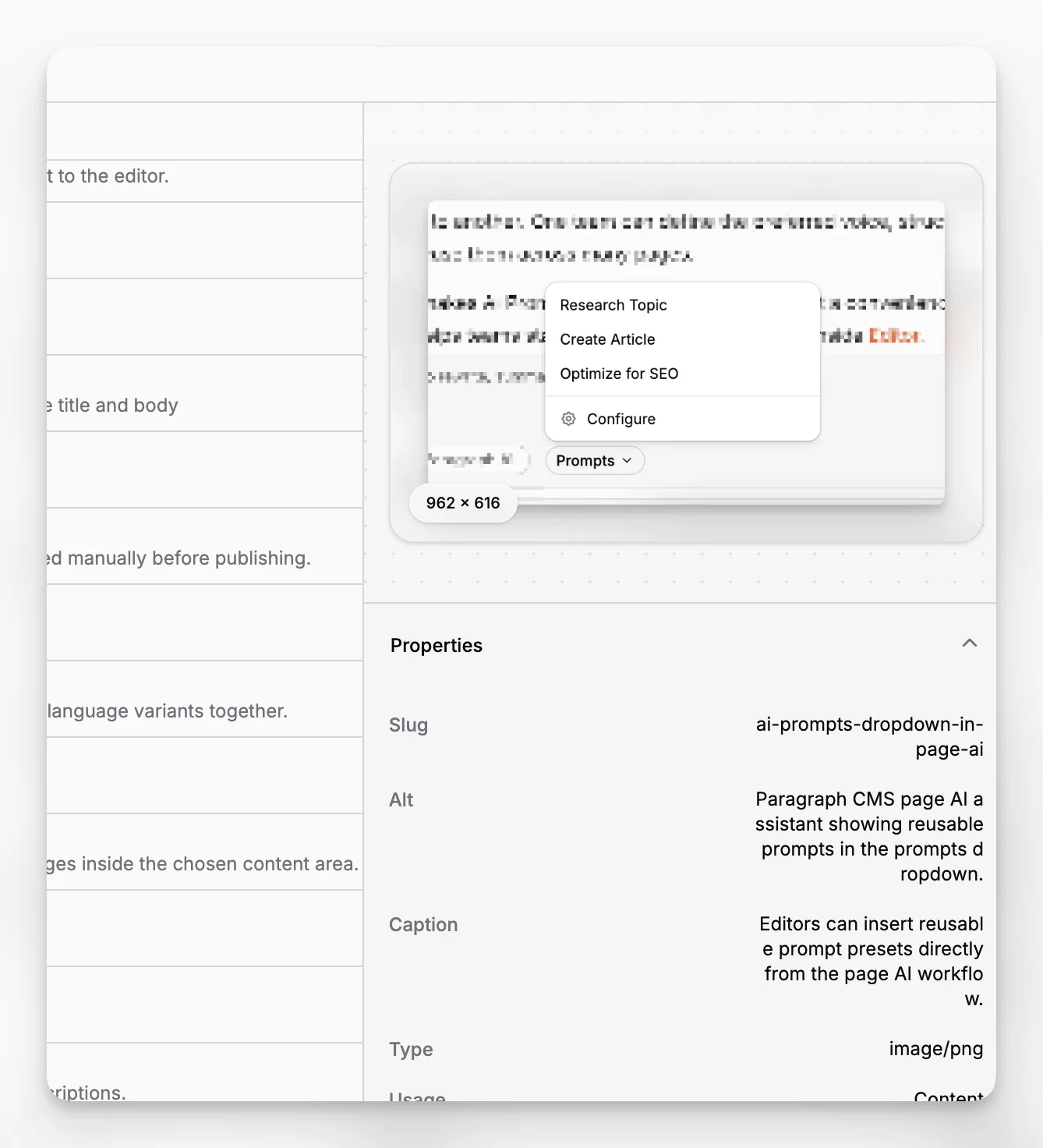
Selecting a file opens a detailed side panel with a larger preview and the file's practical metadata. That includes slug, alt text, caption, MIME type, file size, dimensions, upload time, last modified time, and whether the file is used as page content or as a hero asset.
The same panel also shows every active page that currently references the file, including language badges and slugs. That makes Media Management useful not only for browsing assets, but also for understanding the editorial impact before deleting something.
Served through the CDN
Images uploaded into Paragraph CMS are served through the product CDN. In the current implementation, the CDN transforms supported images to .webp, while GIF files can still be returned as original GIFs.
That keeps delivery fast without asking editors to manage optimization by hand. The Media view stays editorial, while the CDN handles public asset serving behind the scenes.
