

Page Hero
Manage a page’s lead image separately with Page Hero—add hero image, slug, caption, and alt text, or generate metadata with AI for better SEO.
 Grzegorz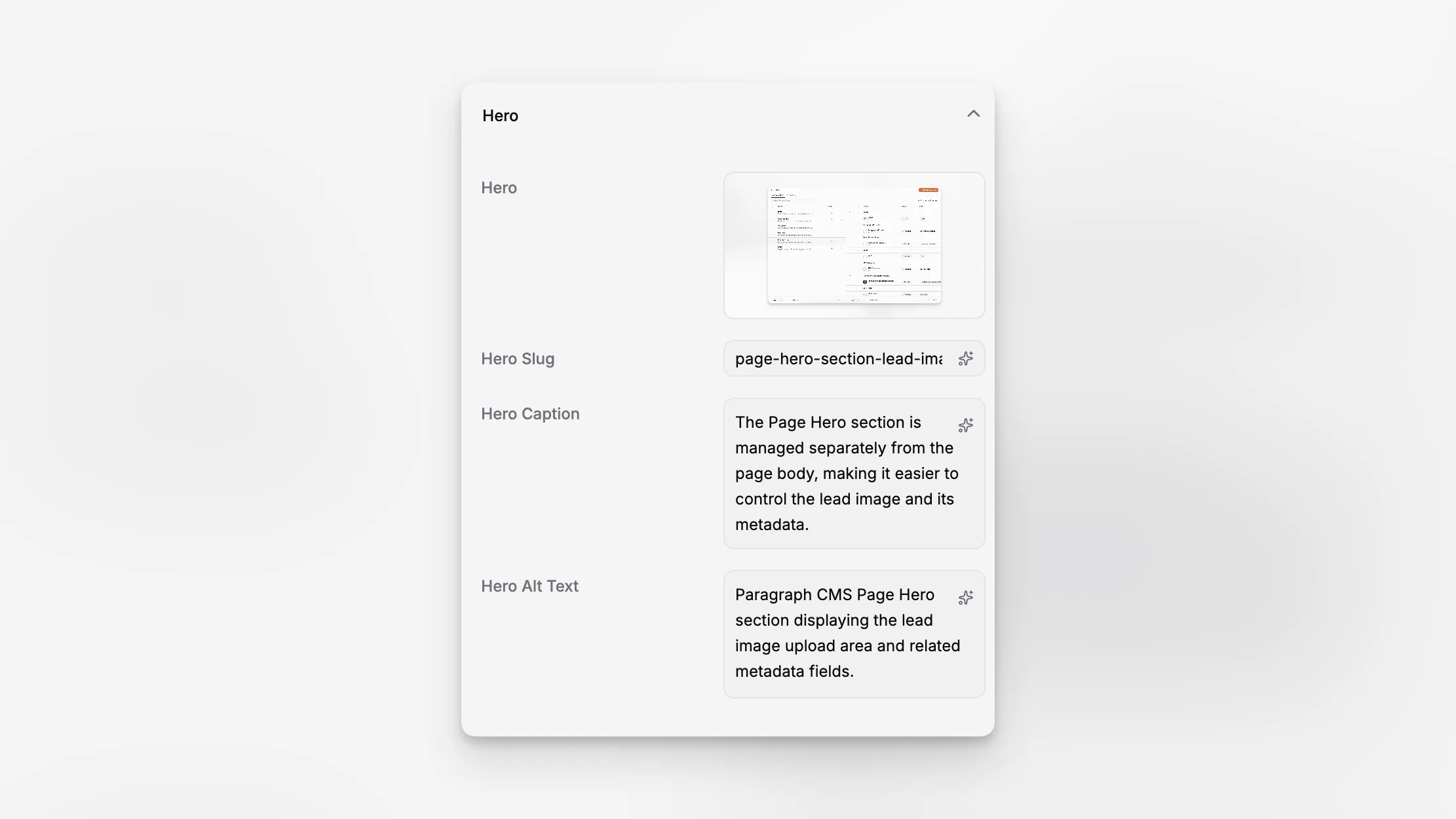
Page Hero is the dedicated place for the page's lead image. It sits in the page side panel and keeps the hero asset separate from inline content images, which makes it easier to manage the visual entry point for a page without editing the body itself.
This is especially useful for marketing pages, articles, and feature pages where the lead visual should be treated as page metadata rather than as just another image block in Editor.
One place for the lead visual
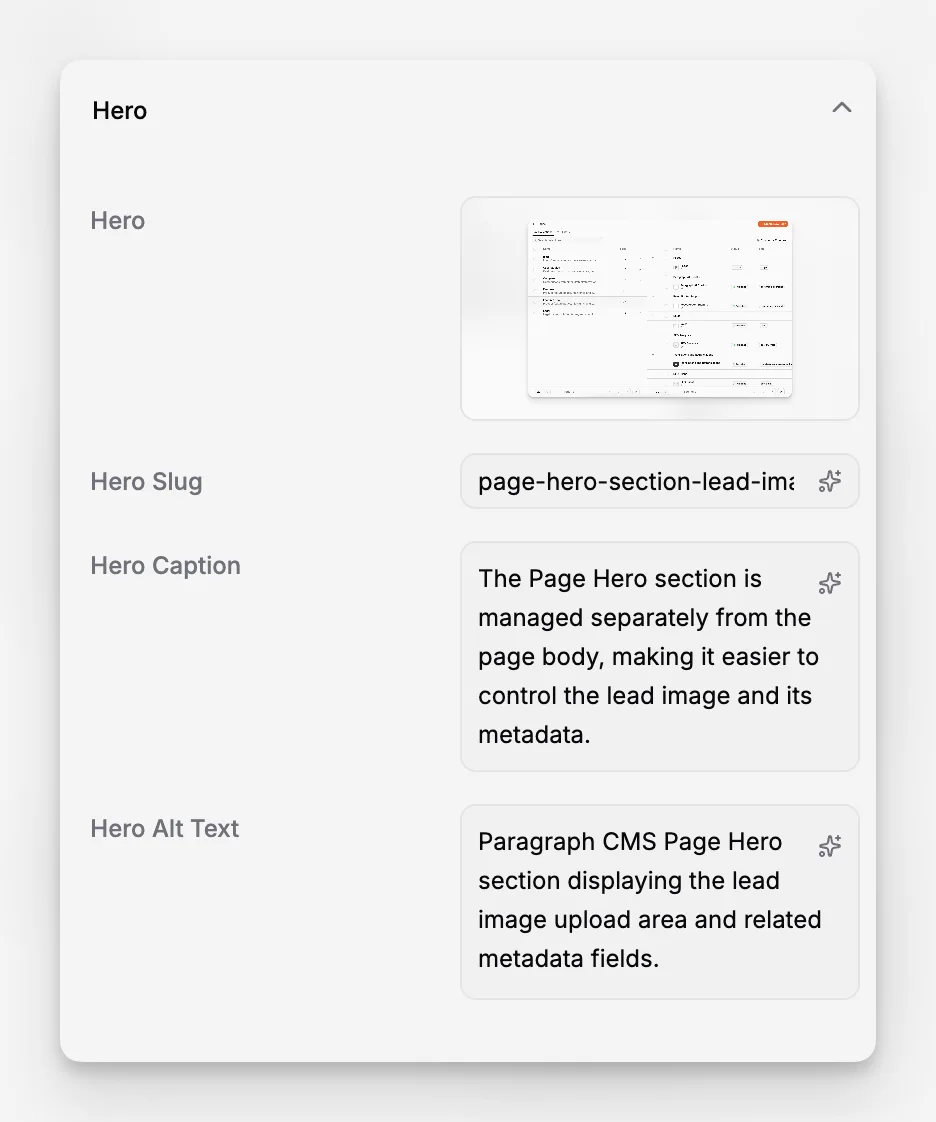
The Hero accordion includes:
the hero image itself,
hero slug,
hero caption,
and hero alt text.
That keeps the page's main visual asset together with the metadata that supports presentation, accessibility, and reuse. Editors do not need to jump out to Media Management just to set the page's visual lead.
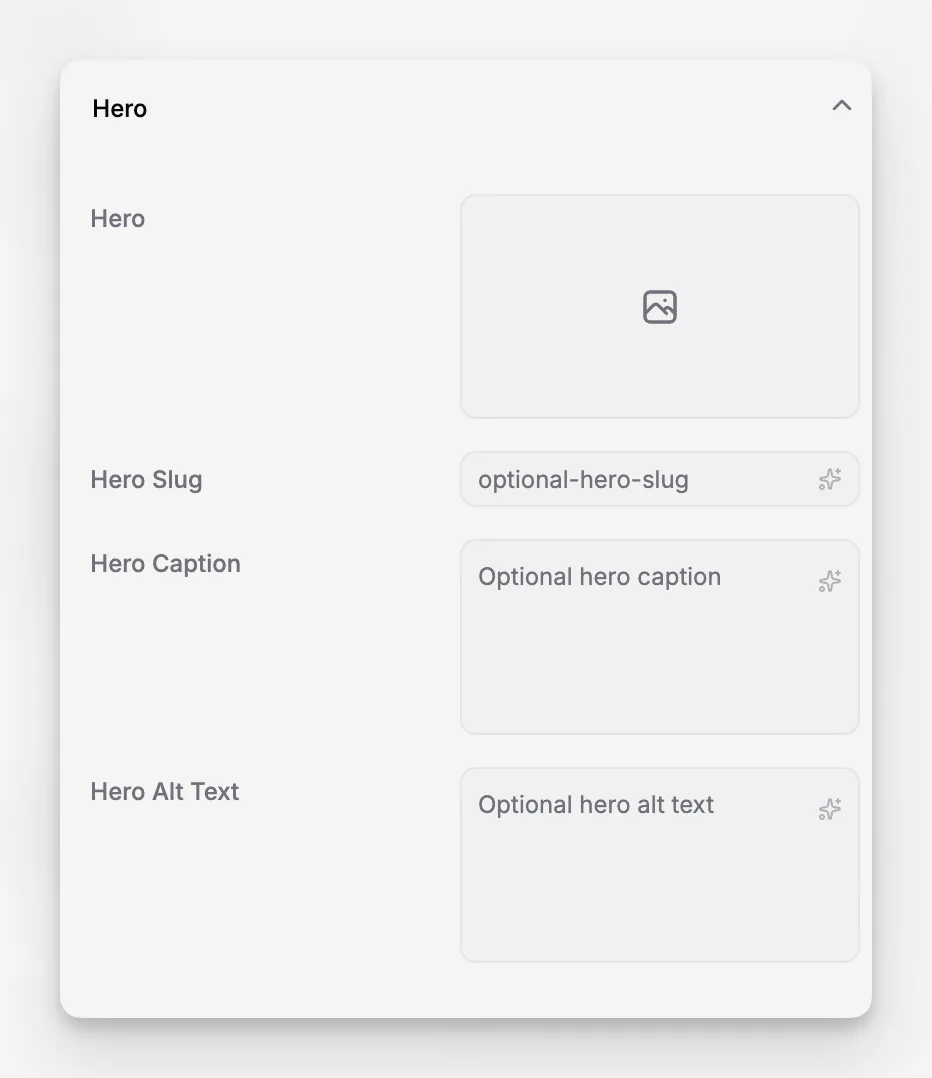
Metadata can be generated, not only typed
Hero slug, caption, and alt text can all be filled manually, but the interface also provides AI buttons for generating them from the other hero metadata. In the current implementation, each generator expects enough source text to work from, so editors are guided to add a reasonable amount of context before triggering it.
That makes Page Hero practical for teams that want faster image SEO work without losing manual control over the final wording.
Delivered through the same media layer
Hero images use the same media pipeline as the rest of the product. They are tracked in the media system and served through the Paragraph CMS CDN, which keeps the delivery layer consistent with Media Management and inline editor images.
In the current implementation, supported images are optimized and delivered as .webp, so the hero stays aligned with the broader image workflow in the CMS.
