

K-BAR
K-BAR is Paragraph CMS’s global command menu, letting you jump to pages, settings, and actions fast with Command+K or Ctrl+K.
 Grzegorz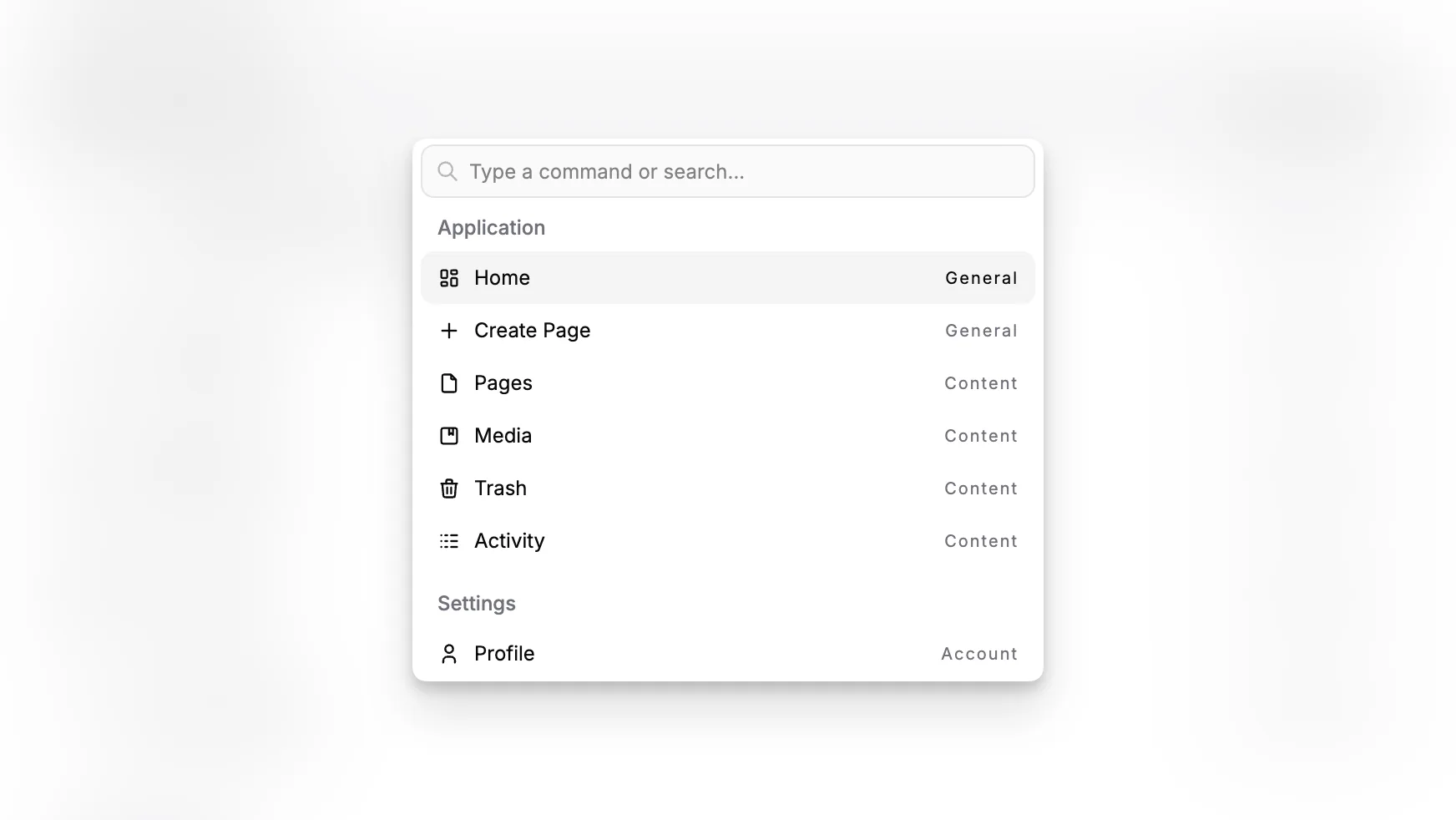
K-BAR is the command menu in Paragraph CMS. It opens with Command + K on macOS and Ctrl + K on Windows or Linux, giving users a fast way to move around the product without relying on the sidebar.
It works across both the main application and settings, so it is just as useful when you are working in Pages as it is when you are jumping into API Keys, Collections, or other setup screens.
One shortcut for the whole app
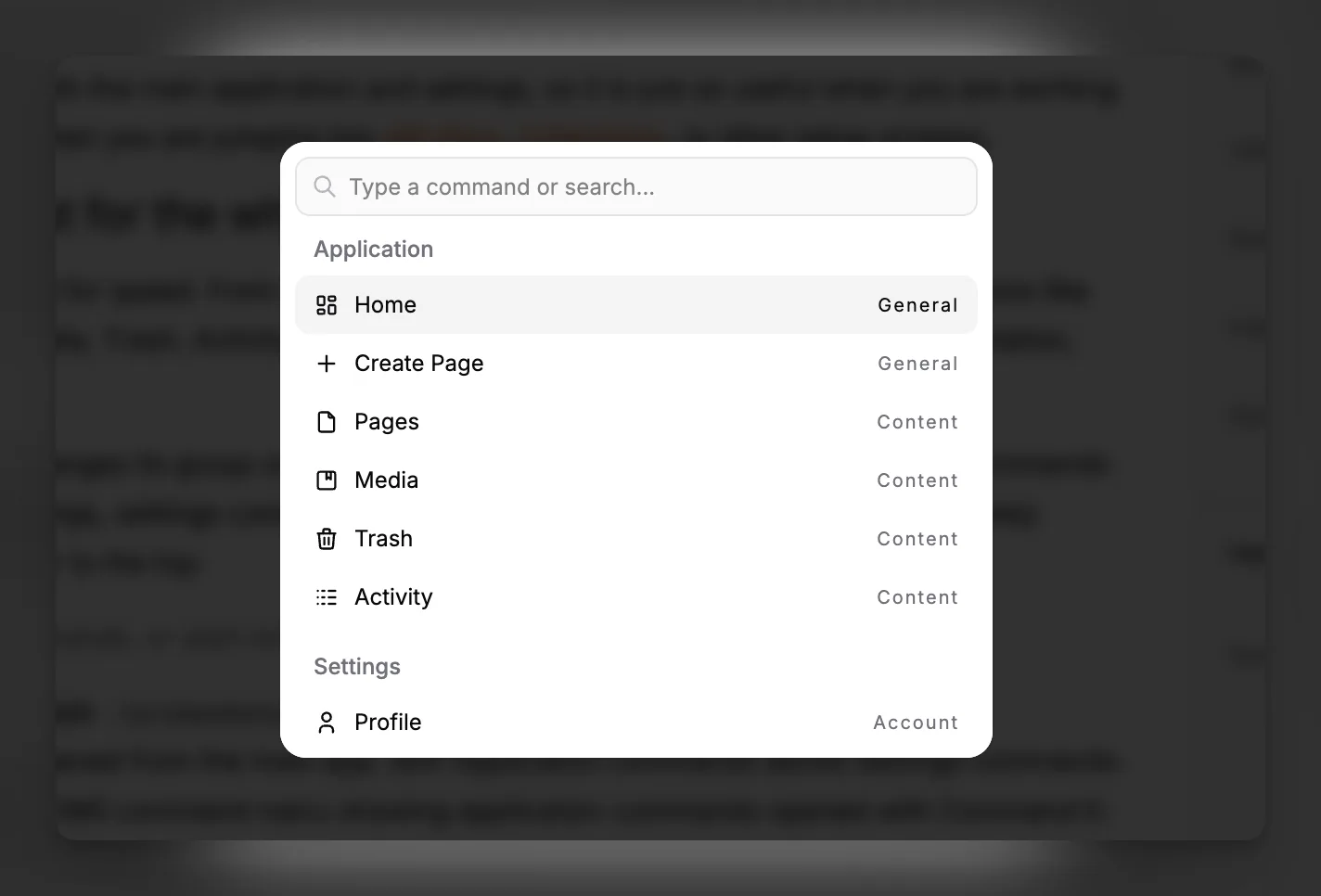
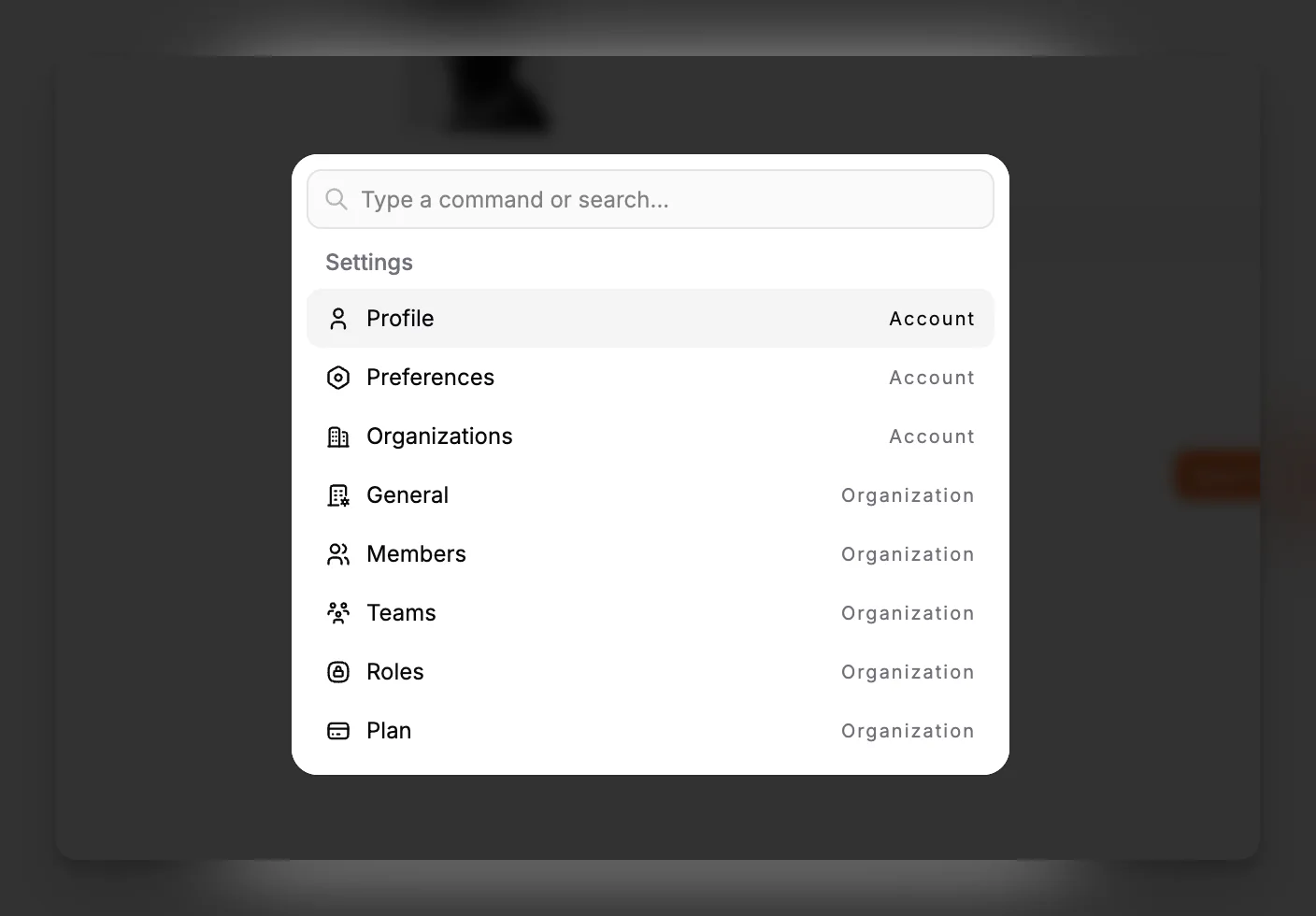
K-BAR is designed for speed. From one search box, users can jump to common destinations like Home, Pages, Media, Trash, Activity, Members, Teams, Roles, feature settings, documentation, billing, and more.
The menu also changes its group order based on context. In the main app, application commands come first. In settings, settings commands come first. That small detail keeps the most likely destinations closer to the top.
More than navigation
K-BAR is not only for moving between screens. Some commands perform actions directly.
The clearest example is Create Page, which creates a new page and immediately opens it in the editor. That makes it useful for repeated editorial workflows, especially when someone wants to switch quickly between writing, reviewing, and configuring supporting features like Labels or Statuses.
Search is flexible as well. Users can search by command name, command group, or the section a command belongs to, so terms like api, labels, settings, or features are usually enough to reach the right place.
Where it helps most
The value of K-BAR grows with the size of the workspace. As more features, content areas, and organization settings come into play, a global command menu becomes the fastest way to move across them without breaking focus.
