

Labels
Learn how Labels in Paragraph CMS help teams organize pages with reusable tags, multiple assignments, colors, and central management.
 Grzegorz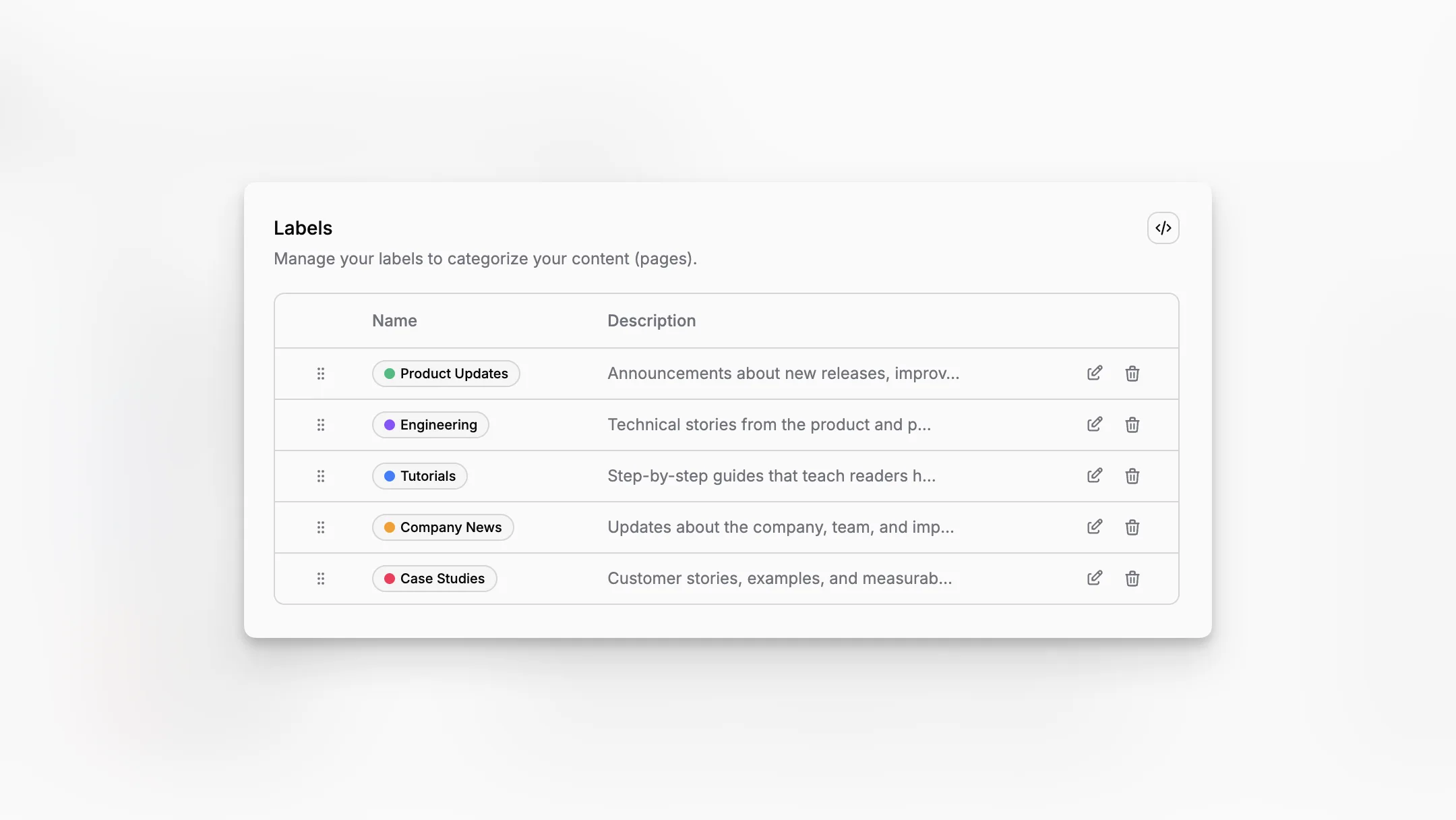
Labels are reusable tags for organizing pages in Paragraph CMS. They are useful when a team wants to group content by topic, campaign, priority, audience, or any other category that cuts across collections and workflow stages.
Unlike Statuses, which describe where a page is in the workflow, labels describe what a page is about or how it should be grouped.
Flexible tagging without changing workflow
A page can have multiple labels at the same time, which makes labels much more flexible than a single status field.
For example, one page can be in review while also carrying labels such as Homepage, SEO Priority, and Product Launch. That combination is what makes labels useful for filtering, scanning, and keeping editorial work organized.
Managed once, used everywhere
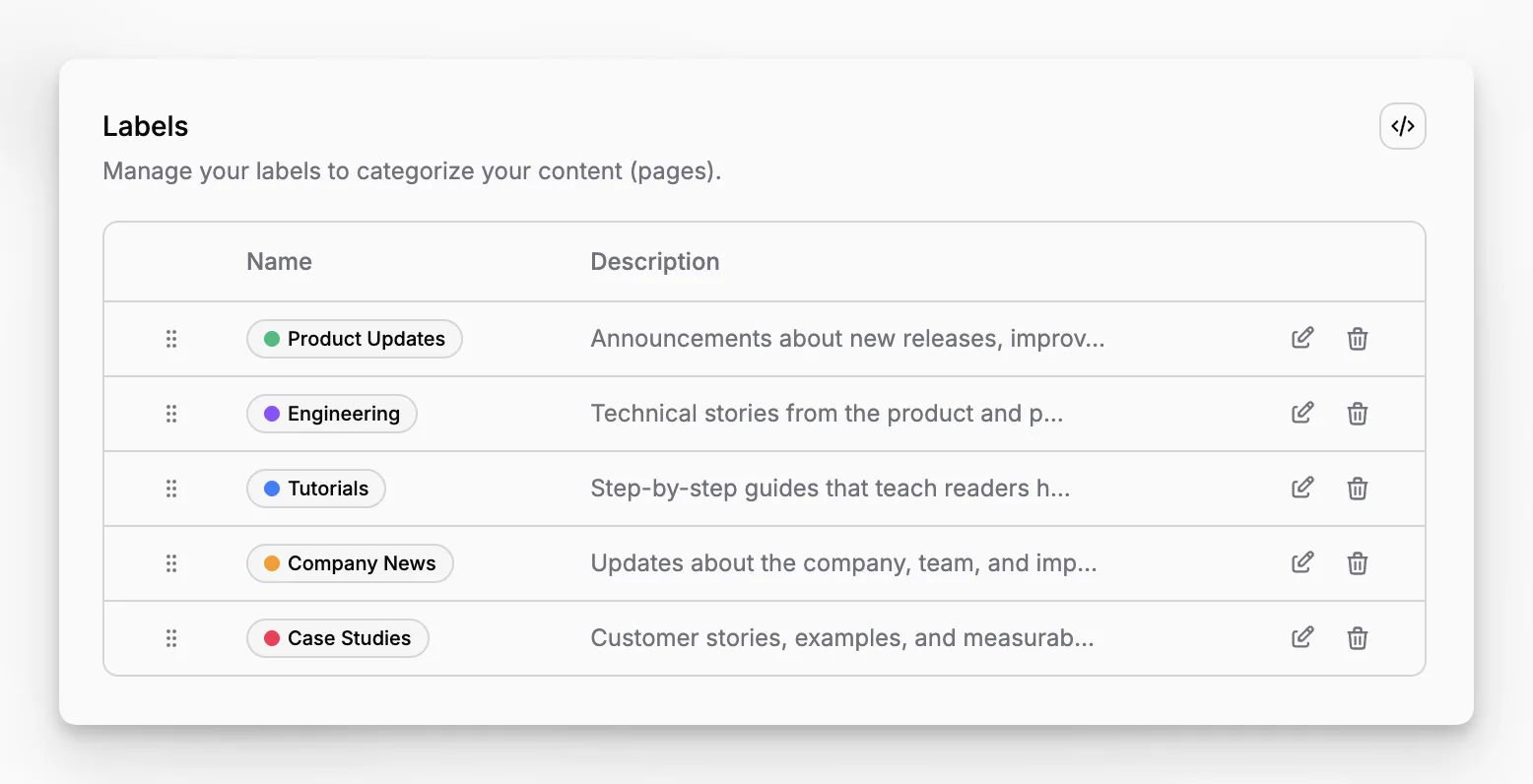
Labels are managed in the feature settings area, where teams can create them, rename them, add descriptions, choose colors, and reorder them.
That ordering is helpful in practice because it keeps common or important labels near the top of the experience instead of turning the selector into a long unstructured list.
Applied directly on pages
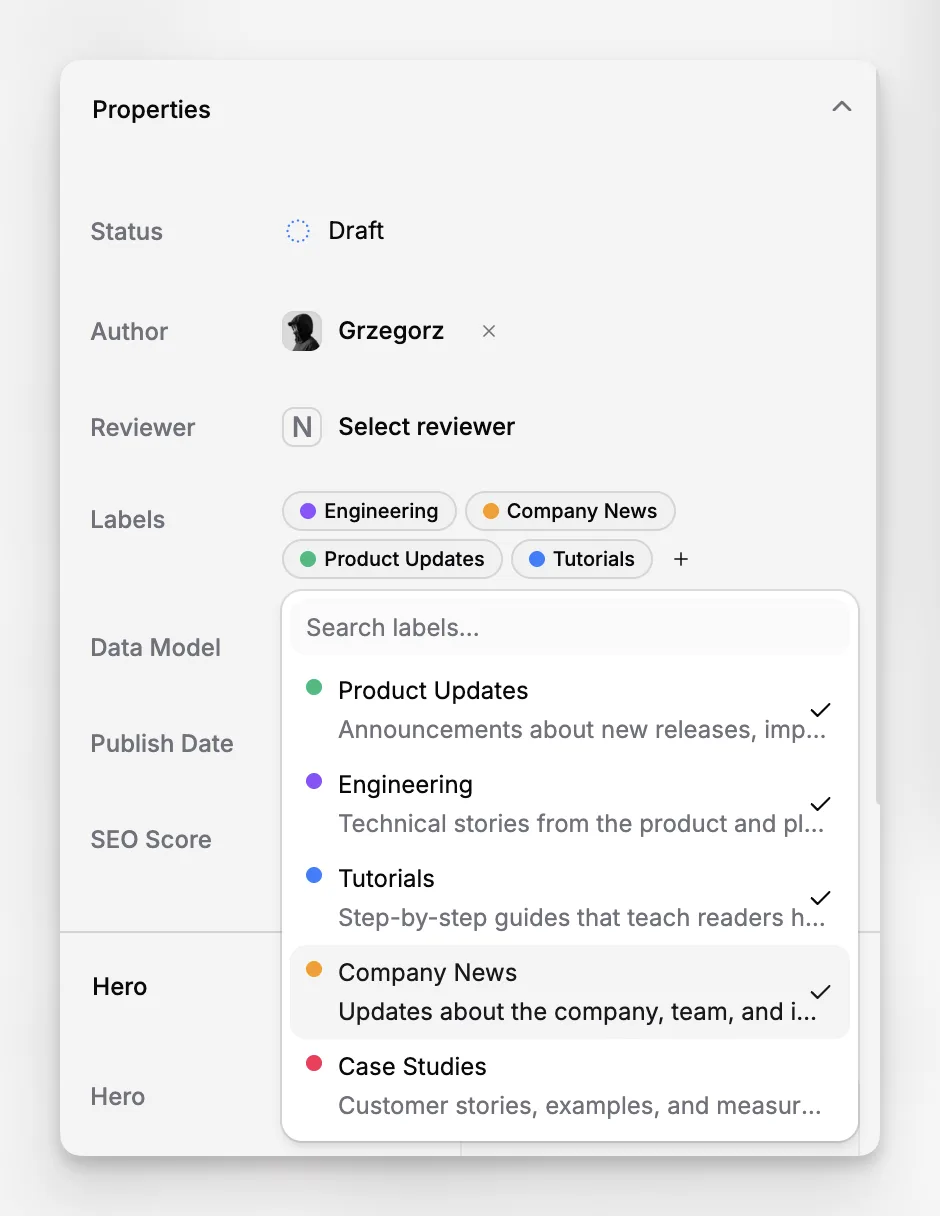
Labels are assigned from Page Properties, where editors can search, select, and stack multiple tags on the same page.
They also work well with broader content workflows in Pages, where teams often need a cleaner way to find related content without changing the page's main workflow status. For external delivery and integrations, labels are also available through the API Client.
If a label is deleted later, the tag is removed from the pages that used it, but the pages themselves remain intact.
Screenshot to add:
/screenshots/features/labels-page-properties-selector.png
Show the page editor Properties panel with multiple selected label badges and the label selector available.
Alt: Paragraph CMS page properties panel showing multiple labels assigned to a page.
Caption: Editors can assign multiple labels to a page without changing its workflow status.
