

Image Retention
Paragraph CMS Image Retention keeps removed images available for 30 or 90 days, preventing broken URLs and making swaps and cleanup safer.
 Grzegorz
Image Retention is the safety window behind media changes in Paragraph CMS. When an image is removed from a page or replaced with a newer one, the old asset is not destroyed right away.
That matters because content and delivery do not always update at the same instant. A live site may still request the previous image for a while, even after the CMS entry has already changed.
Safer image swaps and deletions
Paragraph CMS keeps removed page images available for a retention window after their last active page reference disappears. In the current implementation, that window is:
30 days on Free
90 days on Scale
This applies to both inline editor images and Page Hero images. The practical benefit is simple: teams can replace or remove visuals in Editor without feeling forced to rebuild or redeploy a site immediately just to avoid broken image URLs.
The media workspace keeps the context visible
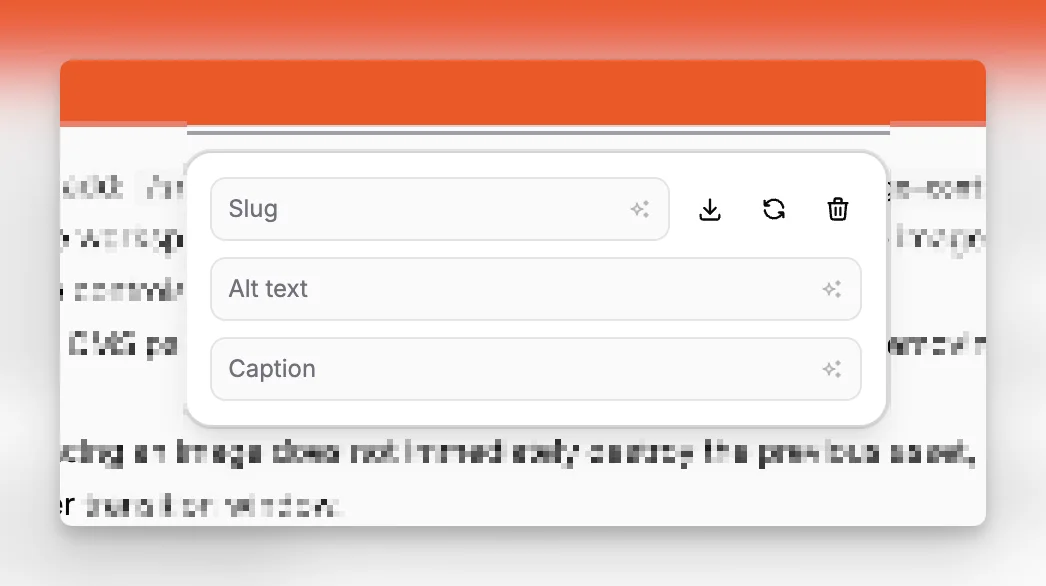
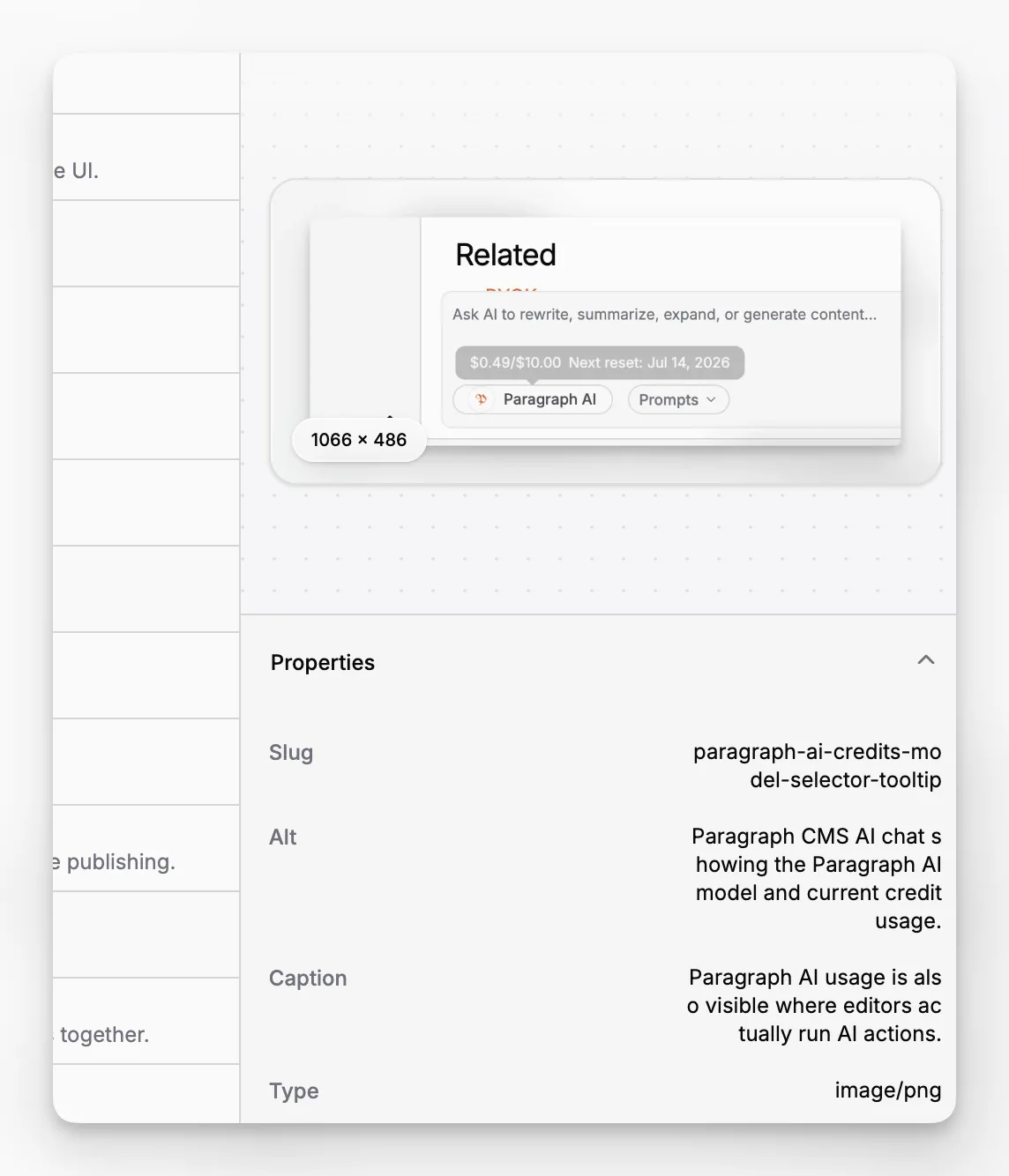
The retention layer works closely with Media Management, where teams can inspect image metadata and see which pages still reference a file.
That makes cleanup safer. Before deleting or reviewing an asset, a team can check its preview, slug, alt text, caption, and page usage in one place instead of guessing whether the file still matters.
If an image is used again before the retention window ends, Paragraph CMS keeps it active instead of forcing a reupload.
Cleanup happens automatically
Image Retention is designed to be a buffer, not a manual chore. After the retention period ends, Paragraph CMS automatically removes images that are still unused. If an image becomes referenced again before then, it stays available.
That gives teams a calmer workflow around media changes while keeping long-term storage from turning into permanent clutter.
