

Home
Paragraph CMS Home dashboard shows your review queue, active drafts, and recent activity so you can quickly see what needs attention.
 Grzegorz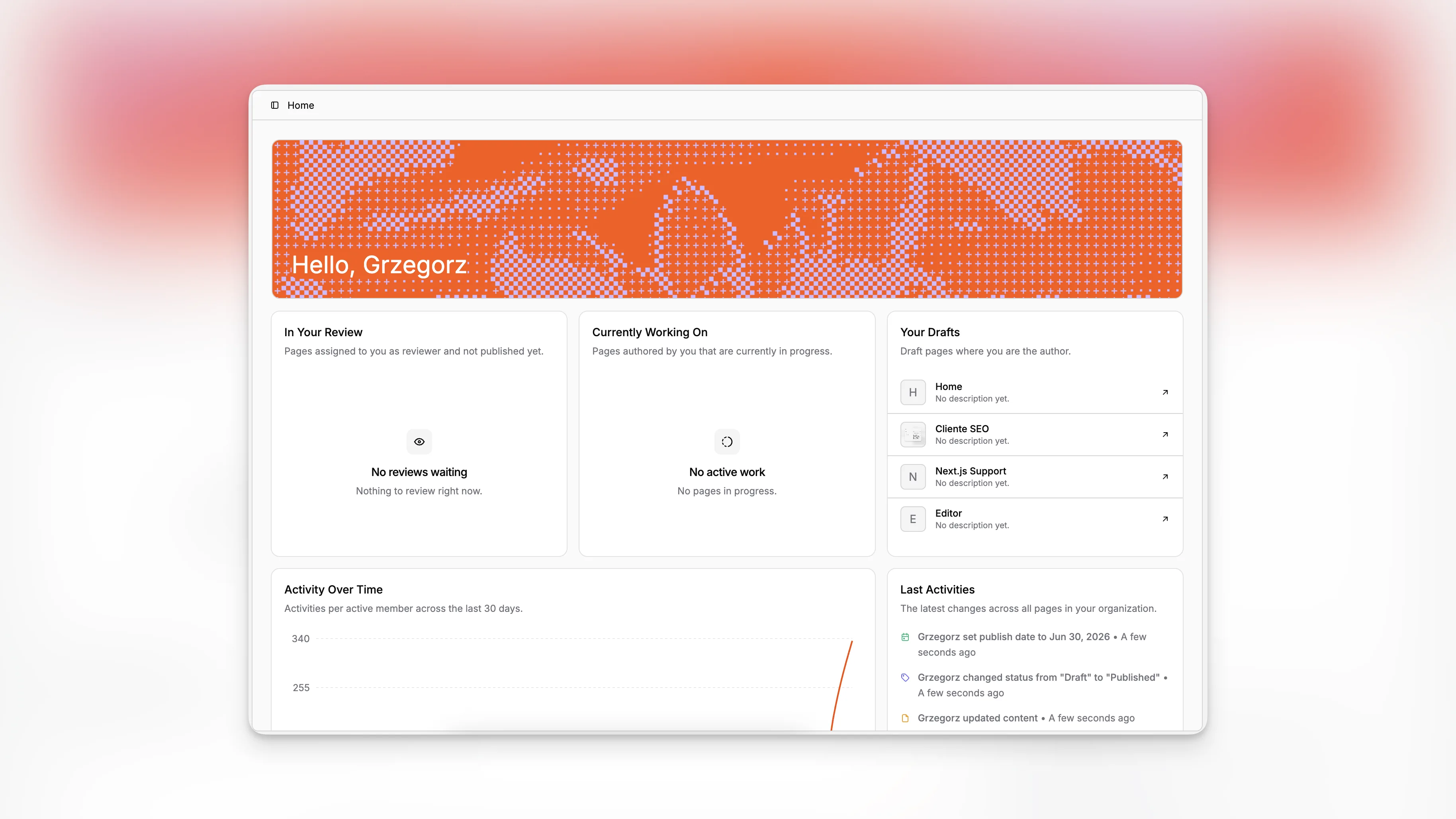
Home is the first screen after signing in to Paragraph CMS. It is built to answer three practical questions quickly: what needs your review, what you are actively working on, and what changed recently across the organization.
Instead of sending people straight into a large content table, Home pulls the most relevant work into one view. It works as a quick starting point before moving deeper into Pages, Statuses, or the full Activity view.
Personal work queues
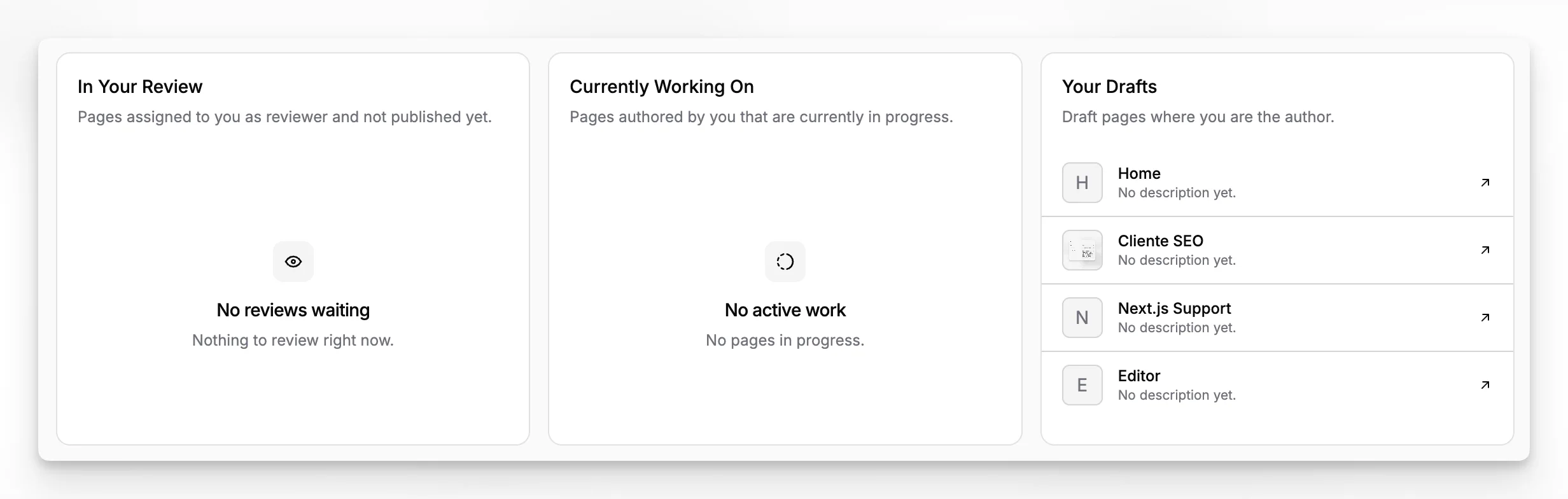
The top of Home is centered on the current user. It shows three separate lists:
In Your Review for pages where you are assigned as reviewer and the page is not published yet.
Currently Working On for pages you author that are in an in-progress workflow stage.
Your Drafts for pages you author that are still in draft.
That split matters because it keeps early ideas, active work, and review tasks from blending together. Each row opens the page directly, so Home works well as a fast handoff into the editor.
Activity at a glance
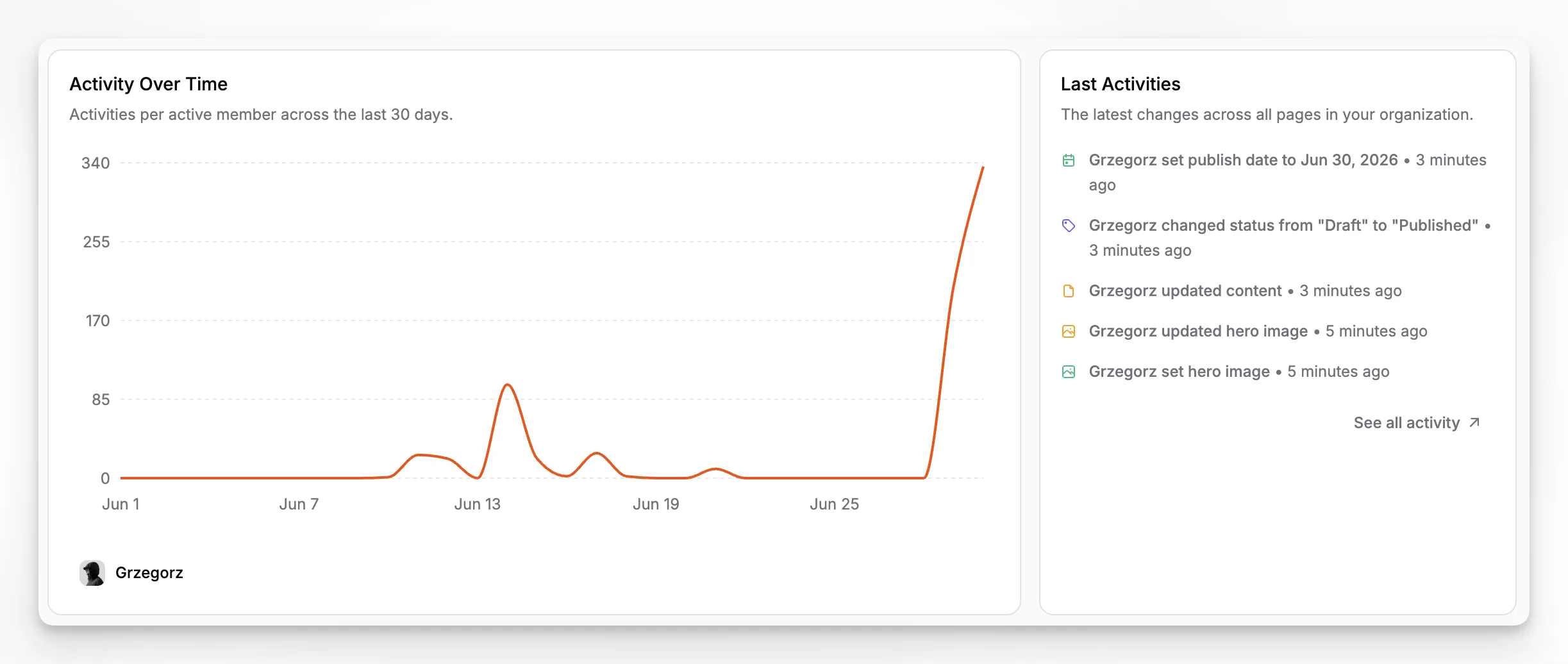
Below the personal queues, Home gives a wider view of what is happening across the organization.
Activity Over Time shows a 30-day activity chart, which makes it easier to spot periods of heavier collaboration or quiet stretches. Last Activities shows the latest five changes across pages and links out to the full activity feed when you need more detail.
This combination is useful when a team needs both a personal queue and a quick read on overall momentum without leaving the dashboard.
Where Home fits
Home is not a replacement for the main content workspace. It is the shortest path to the work that is most likely to matter right now. Teams usually start here, then branch into Pages for broader content management or Activity when they want a fuller audit trail.
