

AI Prompts
AI Prompts lets teams manage reusable prompt presets centrally in Paragraph CMS, then insert them into page AI workflows for consistent, efficient content creation.
 Grzegorz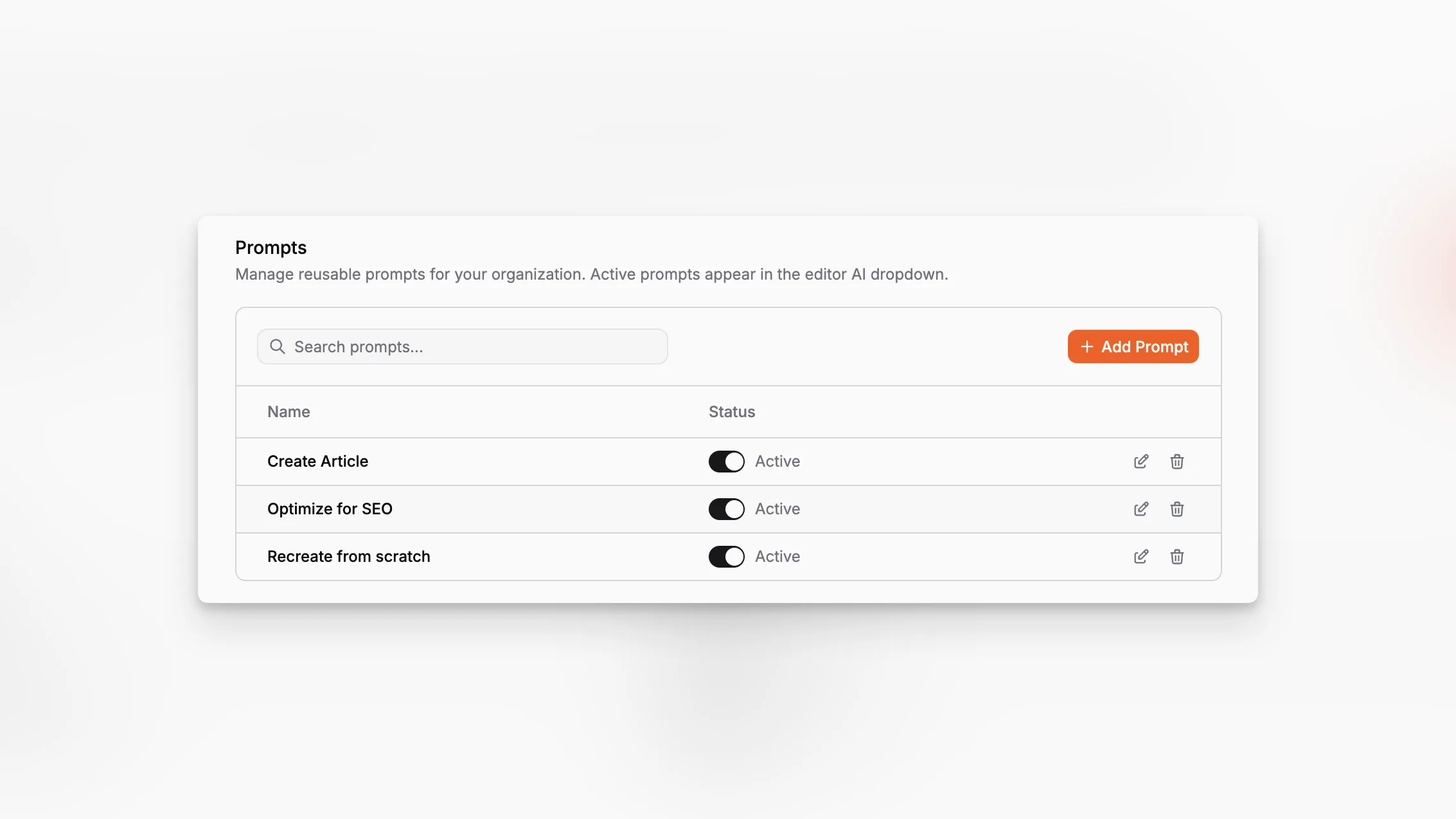
AI Prompts is the organization-level prompt library in Paragraph CMS. It gives teams a shared place to store reusable prompt presets instead of rewriting the same AI instructions over and over inside page workflows.
The feature is part of the broader AI settings area and works especially well with BYOK and Paragraph AI Credits.
Manage prompts centrally
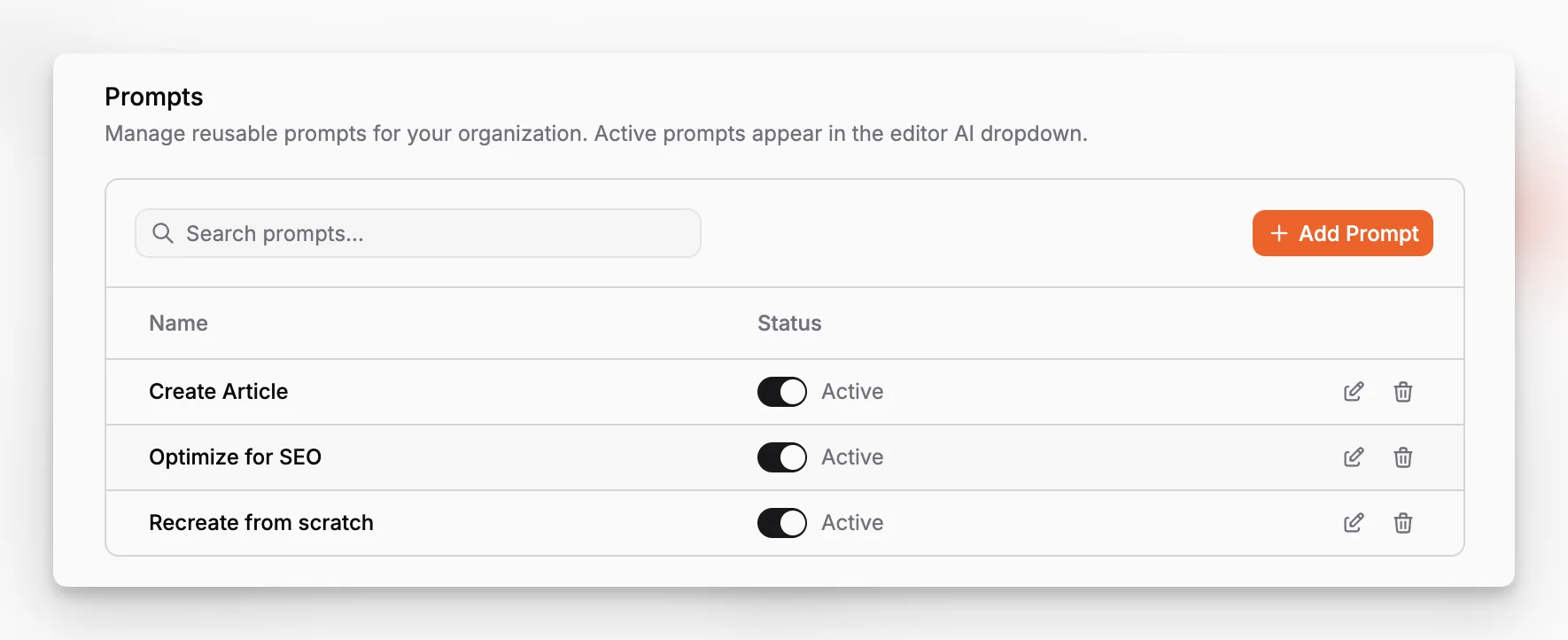
The AI settings page includes a dedicated prompts table where teams can create, edit, search, activate, deactivate, and delete prompt presets. Each prompt has a name and a body, and the active state decides whether that prompt should appear for editors.
That makes prompt management much cleaner than keeping instructions in a document or a chat thread. The organization can agree on reusable AI inputs once and keep them available for everyone.
Available directly in the page AI workflow
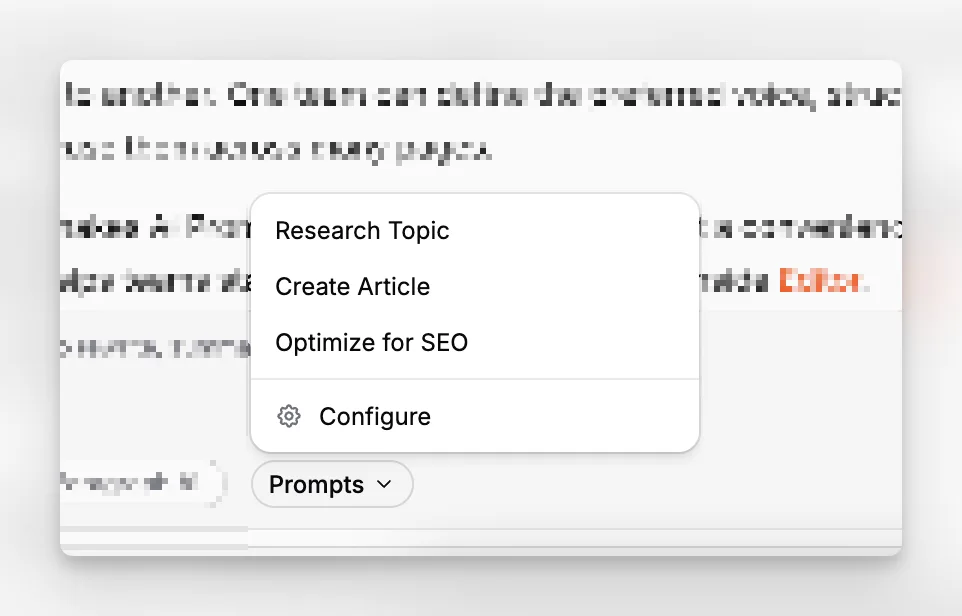
Active prompts appear inside the page AI chat under the Prompts dropdown. That lets editors inject a reusable instruction into the current AI request without leaving the page.
This is especially useful for repeated workflows such as article drafting, structured rewrites, or SEO-specific prompting. If the organization has not created any prompts yet, the current implementation falls back to three default suggestions: Research Topic, Create Article, and Optimize for SEO.
Shared prompts, cleaner output
Because prompts are organization-wide, they help keep AI behavior more consistent from one editor to another. One team can define the preferred voice, structure, or output expectations once and reuse them across many pages.
That makes AI Prompts a workflow feature, not just a convenience feature. It reduces prompt drift and helps teams standardize the way they use AI inside Editor.
