
Multilingual Content
Multilingual Content in Paragraph CMS keeps page variants grouped by language, with easy switching, translation coverage, and locale-based editing in one workspace.
 Grzegorz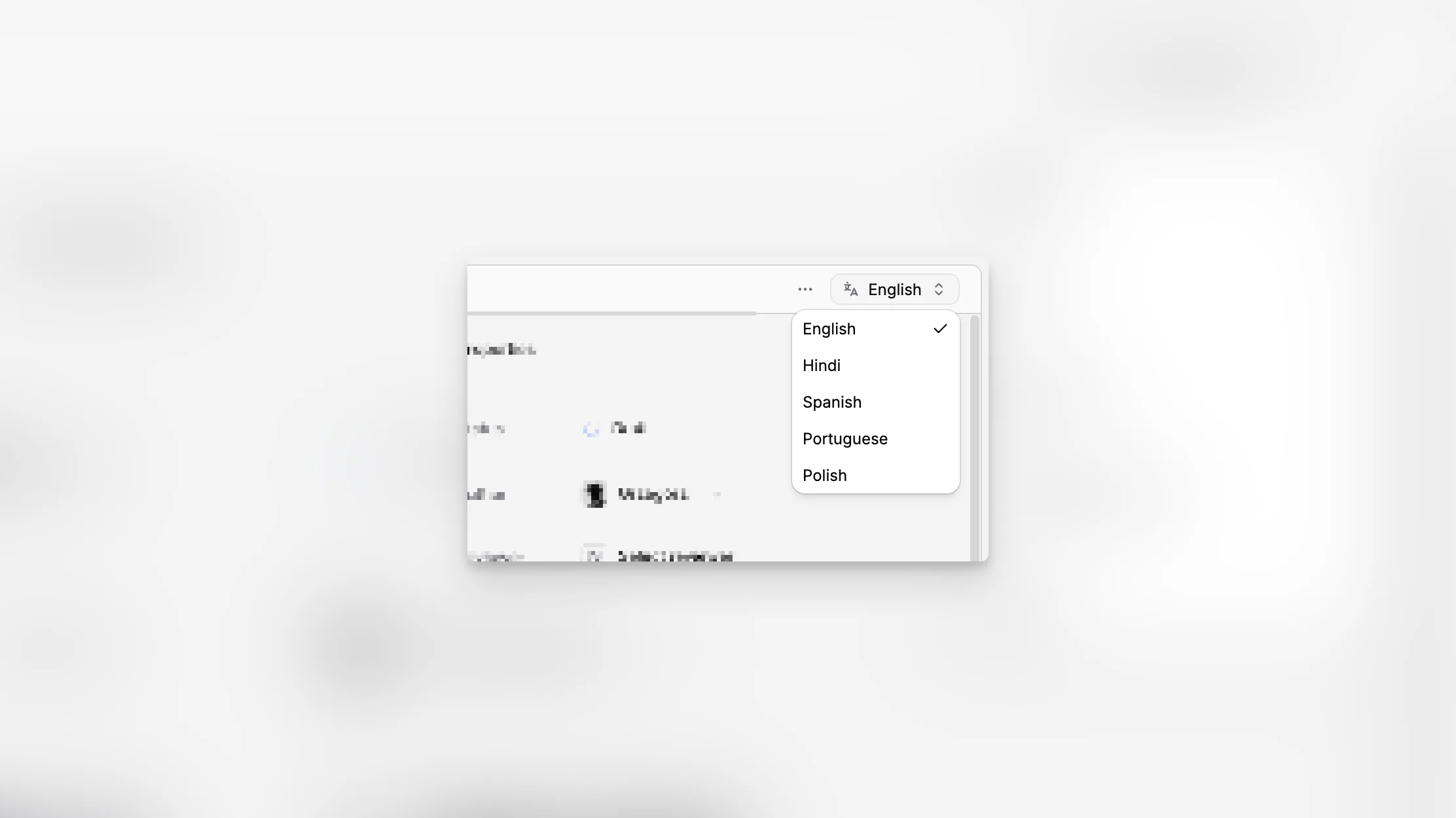
Multilingual Content is the editorial experience around pages that exist in more than one language. Instead of scattering each language into unrelated records, Paragraph CMS keeps them tied together as one page family and makes that relationship visible across the app.
This is the feature that gives language work a clear home before any translation action even begins.
One page family across languages
In the Pages workspace, multilingual content is grouped by translation family. Each group can be expanded to show the individual variants inside it, and the group itself carries a translation count badge so teams can understand coverage at a glance.
That is useful for editors who need to answer questions like:
which languages already exist,
which variant is the current source of truth,
and which page family still needs expansion.
Switch language from the page itself
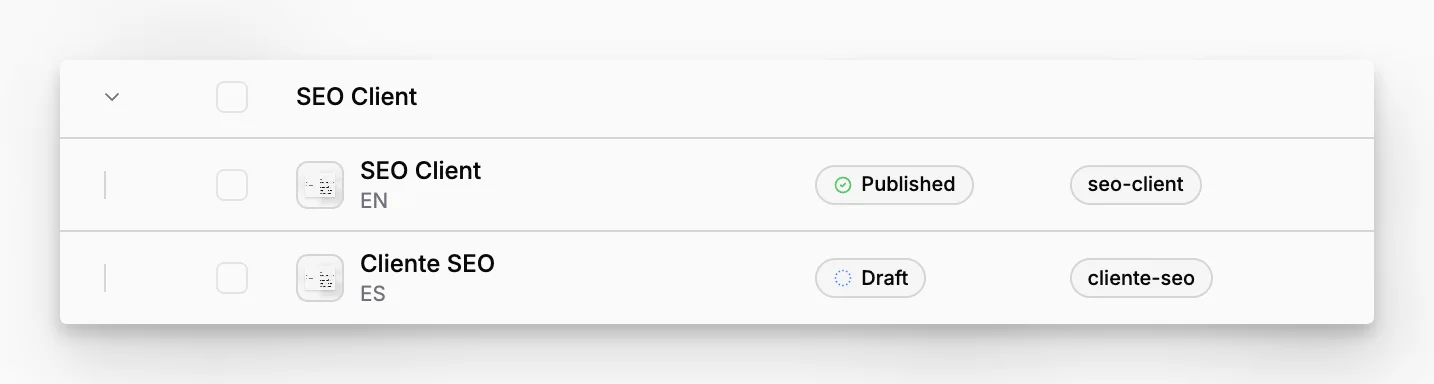
Inside the page workspace, the header includes a language selector that lists the available locale options for that page family. If the selected language already has a variant, Paragraph CMS opens it immediately. If that locale is enabled in the organization but the variant does not exist yet, the app turns that selection into a creation step instead of a dead end.
This keeps language work in one familiar place. Editors do not need to leave the current page just to find its sibling variants.
Driven by organization locale setup
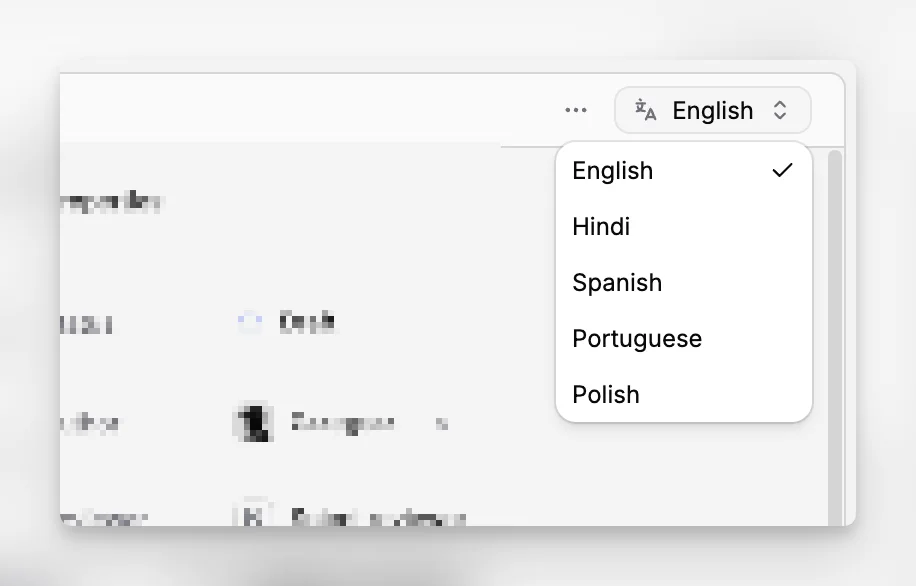
The available language options come from the organization's active locales, which connects this feature closely to Locales and Default Locale. The editing experience here is the reading and switching layer, while the actual creation, translation, and refresh actions belong to Translations and Retranslations.
