
What Is a Headless CMS? A Practical Guide
Learn what a headless CMS is, how it works, and why teams use it for flexible, API-driven content delivery across websites, apps, and channels.
 Grzegorz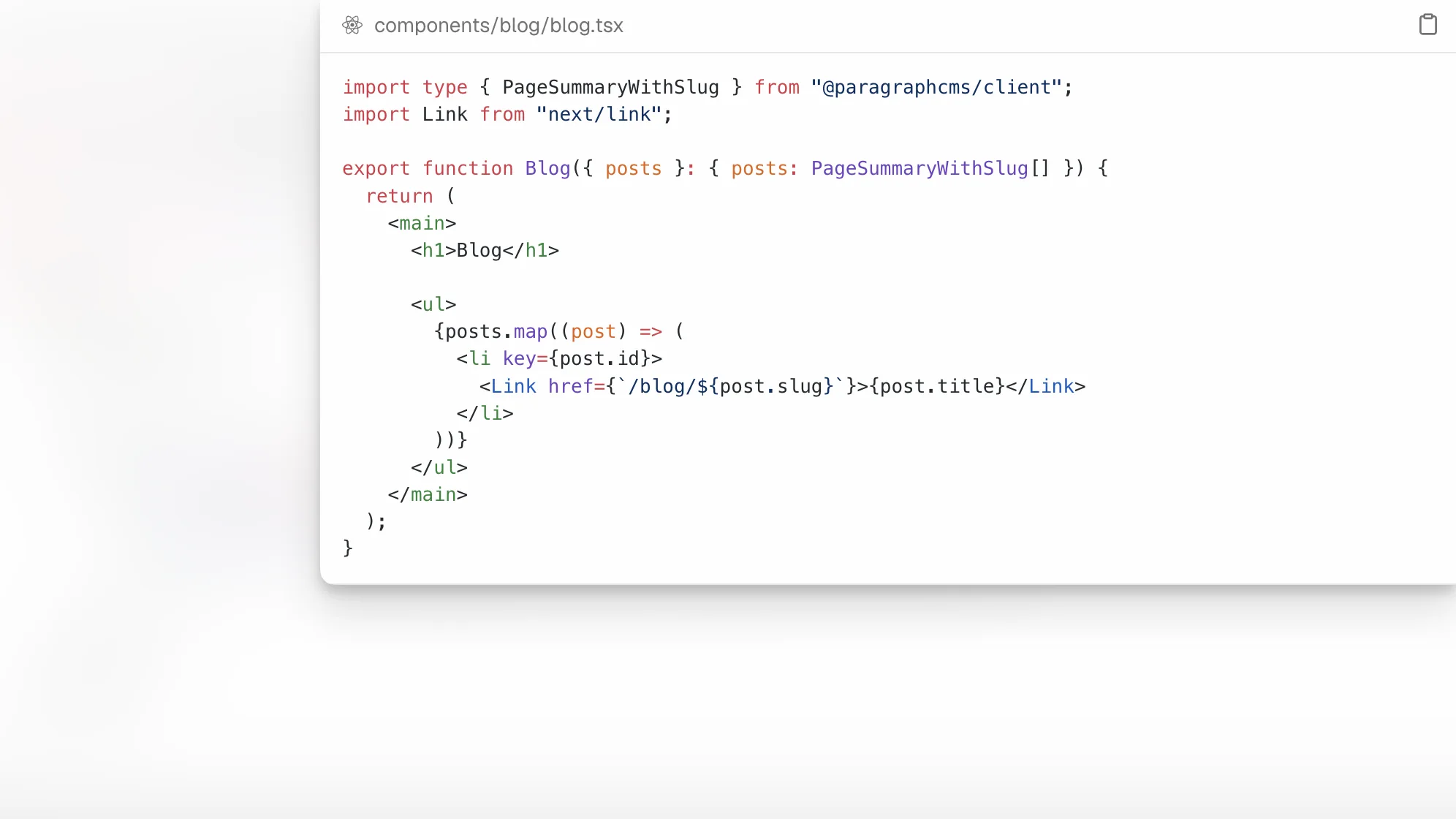
A headless CMS is a content management system that separates content creation from content presentation. Instead of bundling the editor, templates, and front end into one tightly coupled platform, it stores structured content in the back end and delivers that content through APIs to websites, apps, and other digital experiences. That architecture is why headless CMS platforms have become central to modern content operations, especially for teams shipping across multiple channels and frameworks like Next.js, Astro, and Nuxt.
A headless CMS gives you one source of truth for content and lets developers decide how each front end is built. The tradeoff is that you gain flexibility, reuse, and multichannel delivery, but you also need a stronger content model and a clearer workflow than with a traditional page-template CMS.
What does “headless CMS” actually mean?
The short definition is simple: the “head” is the presentation layer, and a headless CMS removes that layer from the CMS itself. Adobe’s overview describes headless content management as a decoupled setup where the back end manages content and front-end applications fetch it through APIs, commonly REST or GraphQL. That means the CMS is focused on storing, organizing, and delivering content rather than rendering finished pages on its own.
In a traditional CMS, the system usually controls both the admin side and the final page output. In a headless CMS, those responsibilities are split. Editors work in the CMS. Developers build the front end separately. The website, mobile app, knowledge base, kiosk, or other channel requests content from the CMS when it needs it.
This difference sounds technical, but it affects nearly everything: team workflows, SEO implementation, localization, media handling, release speed, and how reusable your content is over time.
How is a headless CMS different from a traditional CMS?
A traditional CMS usually combines three layers in one product: content management, templating, and presentation. That model can be efficient when you only need one website and you want editors to work directly inside predefined page templates.
A headless CMS changes the center of gravity. Instead of treating each page as a fixed visual object, it treats content as structured, reusable data. Acquia’s explanation emphasizes that a headless CMS stores content separately from presentation and delivers it to any channel through APIs. That makes it easier to reuse the same content in a site, app, portal, or other endpoint without copying and pasting it everywhere.
The practical differences usually look like this:
A traditional CMS is often page-first.
A headless CMS is usually model-first and API-first.
A traditional CMS renders the final web page itself.
A headless CMS lets your application render the final experience.
A traditional CMS can be easier to start with for one marketing site.
A headless CMS is usually better when content needs to travel across products, locales, and interfaces.
That does not make traditional CMS platforms obsolete. It means the right choice depends on how your content operation works and what you need the system to power.
How does a headless CMS work in practice?
Most headless CMS setups follow a repeatable pattern.
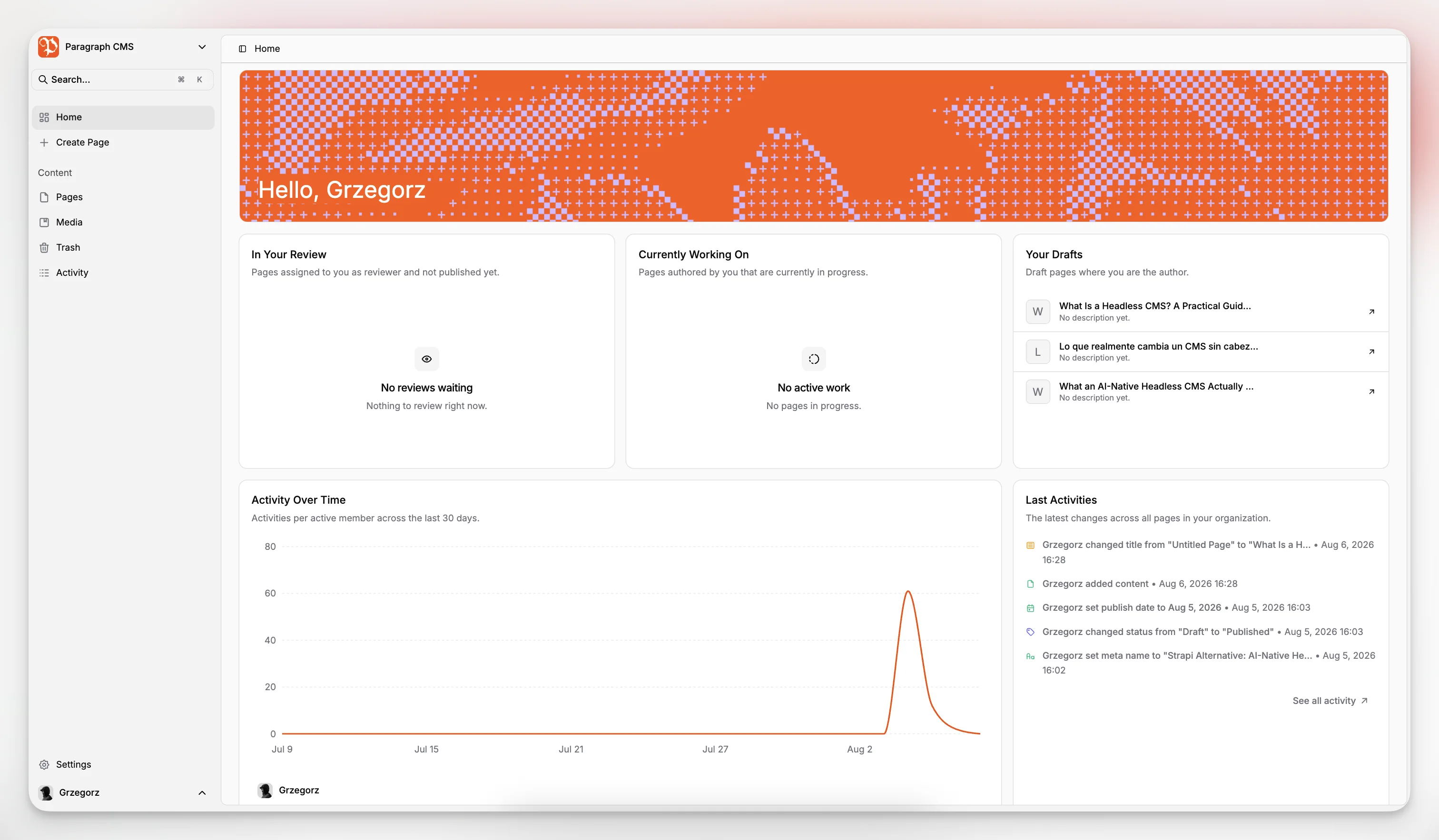
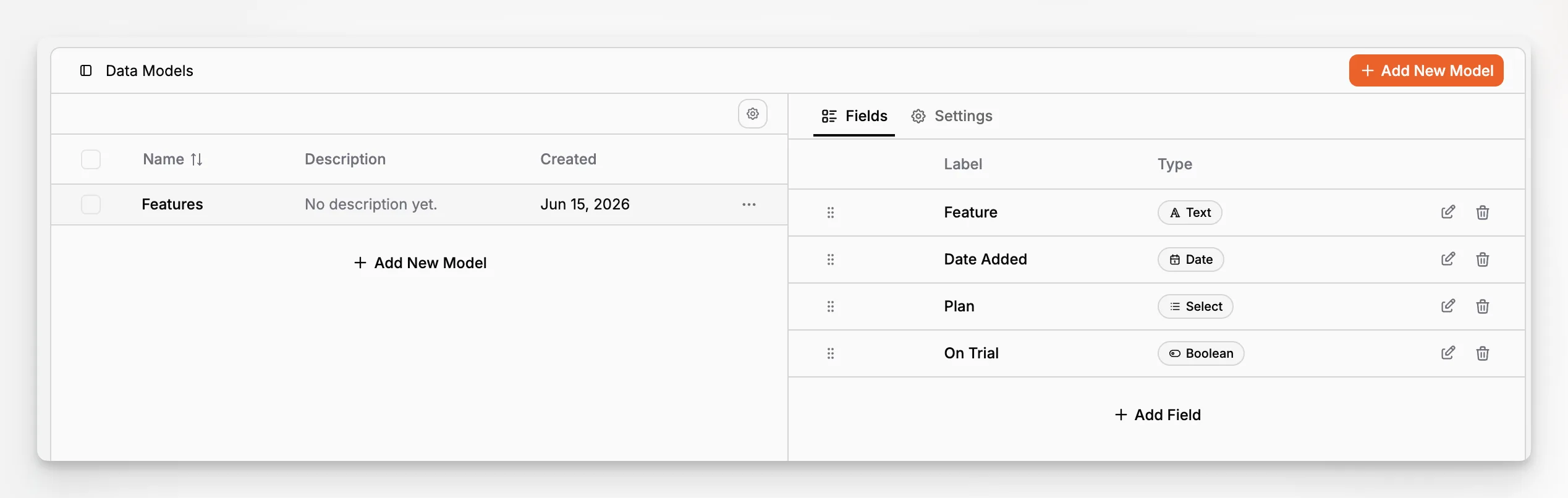
First, a team defines content models. These describe the fields and structure for content types such as articles, landing pages, product announcements, author bios, or help documents.
Second, editors create entries based on those models. Instead of filling in a single WYSIWYG page that is tied to one template, they enter structured fields like title, summary, hero image, body content, SEO metadata, locale variants, and status.
Third, the CMS exposes that data via APIs. Front-end applications request the content they need and render it using their own stack.
Fourth, content gets published to one or more channels. Depending on the architecture, that may involve static generation, server-side rendering, hybrid rendering, edge delivery, or a mix of approaches.
This is why content modeling matters so much. If your structure is poor, every downstream channel becomes harder to support. If the structure is clean, the same content can be reused with much less friction.
Why do companies move to headless CMS architecture?
The biggest reason is flexibility. Teams want to publish across more than one destination, and they do not want their content repository tied to one page-rendering system.
That often starts with a website redesign, but the deeper driver is usually operational. A business may need to support multiple brands, markets, locales, apps, or front ends while keeping one editorial source of truth. A headless CMS helps because the content layer remains stable even when the front-end stack changes.
There are several common motivations:
1. Multichannel delivery
A headless CMS can serve websites, apps, internal tools, campaign pages, and other experiences from the same repository. That is a meaningful advantage when content needs to stay consistent across touchpoints.
2. Developer freedom
Developers are not locked into the CMS’s templating layer. They can choose frameworks and rendering strategies that match the project. That is especially useful for teams working in modern JavaScript ecosystems and composable architectures.
3. Better content reuse
Structured content reduces duplication. Instead of rewriting the same idea for every destination, teams can manage modular content elements and publish them wherever they are needed.
4. Cleaner scaling
When front end and content back end are separated, each part can evolve more independently. This can simplify redesigns, migrations, and platform changes.
5. Stronger localization workflows
When the content model is consistent, it becomes easier to manage translated or market-specific versions without losing structure.
Paragraph CMS is positioned directly in that modern category. Its product messaging describes it as an AI-native headless CMS with localization, media management, AI-powered SEO, automations, framework support, and global content delivery in one workspace. That matters because many teams adopting headless today are not just solving for API delivery; they are also trying to reduce workflow sprawl.
What are the main benefits of a headless CMS?
The benefits are real, but they are most valuable when they connect to actual editorial and engineering problems rather than abstract architecture preferences.
Content can be created once and reused many times
This is the core operational win. A structured article intro, product summary, author profile, or feature block can power multiple surfaces without forcing teams to duplicate content manually.
Front-end teams can move faster
Because the presentation layer is decoupled, front-end changes do not require the CMS to control rendering. Teams can redesign interfaces, swap frameworks, or ship new front-end features without rebuilding the content system from scratch.
Localization becomes more manageable
A strong headless CMS stores language variants in a consistent structure. Paragraph CMS explicitly supports Multilingual Content and translation and retranslation workflows, which is especially relevant for teams maintaining repeated updates across markets.
SEO can be handled more deliberately
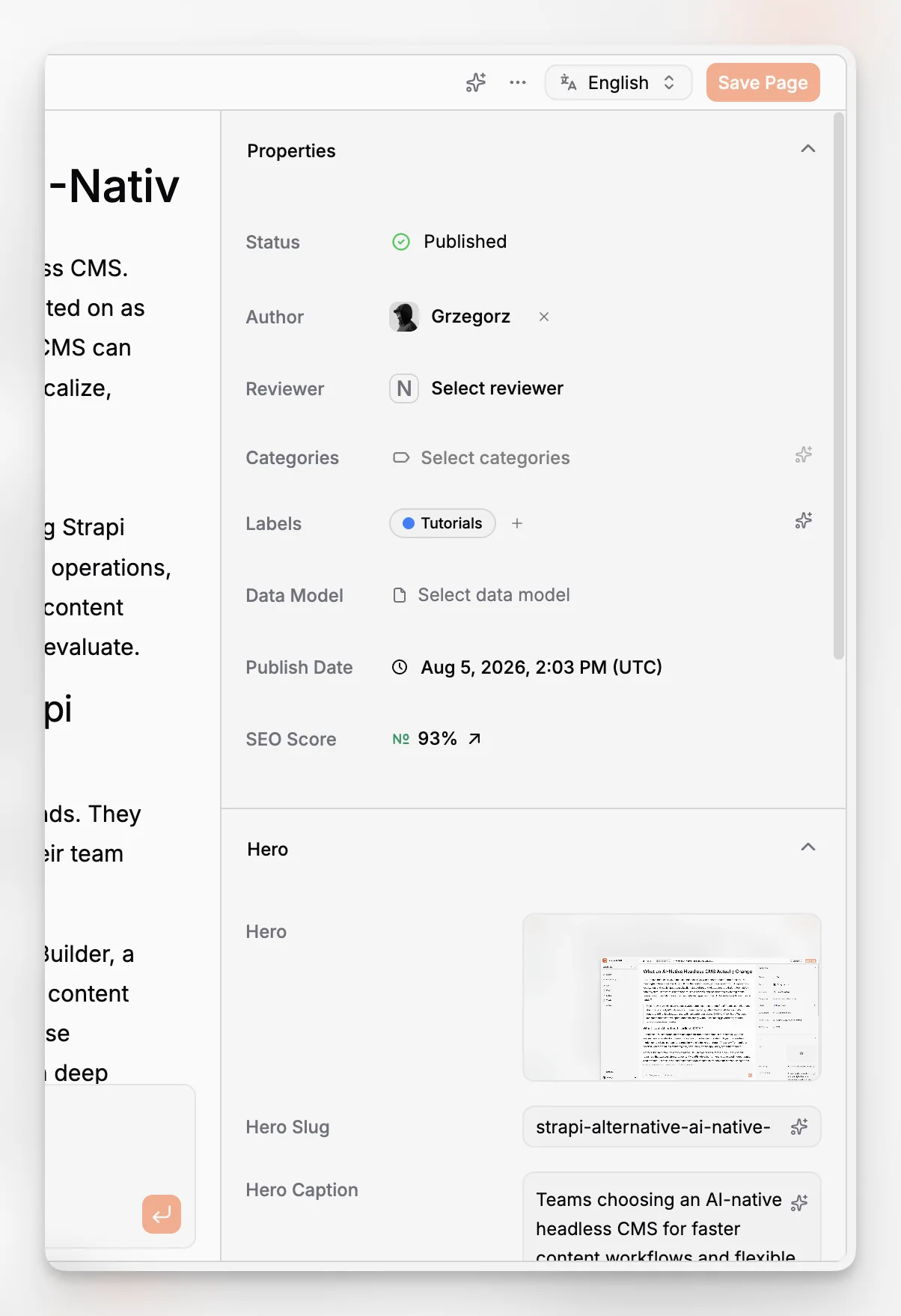
Headless does not automatically improve SEO, but it can give teams more control. If your system models metadata correctly and your front end implements technical SEO well, you can generate cleaner, more predictable search outputs than with loosely managed template content. Paragraph CMS also highlights built-in AI-assisted SEO workflows and an SEO package that can generate sitemap, robots, RSS, and llms files in supported implementations.
Media operations can be less brittle
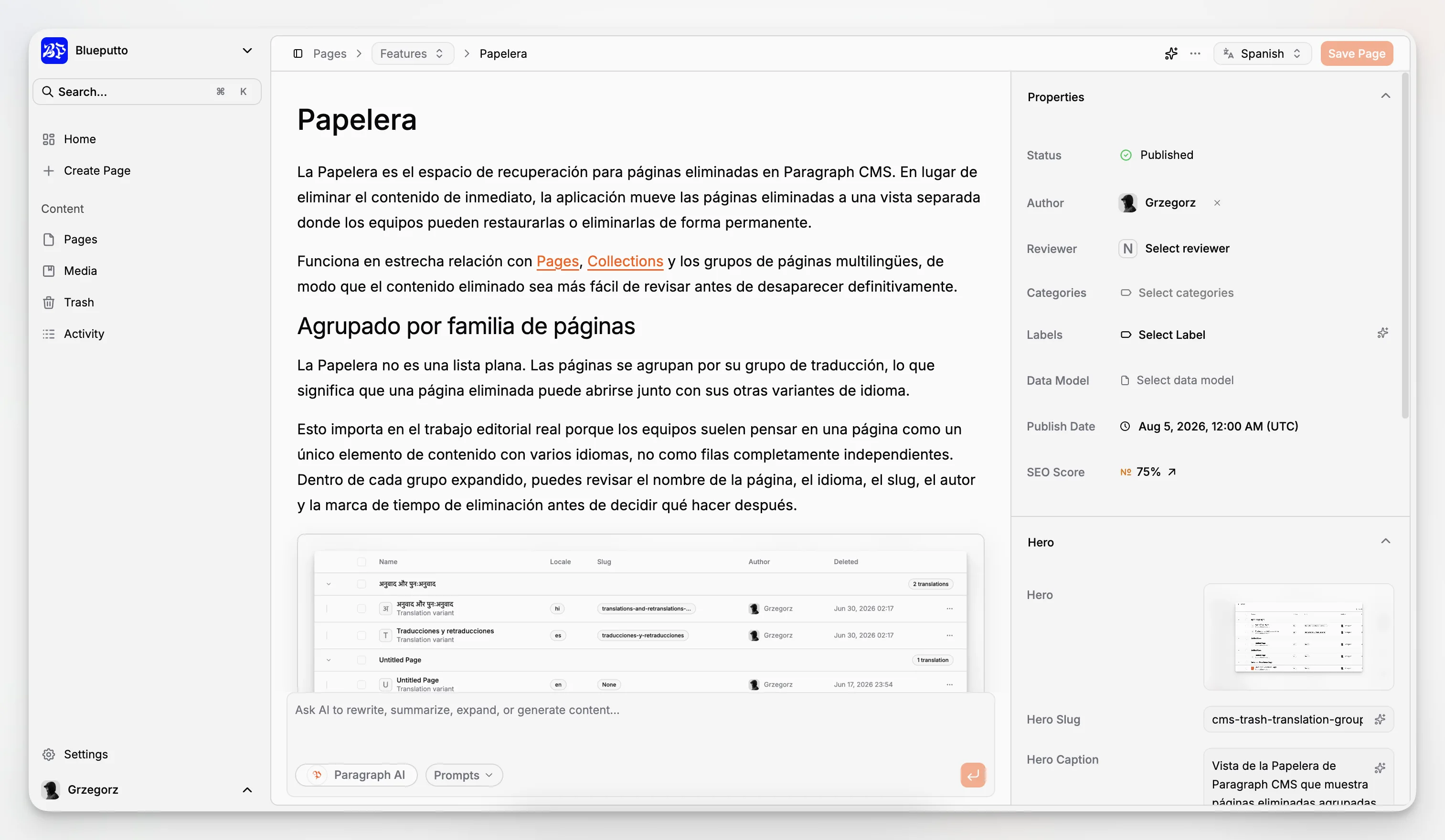
Media is often where content systems break down in day-to-day use. Paragraph CMS’s current feature and changelog pages show work around media metadata, alt text, captions, retention windows, and consistent delivery paths for hero and inline images. Those are practical details, not just marketing abstractions.
What are the drawbacks or tradeoffs of a headless CMS?
Headless CMS platforms solve real problems, but they are not a free upgrade for every team.
The first tradeoff is implementation complexity. A headless CMS does not usually give you a fully rendered site out of the box. You need a front end, a deployment workflow, and a plan for preview, rendering, and publishing.
The second tradeoff is editorial expectations. Some marketers are used to tightly visual page builders where they can drag blocks around and see something close to the final page immediately. A headless CMS can support rich editorial workflows, but the mental model is different. You are often editing structured inputs that will be rendered elsewhere.
The third tradeoff is modeling discipline. In a traditional CMS, teams can sometimes get away with messy content because the page template hides the inconsistency. In a headless setup, weak models spread problems everywhere. Poorly named fields, duplicated content types, and unclear relationships become expensive over time.
The fourth tradeoff is coordination. Editorial, design, and engineering need a clearer shared understanding of what a content type is, how it should be reused, and which parts belong in the CMS versus the application.
In other words, headless architecture gives you more freedom, but it also exposes more of your process. That is usually a net positive for scaling teams, but only if they are prepared for it.
Who should use a headless CMS?
A headless CMS is usually a strong fit when at least one of these conditions is true:
You publish to more than one channel.
Your front end is custom-built or framework-based.
You need structured content reuse across pages or products.
You support multiple locales or regions.
Your team wants content operations independent from front-end deployments.
You need stronger APIs, SDKs, and developer-controlled delivery.
It is especially useful for SaaS companies, media teams, documentation-heavy products, multi-brand organizations, and businesses with both marketing and product surfaces.
It may be unnecessary if your only goal is to launch a single simple site with minimal customization and no meaningful multichannel plan. In that case, a traditional CMS might be easier to manage at first.
The key question is not “Is headless modern?” It is “Does decoupling content from presentation make our operation simpler over the next two to three years?”
What makes an AI-native headless CMS different?
Many CMS platforms now add AI features, but that does not automatically make them AI-native. In practice, an AI-native headless CMS treats AI as part of the editorial workflow rather than as an isolated add-on.
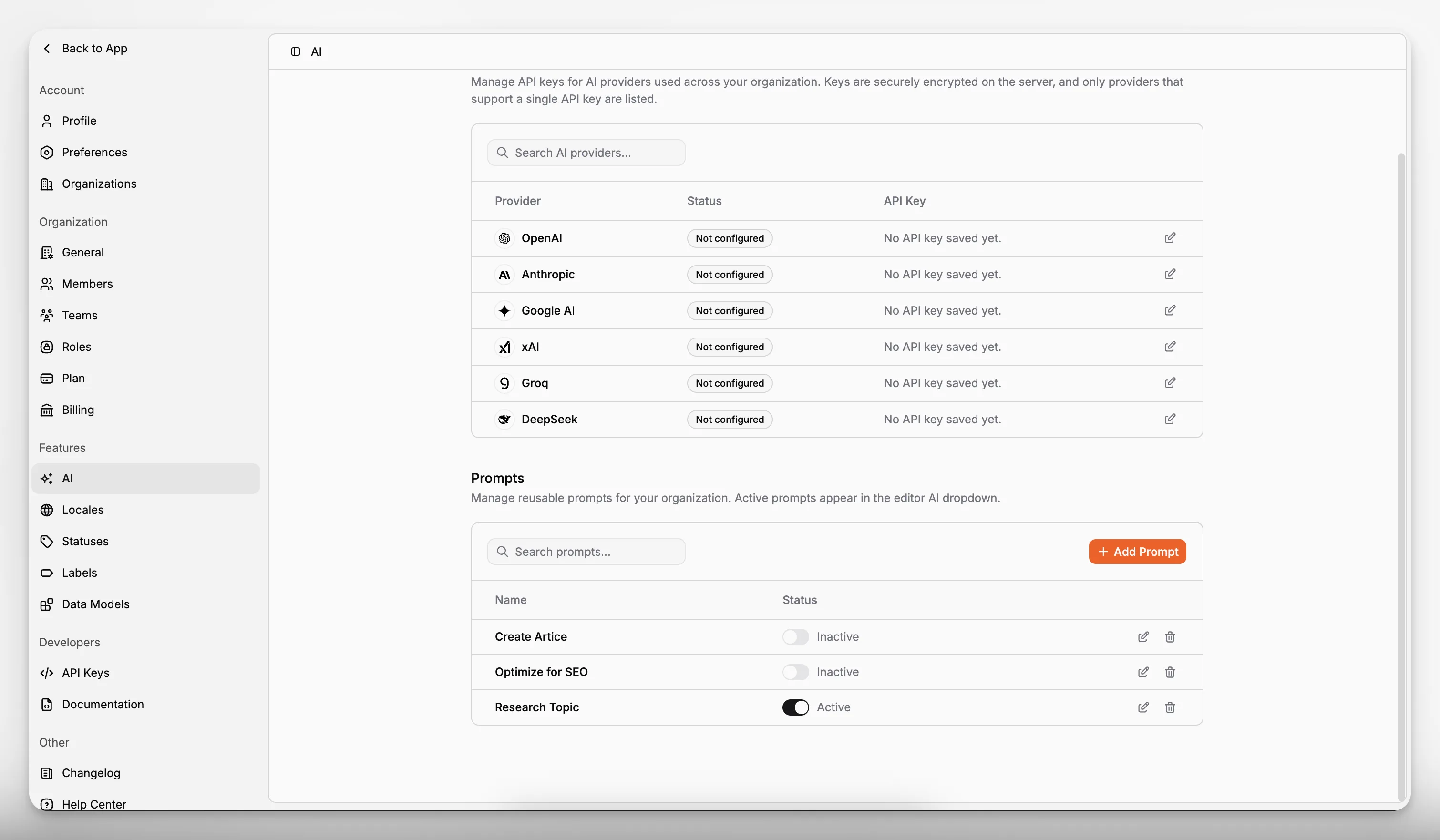
That means AI is not just a chatbot bolted onto the side. It supports content creation, metadata generation, translation, retranslation, and repeatable prompt-driven workflows inside the same system where teams manage content.
Paragraph CMS is explicitly positioned in this category. Its product pages and changelog highlight built-in chat, an AI assistant inside the editor, reusable prompt workflows, AI generation for image metadata and hero metadata, and translation support across 75+ languages. For teams that are already adopting headless architecture, that positioning matters because it reduces context switching and the fragmentation that often comes from pairing a CMS with several separate AI tools.
That does not mean AI should replace editors. It means it can remove repetitive work from the publishing pipeline.
What features should you look for in a headless CMS?
If you are evaluating platforms, avoid vague checklists. Focus on the capabilities that affect daily publishing, long-term maintainability, and how well the system fits your stack.
Structured content modeling
You need clear support for content types, fields, relationships, and reusable structures. If modeling is weak, every other benefit of headless gets diluted.
Reliable API delivery
Look for mature APIs, good SDKs, and predictable content delivery patterns. The official MDN guide to HTTP is a reminder that all modern web delivery depends on robust request-response foundations; your CMS should make that layer easy to work with rather than painful.
Framework support
A headless CMS should meet developers where they already work. Paragraph CMS specifically calls out support for Next.js, Astro, Nuxt, React Router, and SvelteKit on its main product pages and quickstart navigation.
Localization
If you publish internationally, this is not optional. You want locale-aware content handling, translation workflows, and consistent routing support. Paragraph CMS includes localization-focused features and changelog entries describing faster translation and retranslation workflows.
Media management
Images, captions, alt text, transformations, and replacement behavior often determine whether a CMS feels production-ready. Paragraph CMS’s published feature set shows attention to media management, image metadata consistency, and retention behavior for replaced images.
SEO support
Headless SEO requires both modeling and implementation. You need places to manage titles, descriptions, image metadata, canonical logic where relevant, and generated search files. Paragraph CMS includes Page SEO as a feature area and documents an SEO package for sitemap, robots, RSS, and llms generation.
Roles and permissions
As teams scale, content governance matters. A platform that supports members, teams, roles, and permissions usually ages better than one that assumes a tiny editorial group.
Operational clarity
Look for documentation, changelogs, examples, and system behavior that helps teams understand how to build safely. The publicly available Paragraph CMS changelog is useful here because it reveals how the product evolves in concrete workflow terms.
How does Paragraph CMS fit into the headless CMS category?
Paragraph CMS is best understood as an AI-native headless CMS rather than a generic content backend. Its published positioning centers on a few themes that map directly to what modern teams usually need from headless architecture.
First, it combines structured content management with AI-assisted workflows in the same product. That is important because many teams otherwise end up duct-taping together a CMS, an SEO tool, a translation layer, an asset workflow, and several AI prompts outside the system.
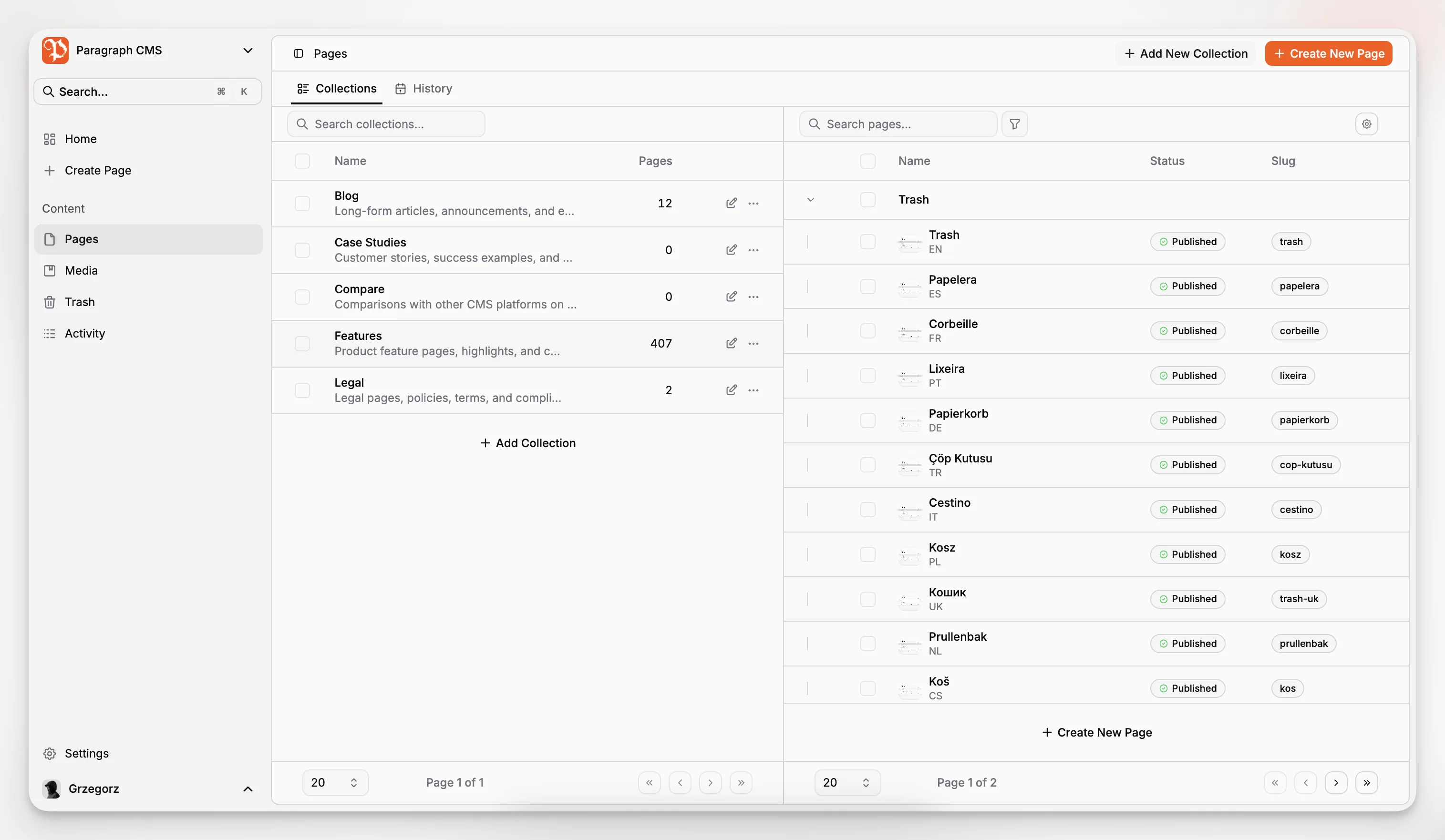
Second, it treats localization as a core workflow area rather than a side feature. The public feature inventory and changelog both point to locales, multilingual content, and translation/retranslation support.
Third, it gives developers a framework-aware path to implementation. Paragraph CMS highlights quickstarts and first-class support for major modern frameworks, plus open-source SDKs and starter projects.
Fourth, it connects content operations to SEO and delivery details. The ability to generate indexation-related files and manage media metadata in the CMS shortens the gap between writing content and shipping a technically sound experience.
This does not make Paragraph CMS the right answer for every use case. But it does make it a relevant example of where the headless CMS category is moving: toward systems that combine structured delivery, editorial usability, and embedded AI workflows rather than treating those as separate procurement decisions.
How does a headless CMS affect SEO?
There is a common misconception that headless CMS platforms are either automatically better for SEO or automatically worse. Neither is true.
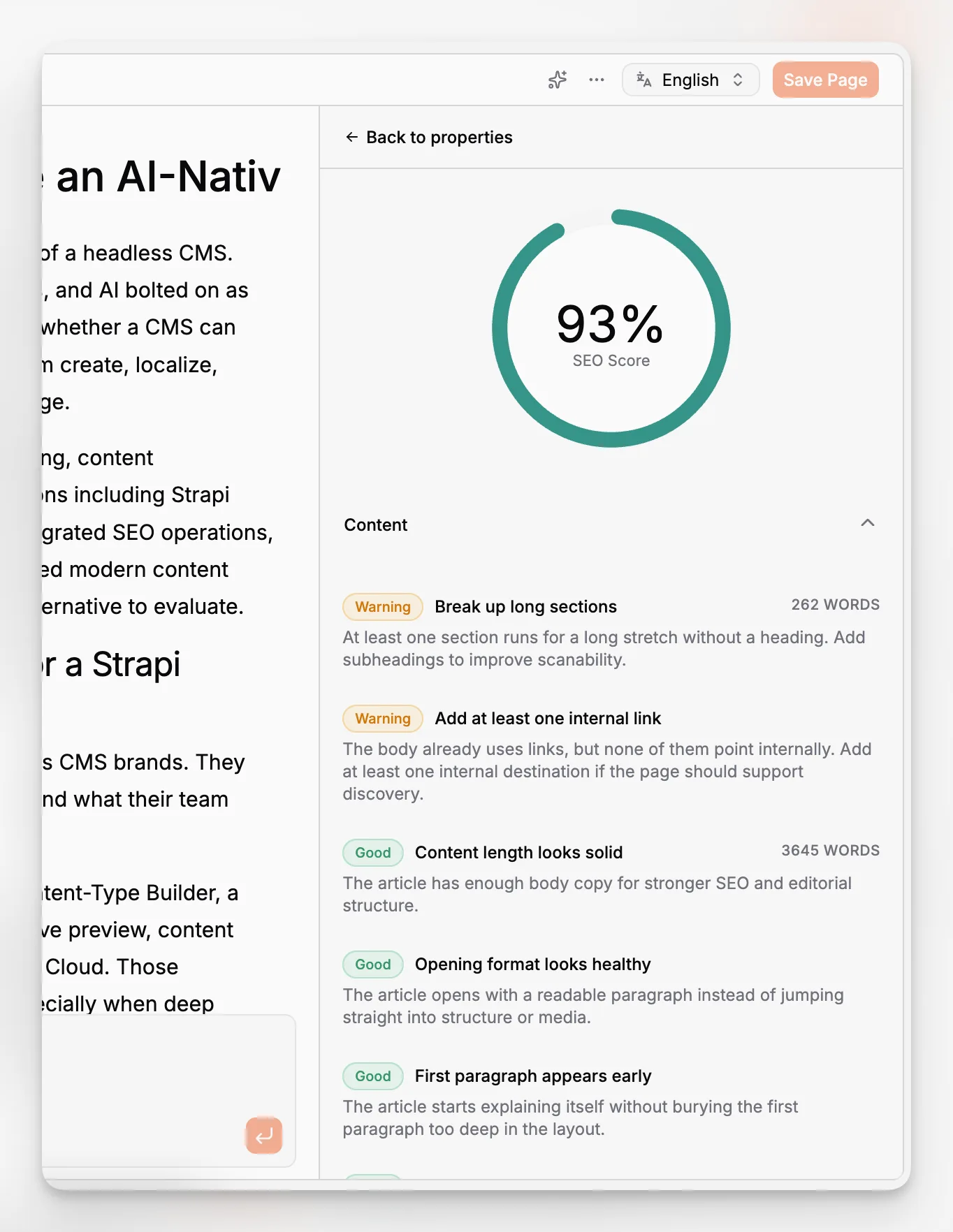
A headless CMS can be excellent for SEO when the implementation is done well. Google’s SEO starter guidance still applies: search visibility depends on crawlable content, indexable pages, good metadata, clear information architecture, and technically sound delivery.
Headless architecture changes where those responsibilities live.
In a traditional CMS, many SEO defaults are bundled into the theme or platform. In a headless stack, your team must intentionally implement them in the application layer. That includes:
Rendering metadata correctly
Generating XML sitemaps where appropriate
Managing robots directives
Ensuring content can be crawled and indexed
Handling image alt text and media metadata
Maintaining internal linking and URL logic
Avoiding hydration or rendering issues that hide content from bots
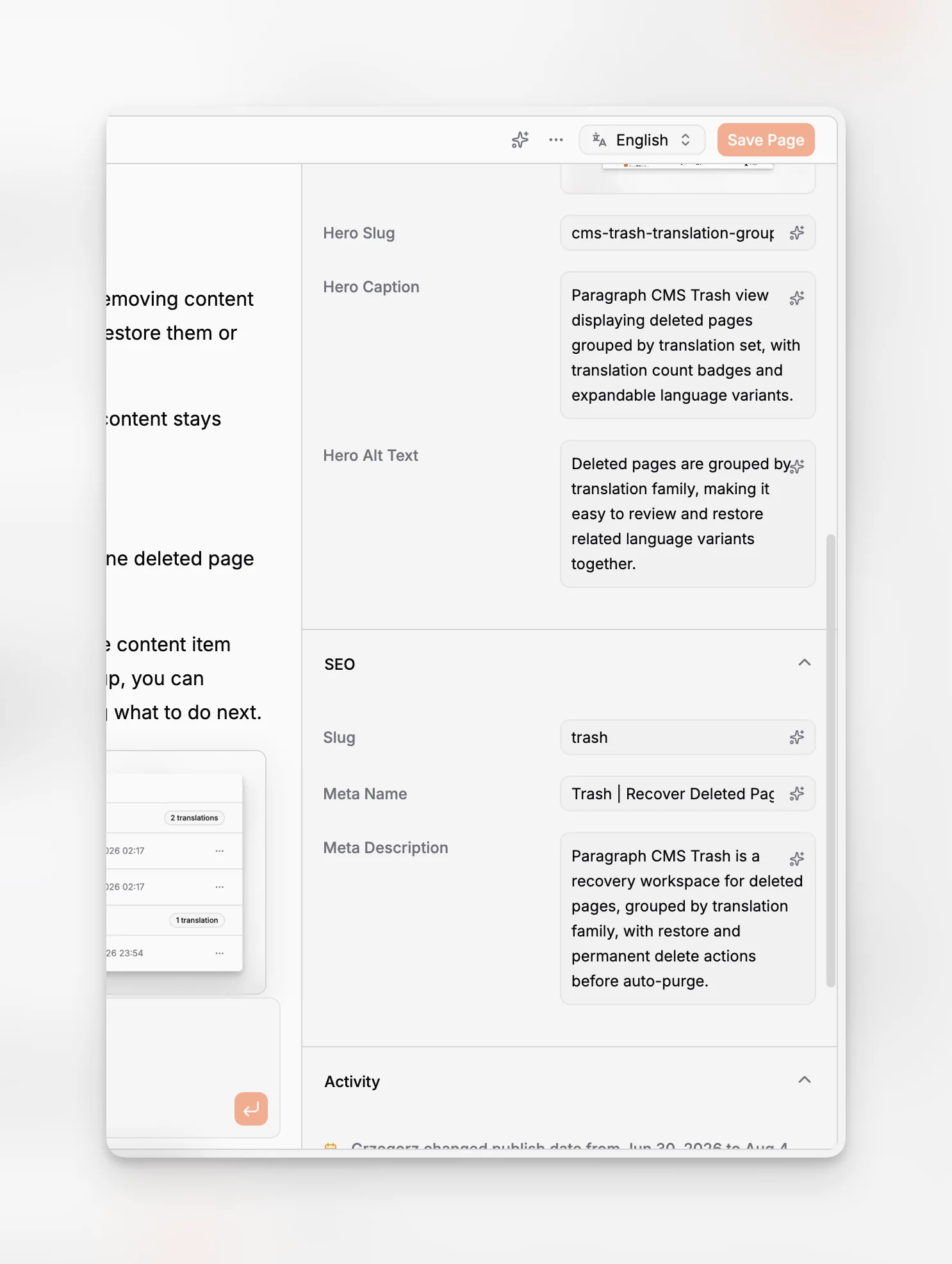
This is one reason Paragraph CMS’s AI-native positioning is relevant. It does not just store content; it also emphasizes page SEO, AI-generated slugs and metadata, and code-level SEO helpers. For teams running modern frameworks, that pairing is useful because SEO quality often depends on both editorial structure and implementation details.
For technical teams, resources like web.dev and Google Search Central remain the best external references for making sure the front end actually exposes the content well.
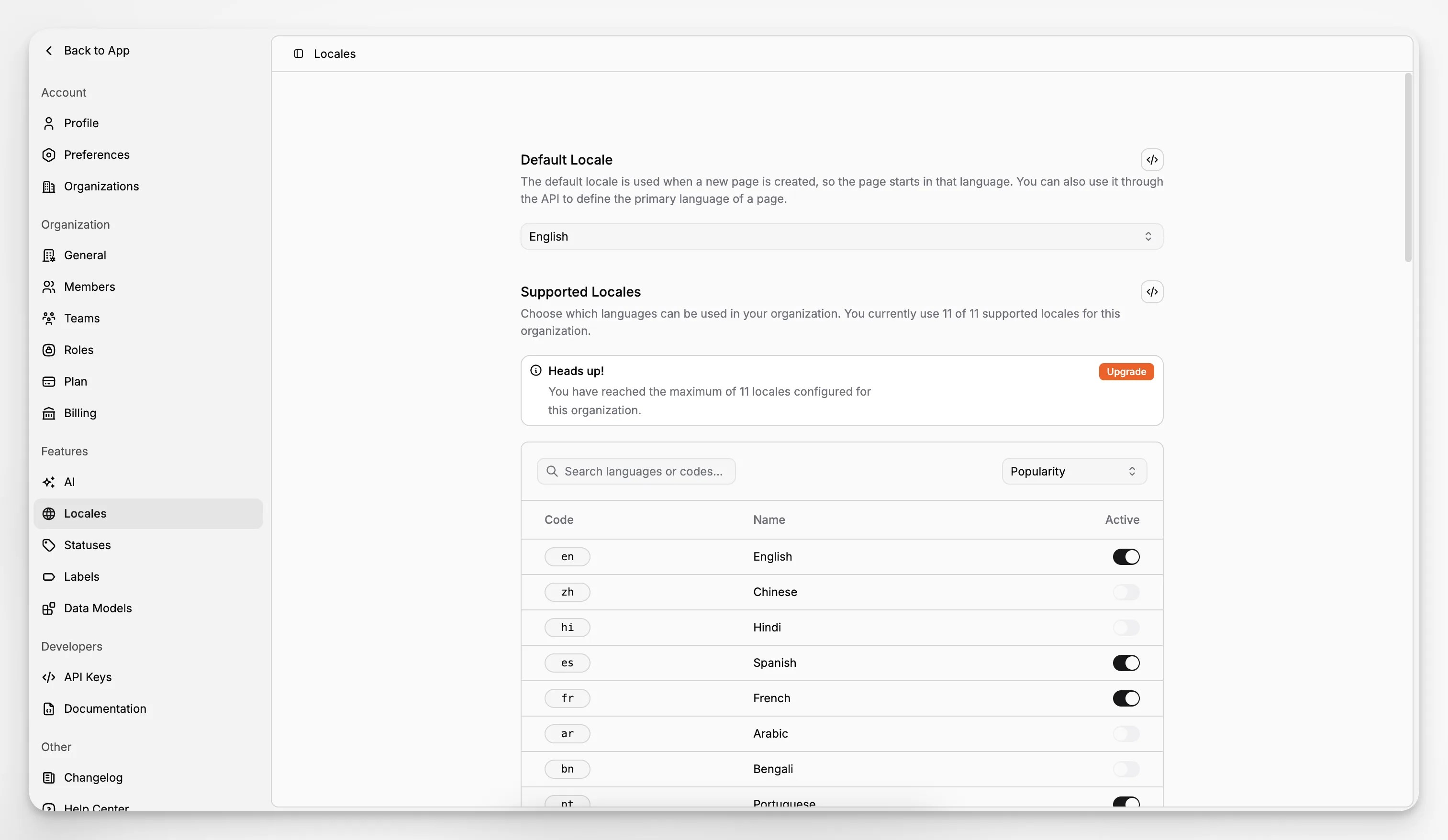
How does localization work in a headless CMS?
Localization is one of the strongest reasons to adopt structured content. When content is broken into reusable fields instead of trapped inside fixed page templates, translating and maintaining variants gets easier.
A good headless CMS stores locale versions in a consistent way, lets teams define a default locale, and supports updates when the source content changes. This matters because translation is rarely one-and-done. Articles get revised, product pages change, and metadata has to stay aligned.
Paragraph CMS publicly lists locales, multilingual content, and translation/retranslation as feature areas, and its changelog documents workflow improvements for localized content. That makes it a useful example of what teams should look for: not just language support, but update support.
This is also where AI can be genuinely practical. Used carefully, it can speed up first-pass translation, identify outdated variants, and reduce manual repetition. It should still be reviewed by humans, especially for brand voice, regulated content, or market nuance.
How does media management change in a headless CMS?
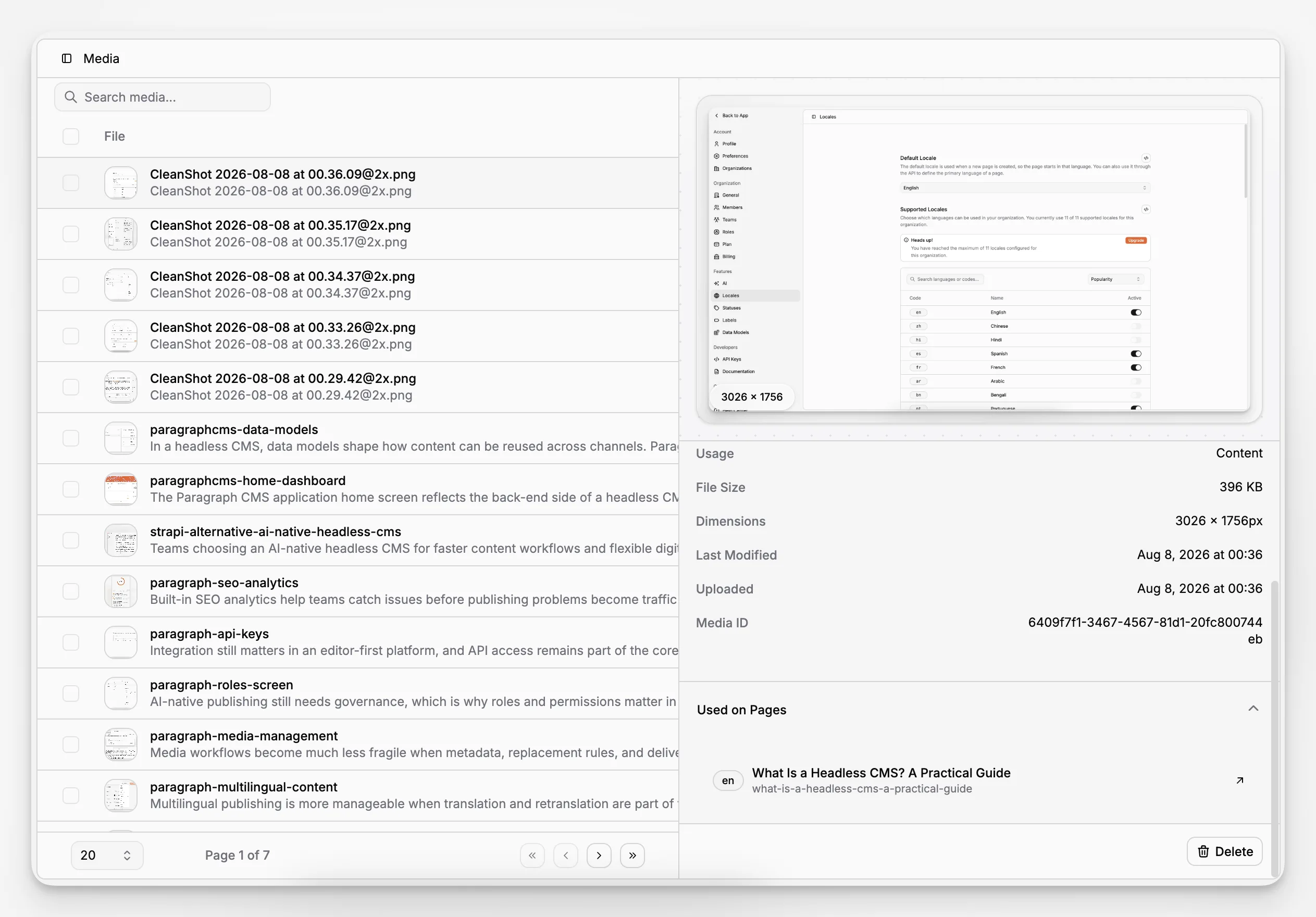
In a page-based CMS, editors often think of an image as something placed visually on one page. In a headless CMS, media is usually managed as reusable content with metadata and delivery rules.
That sounds subtle, but it changes workflow quality. You start caring more about consistent alt text, captions, replacement behavior, and how assets are served across locales and front ends.
Paragraph CMS’s public materials show several media-related capabilities that map well to this need: media management, unified alt and caption handling, AI-generated image metadata, safer updates through retention windows, and consistent public delivery paths. Those are the kinds of details that prevent content operations from becoming fragile.
For performance-minded teams, media handling also intersects with image optimization and delivery strategy. The platform’s current messaging highlights edge-cached public media and automatic WebP delivery for supported images, which fits the broader modern web emphasis on efficient asset delivery.
What common mistakes do teams make with headless CMS projects?
The most common mistake is assuming headless alone is a strategy. It is not. It is an architectural choice that still needs clear content modeling, governance, and implementation discipline.
Another mistake is recreating page-builder habits inside a structured CMS. If every field is basically a workaround for a visual layout need, the model becomes bloated and reuse breaks down quickly.
A third mistake is ignoring editorial workflow. Developers may love the decoupled architecture, but if editors cannot find the right fields, preview the right states, or manage metadata efficiently, the project will underperform.
A fourth mistake is underestimating SEO implementation. Because the CMS is not rendering the final page, metadata and crawlability have to be handled deliberately in the front end.
A fifth mistake is overusing AI without process controls. AI can speed up drafting, rewriting, translation, and metadata generation, but it can also spread inconsistency if prompts, review steps, and brand standards are unclear.
If you want a practical filter, ask this: does the CMS make repeatable good behavior easier? In the headless era, the best platforms are not just flexible; they reduce operational drift.
What does a healthy headless CMS workflow look like?
A healthy workflow usually starts with a small number of well-defined content models and a publishing path everyone understands.
An example might look like this:
Define a page or article model with clear SEO and media fields.
Create content in the editor with reusable structured sections.
Generate or refine metadata, alt text, and supporting copy.
Translate the entry into required locales.
Review status, permissions, and publishing readiness.
Deliver the content through the application front end.
Update the content later without breaking media or localization logic.
That may sound simple, but many teams lose time because those steps are scattered across several disconnected tools. Paragraph CMS’s product direction is notable because it tries to keep the workflow in one place: editing, AI assistance, SEO preparation, localization, media handling, and framework-ready delivery.
For a modern stack, that is often more valuable than having the longest features list. Coherence matters.
Is a headless CMS the future of content management?
For many digital teams, yes, but not because the phrase is trendy. It is because content now has to move across more systems, more interfaces, and more workflows than the old page-template model was designed to handle.
The future is probably not “everything becomes headless” in a simplistic sense. It is that more organizations will expect their content layer to be independent, structured, API-accessible, and compatible with multiple front ends. On top of that, they will expect localization, governance, media operations, and AI assistance to be built into the workflow rather than outsourced to a patchwork of separate tools.
That is why the AI-native headless CMS category is worth paying attention to. It reflects a shift from merely decoupling content and presentation to improving the entire publishing system around that decoupling.
Paragraph CMS fits that direction closely. Its publicly documented feature areas suggest a product built not just for storing content, but for helping teams create, manage, optimize, and deliver it with fewer handoffs.
How do you know if Paragraph CMS is a good fit?
Paragraph CMS is most compelling if your team wants the benefits of headless architecture without managing a fragmented workflow for AI, localization, SEO, and media separately.
It is a strong candidate if you:
Build with modern frameworks and want a cleaner integration path
Need multilingual publishing or repeated translation updates
Care about structured SEO workflows, not just raw content storage
Want AI help inside the CMS rather than in disconnected tools
Need content operations that can grow with multiple teams and roles
If you are comparing options, review the live Paragraph CMS feature set, the public homepage overview, and the visible changelog updates together. Those three views usually tell you more than a generic vendor checklist because they show both positioning and implementation direction.
Final takeaway: what is a headless CMS, really?
A headless CMS is not just a CMS without a front end. It is a different way of treating content itself.
Instead of tying content to one visual output, it treats content as structured, reusable, API-delivered information that can power many experiences. That creates real advantages in multichannel publishing, developer flexibility, localization, and long-term scalability. It also introduces responsibilities around modeling, editorial workflow, and implementation quality.
If your team only needs a simple website, headless may be more architecture than you need. But if you are building across channels, frameworks, or markets, a headless CMS is often the more durable foundation.
And if you want that architecture paired with embedded AI workflows rather than extra tooling overhead, Paragraph CMS is a credible example of where the category is heading: an AI-native headless CMS designed for structured content, practical publishing workflows, and modern front-end delivery.
What is the simplest definition of a headless CMS?
A headless CMS is a back-end content system that stores and manages content, then delivers it through APIs instead of rendering the final website itself. Your frontend application handles presentation.
Is a headless CMS better for SEO?
It can be, but only if the frontend is implemented well. A headless CMS gives you control over metadata, routing, and delivery, but your team still has to handle crawlability, rendering, and technical SEO correctly.
Who should not use a headless CMS?
Teams with one simple site, limited technical support, and no real need for multichannel delivery may be better served by a traditional CMS. Headless becomes more valuable as complexity, reuse, and integration needs increase.
What makes Paragraph CMS different from a generic headless CMS?
Paragraph CMS is positioned as an AI-native headless CMS, which means it combines structured content management with built-in AI workflows, localization, media management, SEO support, and framework-oriented delivery rather than treating those as separate tools.
Can a headless CMS support multilingual websites?
Yes. In fact, localization is one of the strongest use cases for headless architecture because structured content models make it easier to manage language variants, route content by locale, and keep translated versions updated over time.
