
Strapi Alternative: Why Teams Choose an AI-Native Headless CMS
Strapi alternative for teams that want an AI-native headless CMS with built-in editing, SEO, localization, and faster publishing workflows.
 Grzegorz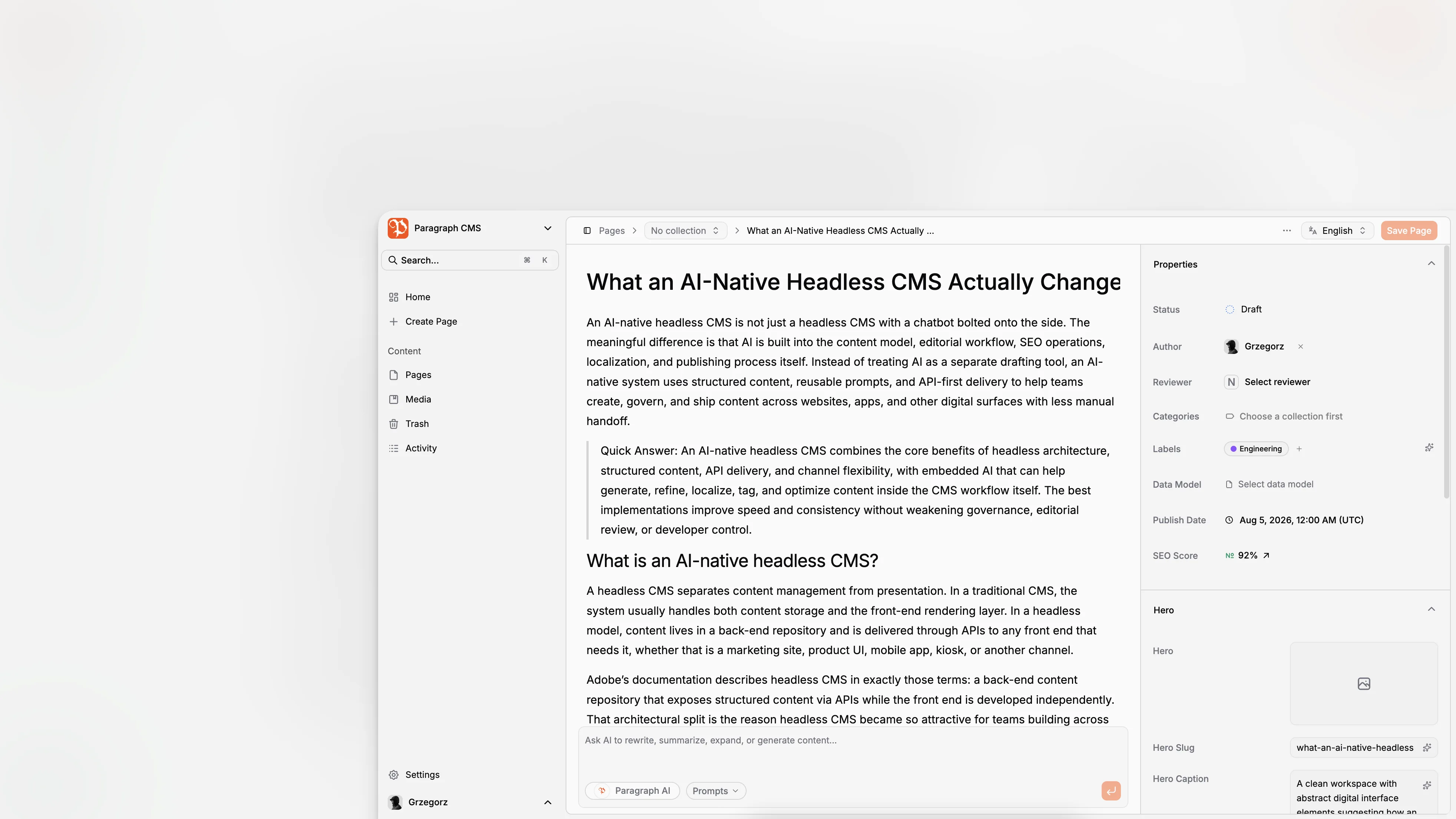
If you’re looking for a Strapi alternative, you’re usually not rejecting the idea of a headless CMS. You’re trying to avoid extra operational work, fragmented editorial workflows, and AI bolted on as an afterthought. That changes the evaluation criteria. Instead of asking only whether a CMS can model content and expose APIs, it’s smarter to ask whether it helps your team create, localize, optimize, govern, and ship content faster without adding more tools to manage.
TL;DR: Strapi remains a capable headless CMS with visual content modeling, content management, localization, REST and GraphQL APIs, and deployment options including Strapi Cloud. But if your team wants AI built directly into editorial workflows, integrated SEO operations, localization assistance, media metadata generation, and a more opinionated modern content experience, an AI-native headless CMS like Paragraph CMS is a strong alternative to evaluate.
What do people usually mean when they search for a Strapi alternative?
Most readers searching this term are not looking for a random list of headless CMS brands. They are trying to solve a practical mismatch between what Strapi is excellent at and what their team needs day to day.
Strapi is well established as an open-source headless CMS with a visual Content-Type Builder, a Content Manager, internationalization support, REST and GraphQL access, live preview, content history, audit logs, and deployment paths ranging from self-hosting to Strapi Cloud. Those capabilities make it a legitimate option for many engineering-led teams, especially when deep extensibility matters and developers want to customize the stack heavily. Strapi documentation lays out that product shape clearly.
But the search intent behind “Strapi alternative” is often more specific:
“We want less CMS plumbing and more publishing speed.”
“We want AI inside the editor, not in five separate browser tabs.”
“We want localization and SEO workflows to feel native.”
“We want content operations designed for editors, not only backend flexibility.”
“We want a headless CMS that fits the way modern teams publish for websites and AI search.”
That is where Paragraph CMS enters the conversation. It positions itself as an AI-native headless CMS with built-in AI chat, AI-assisted editing, prompt reuse, multilingual workflows, media management, page SEO, analytics, global CDN delivery, and automatic generation of files like sitemap and robots support through its SEO tooling. The product overview and feature index on Paragraph CMS make that positioning explicit.
Why isn’t “open-source vs SaaS” the only useful comparison?
A lot of Strapi comparisons get stuck at the infrastructure layer. That matters, but it is not the whole buying decision.
Strapi has historically appealed to teams that value flexibility, control, and custom backend extension. Its official docs emphasize instant APIs, extensibility, plugins, lifecycle hooks, custom controllers, services, and middleware. For some products, that is exactly the right fit, especially when the CMS is part of a larger application platform rather than primarily an editorial system.
The problem is that content teams rarely experience a CMS through architecture diagrams. They experience it through repeated tasks: drafting pages, updating metadata, translating content, reusing assets, managing permissions, reviewing changes, and publishing with confidence. If those workflows feel scattered, the theoretical flexibility of the backend does not fully solve the operational problem.
This is why a better question is not “Which CMS is more powerful?” but “Which CMS reduces the most friction for our real workflow?” That framing tends to surface the meaningful difference between a general-purpose extensible CMS and an AI-native editorial platform.
External guidance from Google is also helpful here. Google’s documentation on using generative AI content and optimizing for generative AI features does not reward generic scale for its own sake. It repeatedly stresses accuracy, originality, metadata quality, technical clarity, and helpful, non-commodity content. In other words, the winning CMS is not the one that merely stores content. It is the one that helps your team produce better content systems.
How is Paragraph CMS different from Strapi in practice?
The cleanest way to understand Paragraph CMS as a Strapi alternative is to compare the default operating model rather than every checkbox.
Strapi’s default story is powerful content infrastructure: define data models, manage entries, expose APIs, customize behavior, and deploy in the way that matches your team. That is a strong fit when your organization wants a customizable content backend with broad developer control.
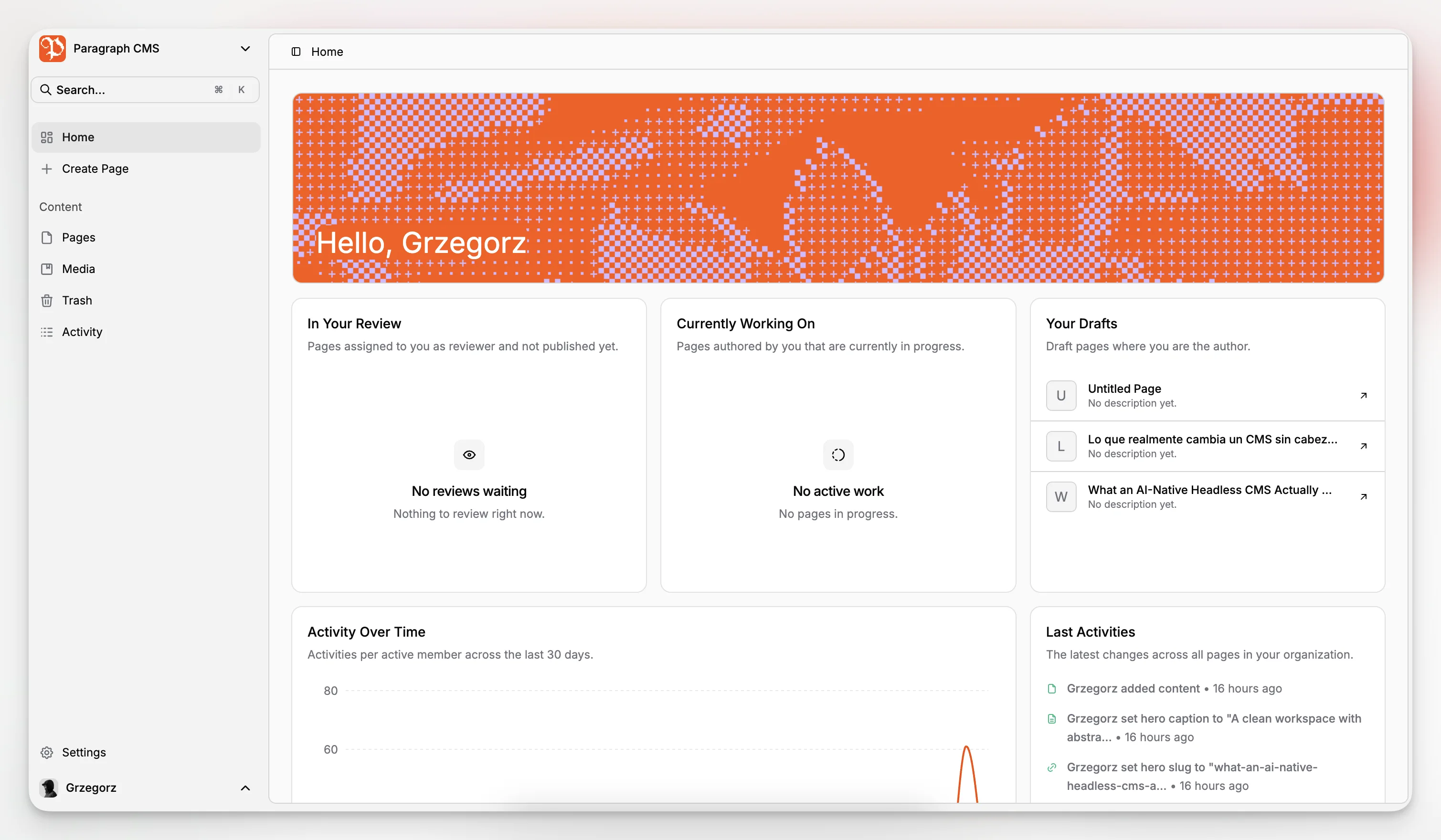
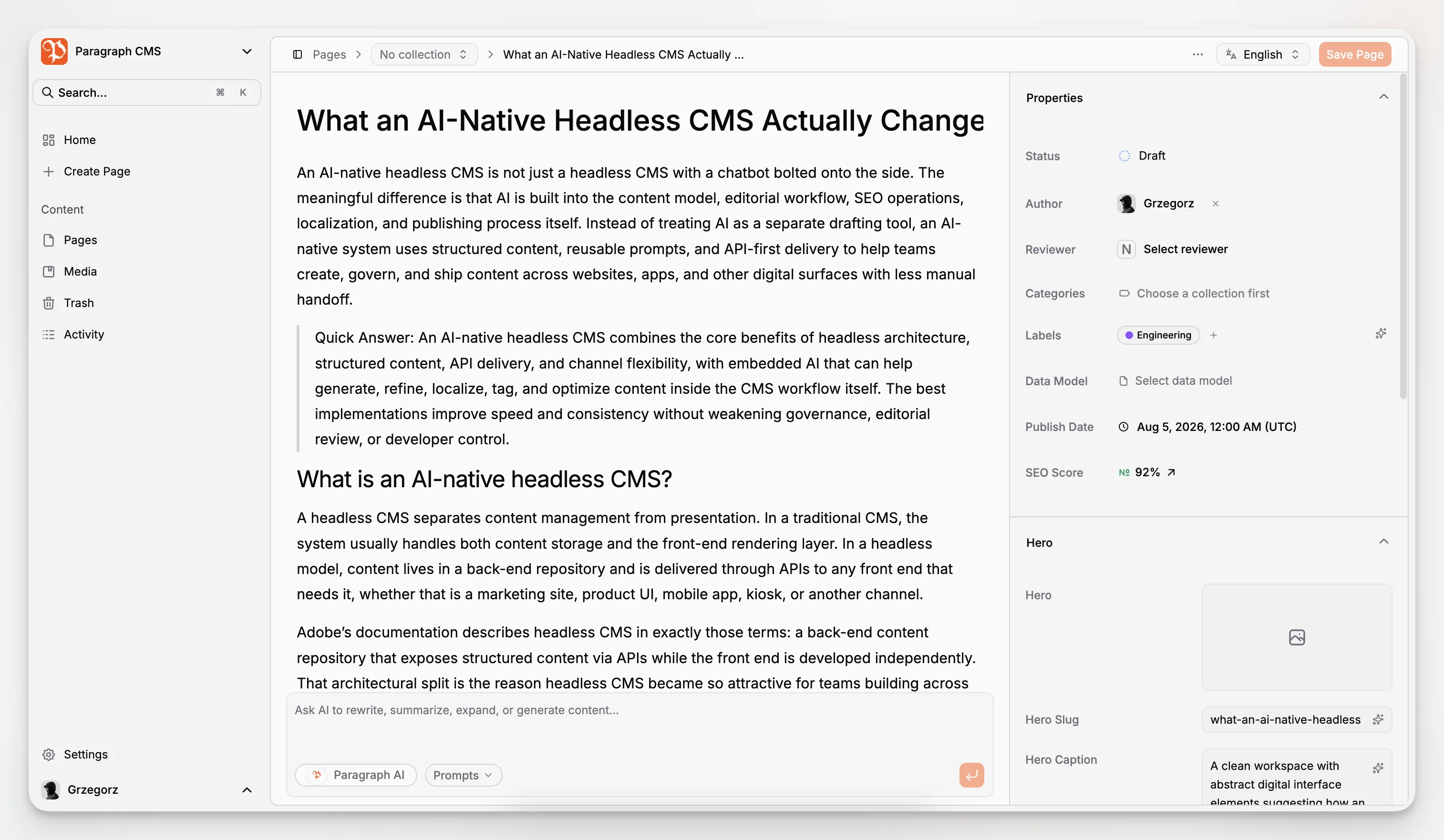
Paragraph CMS pushes in a different direction. Its homepage and features present one unified workspace for AI-assisted creation, editing, page management, collections, multilingual publishing, media handling, roles, API access, and SEO operations. It is not just “a CMS with AI.” The product is organized around the idea that AI belongs inside the normal lifecycle of structured content, from draft creation to metadata generation to translation and retranslation.
A few concrete examples from the live product materials:
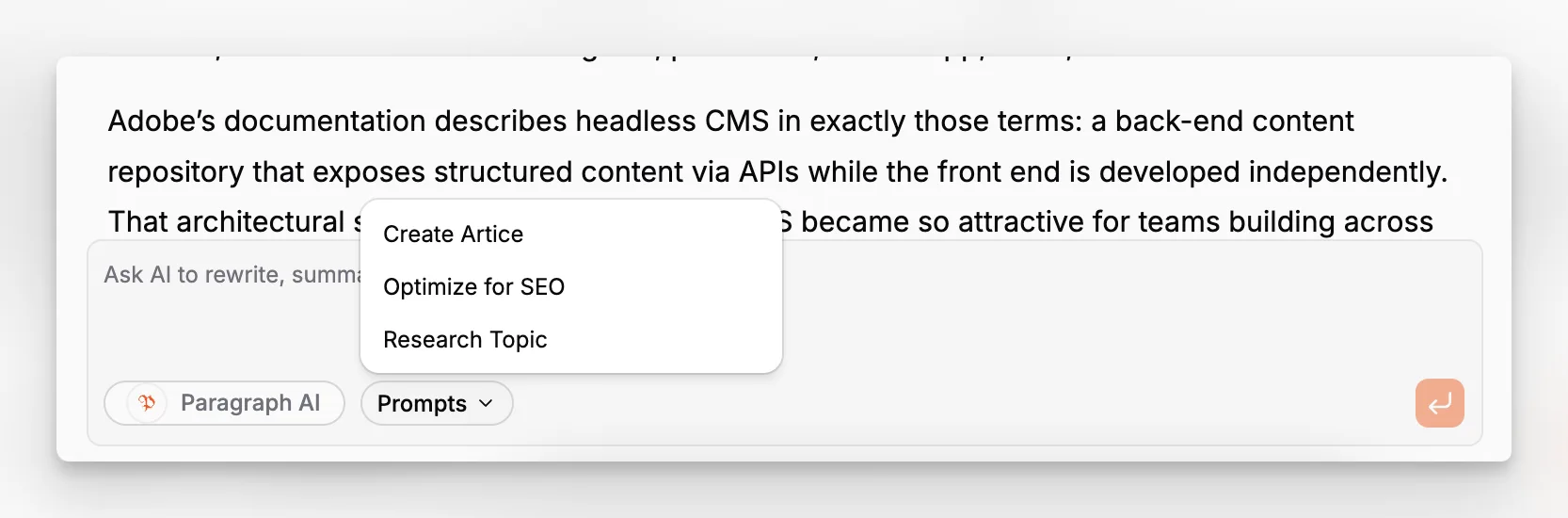
Built-in AI chat for research, brainstorming, rewriting, and content creation inside the workspace.
AI-assisted editor workflows for improving copy without leaving the editor.
AI generation for slugs, captions, alt text, and hero metadata.
Translation and retranslation workflows across 75+ languages.
Real-time SEO-oriented analytics and page SEO management.
BYOK support with multiple AI providers, including OpenAI, Anthropic, Gemini, Groq, xAI, and DeepSeek.
Public media delivery over a global edge network, plus image optimization and retention behavior documented in the product and changelog.
Those details are documented across the main product site, feature index, and changelog, including recent updates around hero metadata generation, translation speed improvements, media metadata, and starter integrations for frameworks such as Next.js, Astro, Nuxt, React Router, and SvelteKit.
When is Strapi still the better choice?
A useful comparison should say this plainly: Strapi is still a good fit in several situations.
You may prefer Strapi if:
You need a heavily customized backend application platform and want to extend behavior at multiple layers.
Your team is comfortable owning more implementation and operational decisions.
You already have strong SEO, AI, localization, and editorial tooling elsewhere.
Your developers specifically want Strapi’s content modeling approach, API ecosystem, or plugin path.
You prioritize open-source extensibility over an integrated AI-native editorial workflow.
This is not a weakness. It is product-market fit. A company building a highly custom internal system may rationally accept more assembly work in exchange for control.
But many teams searching for a Strapi alternative are not actually trying to build a backend framework with CMS capabilities. They are trying to run a faster, safer publishing operation for websites, landing pages, articles, localized content, and structured marketing surfaces. That is where Paragraph CMS starts to make more sense.
What makes an AI-native headless CMS more useful than AI add-ons?
This is the most important conceptual difference.
An AI add-on usually helps with one narrow task, such as text generation. An AI-native CMS changes how the whole system behaves. It connects structured content, metadata, localization, prompts, editorial review, and delivery mechanics inside one operating model.
Paragraph CMS appears designed around that idea. Its AI features are not limited to a chatbot sidebar. The platform surfaces AI in the editor, prompt reuse, SEO metadata work, image metadata generation, hero metadata, and multilingual updates. The changelog also shows ongoing improvements to those workflows rather than a one-time “AI feature launch.”
That matters because publishing bottlenecks are cumulative. A team may draft quickly but still lose hours doing SEO cleanup, image metadata writing, translation coordination, and page-by-page updates. AI becomes materially valuable when it removes friction across the whole chain.
This approach also aligns with Google’s guidance on helpful, reliable, people-first content. AI should support quality and efficiency, not mass-produce thin pages. A CMS that embeds AI into governed editorial workflows is usually better positioned for that than one where AI exists outside the content system.
What should marketing and editorial teams look for in a Strapi alternative?
If you are evaluating alternatives from the perspective of a marketing team, content team, or lean product team, the checklist should look different from a backend architecture checklist.
1. Can editors do meaningful work without leaving the CMS?
A content system becomes expensive when editors constantly switch between docs, spreadsheets, SEO tools, translation tools, AI tools, and handoff chats. Paragraph CMS’s built-in chat, editor assistance, metadata generation, media workflows, and page SEO tools are compelling because they consolidate work that often lives in separate systems.
2. Does localization feel like a workflow or a burden?
Strapi supports internationalization, which is important. But many teams need more than locale storage. They need fast creation and maintenance of language variants. Paragraph CMS explicitly promotes translation and retranslation workflows and recent changelog entries mention improved speed for both. That is a stronger operational story for multilingual content teams.
3. Is SEO part of publishing, or an afterthought?
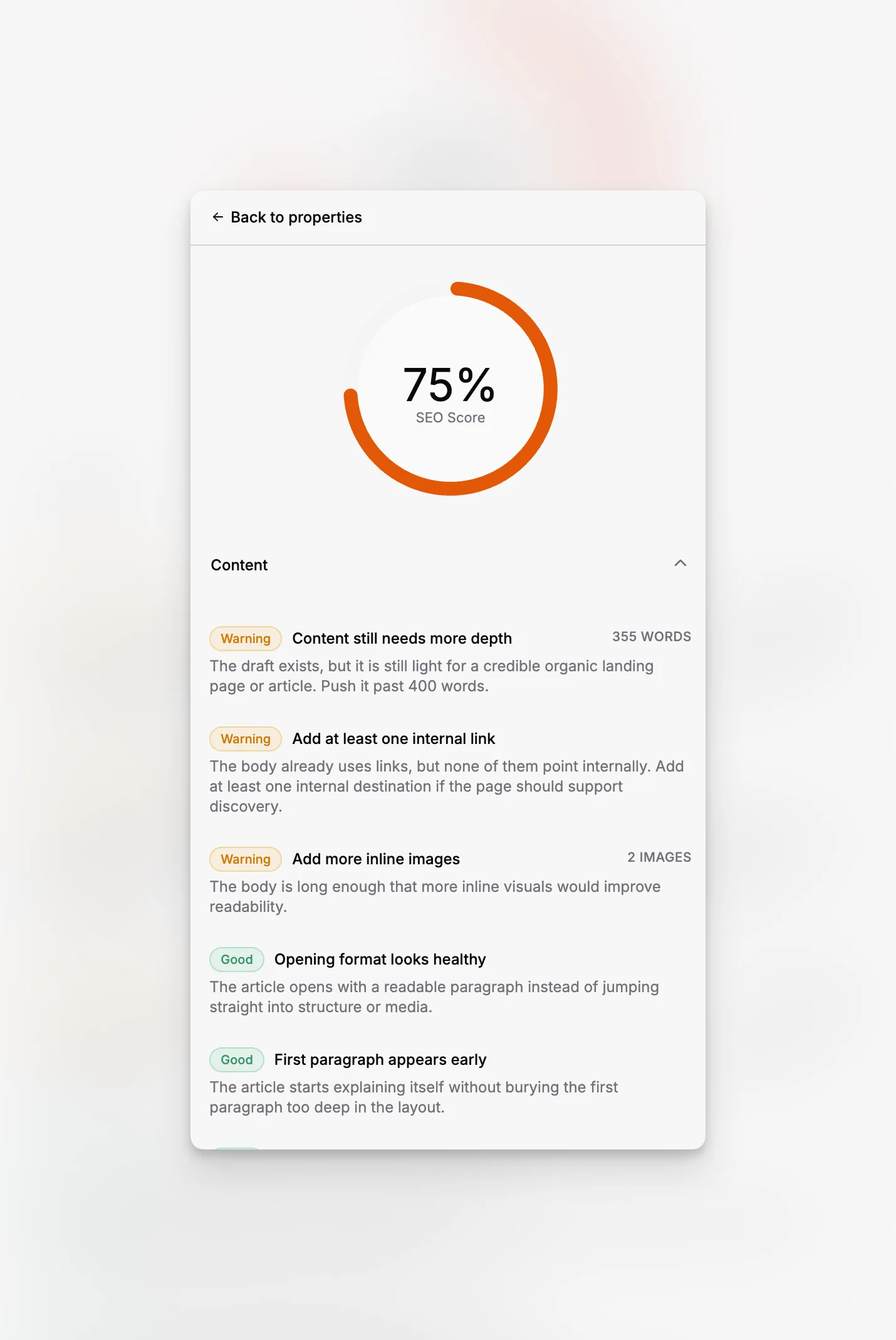
A lot of CMS platforms can store title tags and slugs. That does not mean SEO work is integrated. Paragraph CMS includes page SEO, SEO analytics, AI generation of metadata, and SEO tooling for common search files. That is notably relevant for teams publishing article-heavy or landing-page-heavy sites.
4. Can developers integrate quickly without rebuilding everything from scratch?
Paragraph CMS supports major modern frameworks and has documented starter and advanced examples for Next.js, Astro, Nuxt, React Router, and SvelteKit. That lowers the cost of adoption for teams that want a practical path from CMS setup to a live site.
5. Does the platform respect structured content rather than treating everything as one giant rich text field?
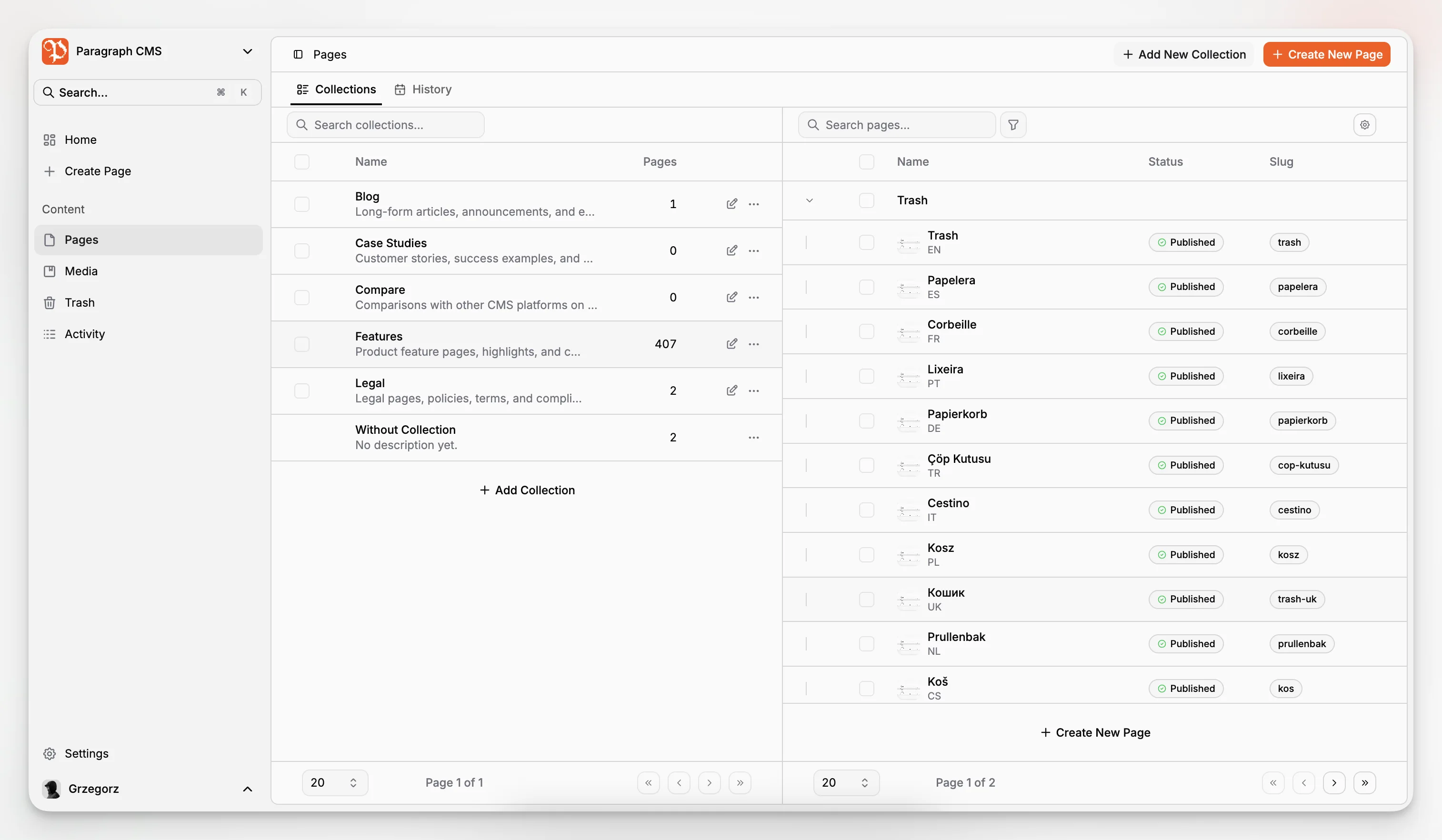
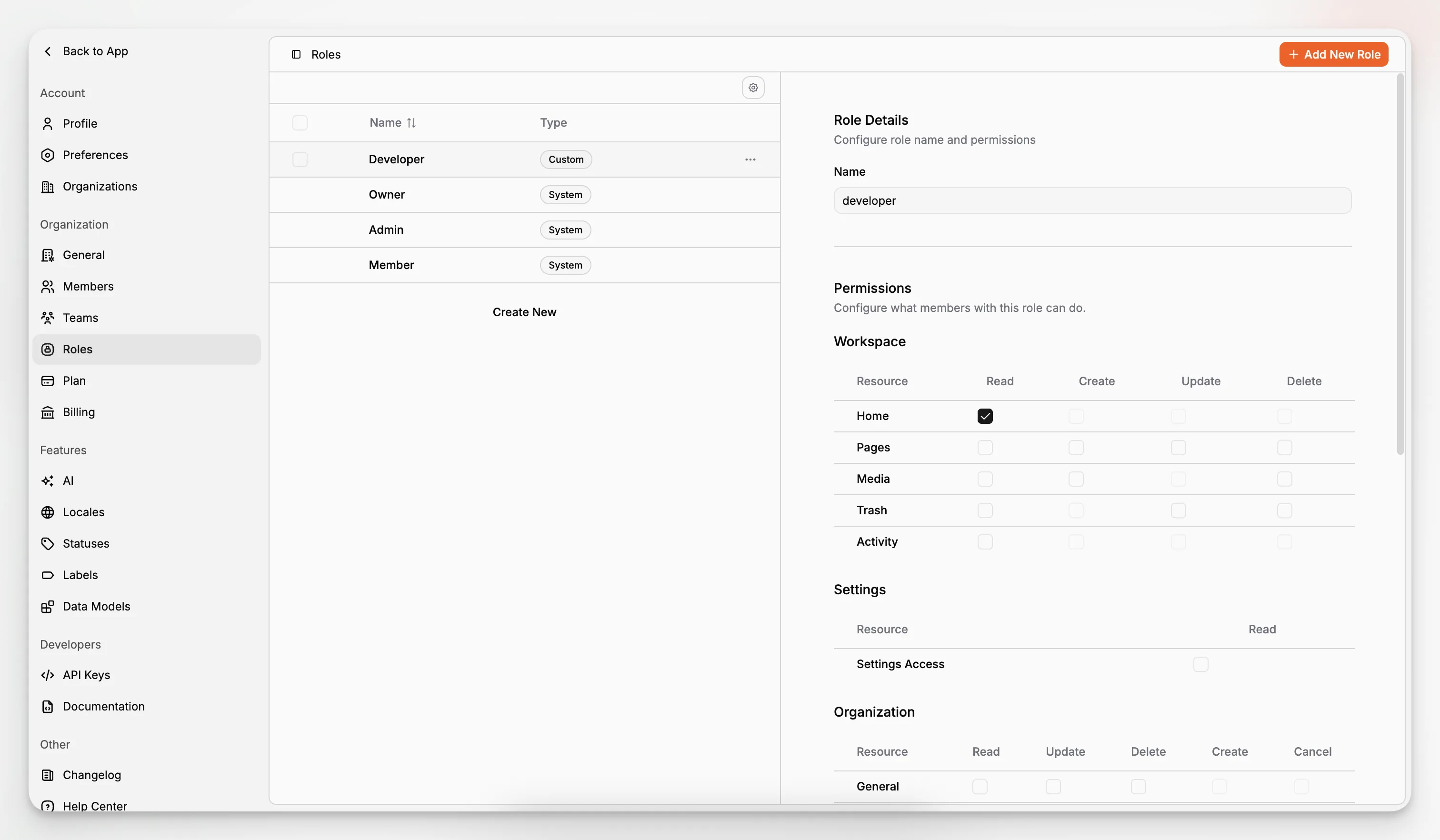
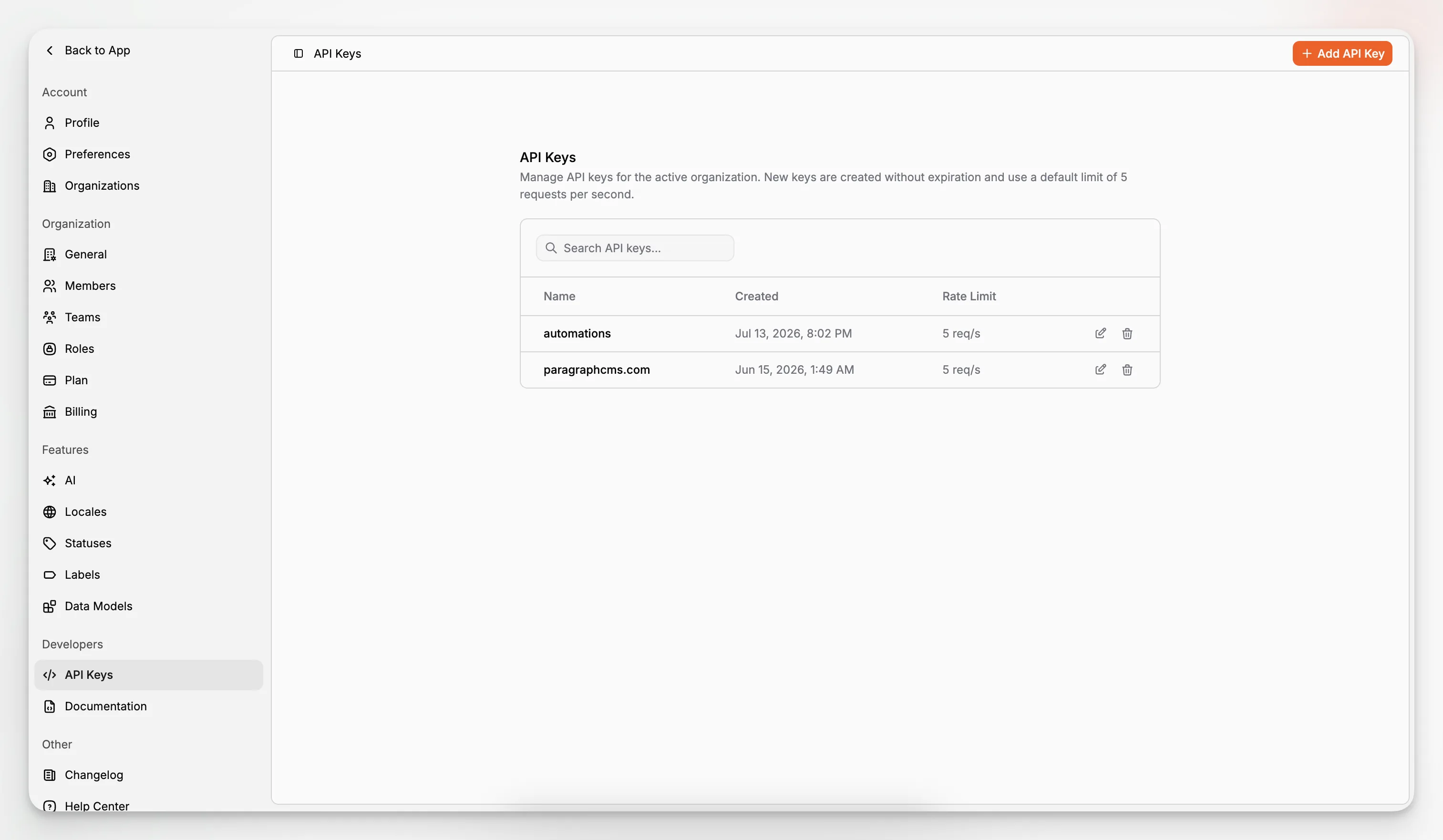
A serious headless CMS should balance editorial ease with structured modeling. Paragraph CMS exposes pages, data models, collections, page properties, page hero metadata, media metadata, locales, and API keys as distinct product areas. That suggests a structured approach that remains approachable for content teams.
How does Paragraph CMS compare on SEO and discoverability workflows?
This is one of the stronger reasons to consider it as a Strapi alternative.
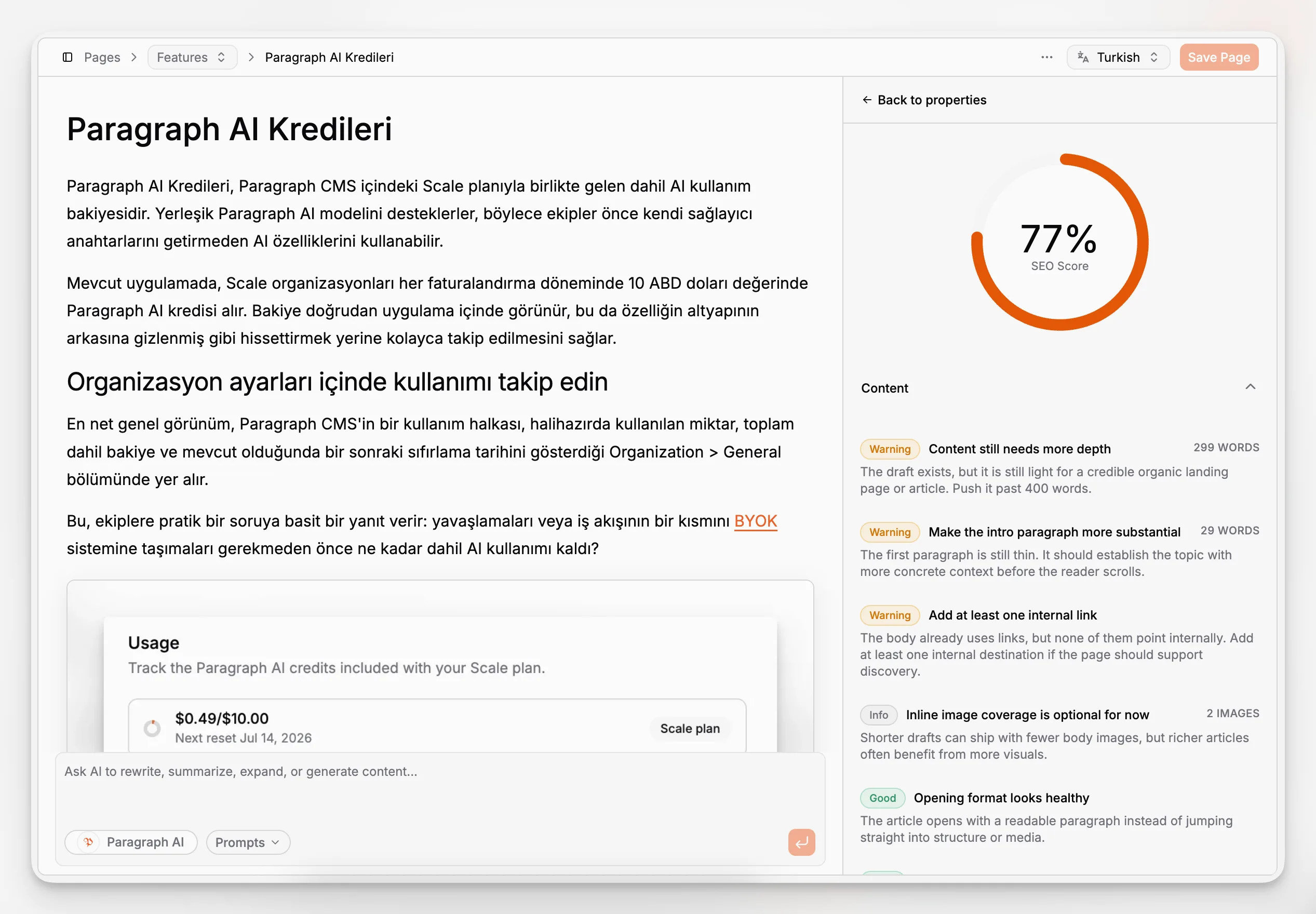
Traditional CMS evaluations often talk about APIs, content models, and deployment. Real publishing teams also need clean technical SEO operations. Paragraph CMS surfaces that concern directly. Its public product materials mention AI-powered SEO support, page SEO management, real-time analytics, and an SEO package that can generate robots.txt, sitemap.xml, rss.xml, and llms.txt. The changelog documents the release of @paragraphcms/seo with those capabilities.
That matters because technical hygiene is foundational, not optional. For example, Next.js metadata file conventions show how common it is for modern sites to programmatically generate files such as robots and sitemaps. Paragraph CMS appears to recognize that these are not edge cases for advanced teams; they are normal parts of publishing.
The bigger advantage, though, is workflow coherence. Metadata generation, image alt text, captions, slugs, and page-level SEO tend to be the jobs that slip through the cracks when content velocity increases. Paragraph CMS’s AI-native orientation gives teams a way to treat those tasks as first-class work rather than post-publish cleanup.
That does not mean “let AI handle SEO.” It means “use AI to make good SEO behavior easier to sustain.” Google’s own documentation repeatedly emphasizes that automatically generated metadata and content still need to be accurate, useful, and compliant with search guidance.
How does Paragraph CMS compare on multilingual content?
Localization is one of the clearest places where an AI-native CMS can outperform a generic setup.
Strapi includes internationalization support, and for many teams that is enough. But multilingual publishing is rarely just about storing a locale value. Teams need to launch new variants quickly, update them when the source changes, preserve consistency, manage media and metadata across locales, and reduce repetitive work.
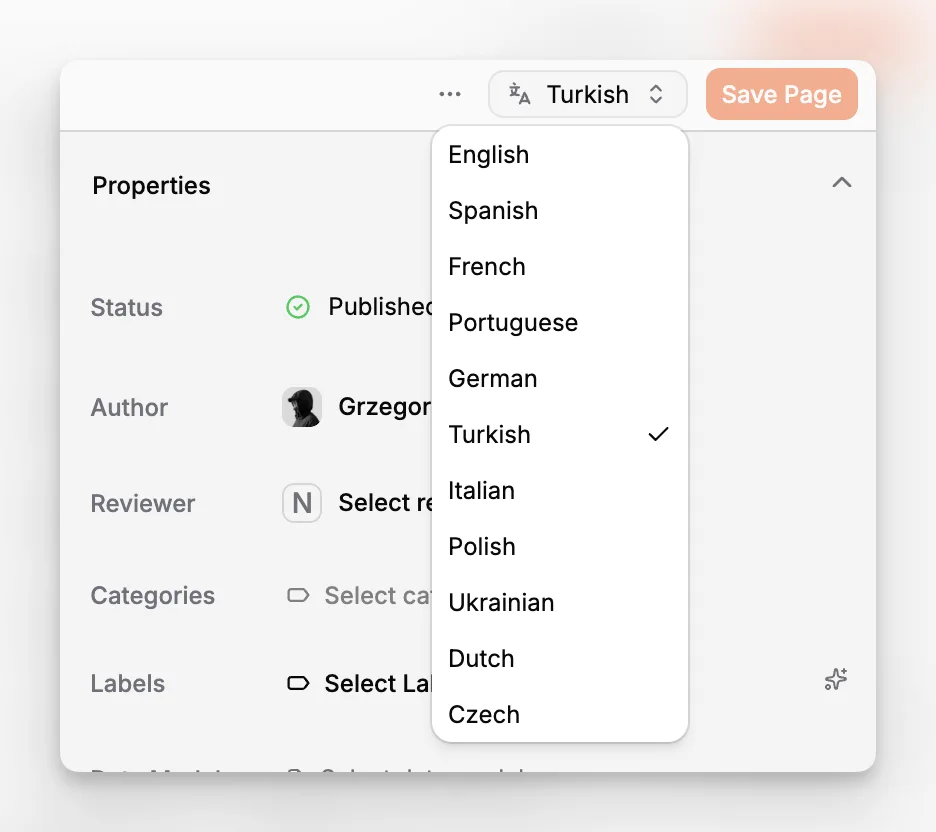
Paragraph CMS’s feature set is notably aligned with that reality. The main site describes one-click translation into 75+ languages and instant retranslation after the source article changes. The feature library includes dedicated entries for locales, multilingual content, default locale, and translations and retranslations. The changelog also mentions performance improvements to those workflows and support for replacing media assets across multiple language variants.
That combination is meaningful for international content operations. It suggests Paragraph CMS is treating translation as an ongoing content maintenance system, not a one-time import/export task.
For a team publishing documentation, marketing pages, editorial content, or product pages across regions, that can be a bigger differentiator than pure backend flexibility.
What about media management and image operations?
Media is often underestimated in CMS selection until it starts breaking production workflows.
You need more than uploads. You need alt text, captions, replacement behavior, delivery speed, and confidence that content updates will not create broken references. Paragraph CMS puts unusual emphasis on this area for a modern headless CMS.
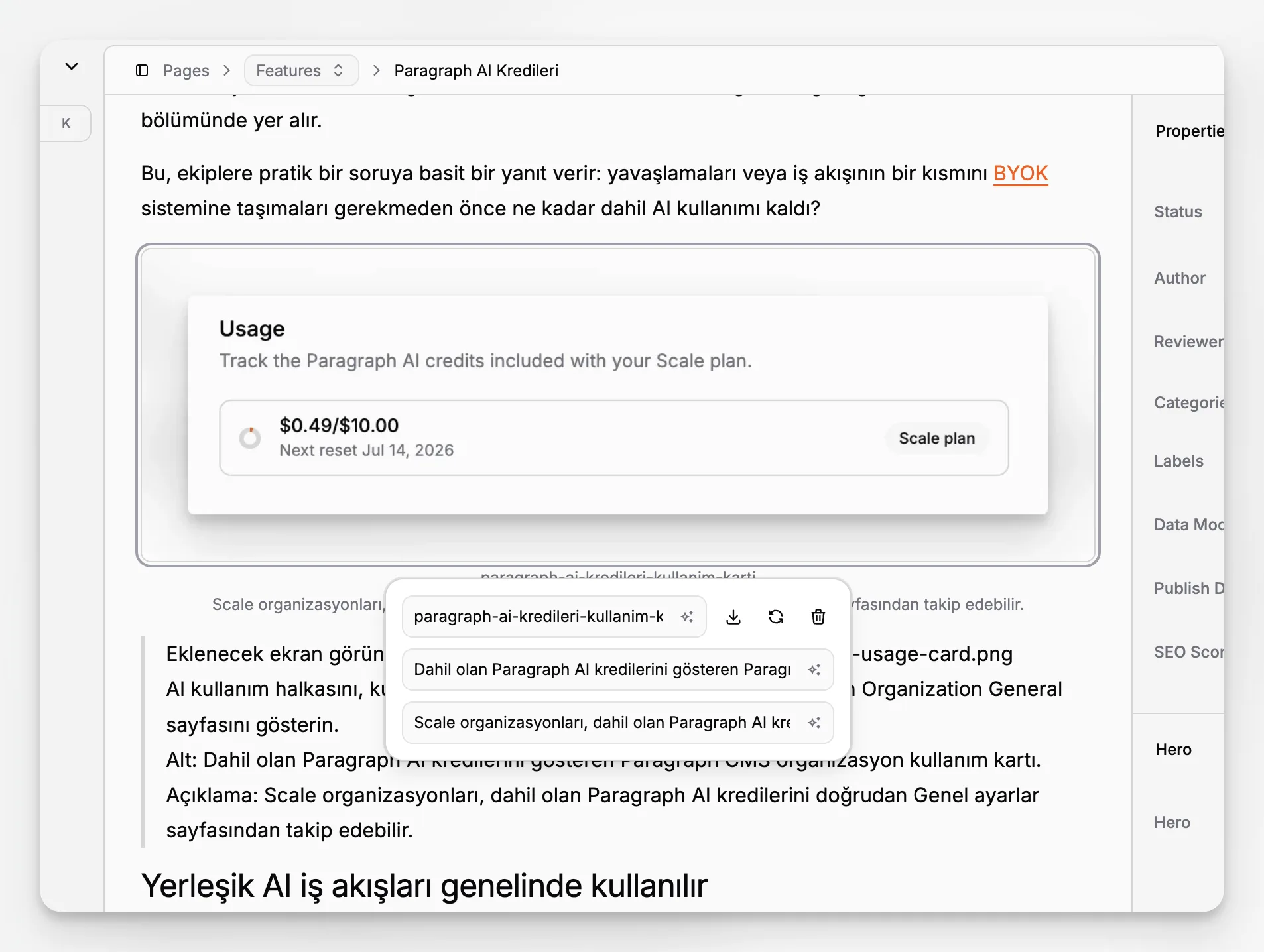
The public product information highlights edge caching for public media, automatic image optimization to WebP in the current implementation, consistent delivery paths for hero and inline images, and retention windows for replaced or removed images. The changelog also documents improvements to media metadata, including alt field support, AI-generated alt tags, and unified handling of alt and caption logic.
That is a practical advantage over CMS setups where media is treated as a basic asset bucket and metadata discipline depends entirely on manual effort.
For teams publishing lots of visual content, a few details matter a lot:
Can you generate or standardize alt text quickly?
Can you replace assets without immediately breaking production pages?
Can you manage hero image metadata consistently with inline image metadata?
Can you serve public media from a performant delivery layer?
Paragraph CMS appears to answer those concerns directly.
How does the developer experience differ from Strapi?
It is easy to overcorrect and assume that an editor-first CMS must compromise developer experience. That is not the right reading here.
Paragraph CMS explicitly supports major frontend frameworks and ships official starter and advanced project patterns. Its site references open-source SDKs with TypeScript support, example projects, and framework-specific setup for Next.js, Astro, Nuxt, React Router, and SvelteKit. The changelog further confirms starter and advanced blog integrations, including locale-aware routing and automatic generation of common SEO files.
That means the comparison is not “developer platform vs marketer platform.” It is closer to “deeply extensible general-purpose CMS” versus “AI-native content platform that still respects modern frontend development.”
If your team wants a content system that developers can wire up quickly while editors get stronger day-to-day workflows, that balance is attractive.
A good litmus test is this: if your developers spend more time maintaining CMS plumbing than shipping content experiences, a more integrated platform may be the smarter technical choice.
You can see this editor-and-developer balance across Paragraph CMS resources such as the Features overview, the Changelog, and the framework support referenced on the main product site.
What are the tradeoffs or limitations to think about?
No serious CMS comparison should pretend there are no downsides.
Paragraph CMS will not be the automatic winner for every use case. A few tradeoffs are worth considering carefully.
You may want more raw backend extensibility
If your organization’s main goal is to customize CMS internals aggressively, Strapi may remain more aligned with that objective. Its product story strongly emphasizes extensibility, plugins, hooks, and custom services.
You should validate maturity against your exact workflow
Paragraph CMS presents a compelling integrated feature set, but any team choosing a CMS should test the workflows that matter most: modeling, previewing, publishing, localization, media updates, permissions, and frontend integration. A strong product page is not a substitute for a real pilot.
AI-native does not remove the need for editorial standards
Built-in AI can improve speed, but it also makes governance more important. Teams still need review rules, brand guidance, fact-checking discipline, and clear ownership of what gets published. Google’s guidance on third-party SEO tools and advice is a useful reminder not to confuse “SEO-optimized” automation with sound editorial judgment.
Platform fit depends on who feels the most pain
If your pain is deployment control and backend customization, optimize for that. If your pain is editorial throughput, multilingual operations, and metadata work, optimize for that instead. Many bad CMS decisions happen because a team buys for a secondary pain point.
Which teams are most likely to benefit from choosing Paragraph CMS over Strapi?
Paragraph CMS is especially compelling for teams that publish often and care about both structured content and workflow velocity.
That usually includes:
B2B SaaS companies with active marketing sites and product content
Startups that need to move fast without building a fragmented content stack
Agencies managing content-heavy sites for multiple clients
Editorial teams publishing blogs, landing pages, and multilingual campaigns
Developer-marketer teams using Next.js, Astro, Nuxt, React Router, or SvelteKit
Organizations preparing content not just for search engines, but for AI-assisted discovery and reusable structured delivery
The platform also fits teams that want AI to be governed and contextual rather than improvised. BYOK support and multiple provider options matter here because they let teams maintain more control over model choice while staying inside a unified workflow.
What does a realistic migration decision look like?
You do not need to decide based on ideology. Decide based on the amount of workflow friction you can remove.
A realistic evaluation process looks like this:
List the recurring jobs your team does every week in the CMS.
Mark which of those jobs happen outside the CMS today.
Estimate how much time is spent on metadata, translation, image cleanup, SEO QA, and rewriting.
Test the same workflow in a Strapi setup and in Paragraph CMS.
Compare not only implementation effort, but editorial completion effort.
For many teams, the surprise is that the biggest cost is not content modeling. It is all the work around the content.
That is why Paragraph CMS is most interesting as a Strapi alternative. It is not just trying to be another headless CMS with APIs. It is trying to absorb adjacent content operations into the CMS itself.
How should you choose between Strapi and Paragraph CMS?
If you want the short version, use this framework.
Choose Strapi when:
backend extensibility is the primary requirement
your developers want to customize internals heavily
your team is comfortable owning more operational complexity
AI, SEO operations, and localization workflows are already handled elsewhere
Choose Paragraph CMS when:
your team wants an AI-native headless CMS rather than AI glued onto a CMS
editorial speed and workflow consolidation matter as much as schema control
you need multilingual workflows that go beyond simple locale storage
page SEO, metadata generation, and content QA should live inside the CMS
you want a cleaner path from draft to publish across modern frontend frameworks
This is less about one platform “beating” the other and more about choosing the product with the right default behavior.
If your team is genuinely searching for a Strapi alternative, there is a good chance you are no longer looking for maximum backend freedom at any cost. You are looking for a headless CMS that reduces operational drag while preserving the benefits of structured, API-delivered content. That is exactly the lane where Paragraph CMS is strongest.
Why is Paragraph CMS a credible modern alternative right now?
A lot of newer CMS products talk about AI in vague terms. What makes Paragraph CMS worth attention is that the public product materials are concrete.
The site does not stop at “AI-powered.” It documents built-in chat, prompt reuse, AI metadata generation, multilingual translation and retranslation, page SEO, analytics, API keys, roles, collections, pages, data models, media management, and framework support. The changelog adds specificity with dated releases around editor safeguards, hero metadata, prompt library support, media API improvements, included AI workflow credits on paid plans, starter projects, advanced examples, and SEO package releases.
That level of specificity is important. It gives buyers something testable. Instead of imagining what an AI-native CMS might mean, you can map actual product areas to actual workflow problems.
For readers evaluating options now, that makes Paragraph CMS more than a speculative alternative. It makes it a practical one.
Final takeaway: what is the best type of Strapi alternative?
The best Strapi alternative is not the one with the longest feature list. It is the one that changes the economics of publishing for your team.
If your main need is programmable backend flexibility, Strapi still deserves a serious look. But if your pain points are content operations, AI workflow sprawl, multilingual maintenance, SEO metadata debt, and cross-functional publishing speed, Paragraph CMS is the more compelling direction.
It represents a different category choice: not just another headless CMS, but an AI-native headless CMS designed to help editors and developers operate from one system. In a market full of platforms that can store content, that distinction matters.
If you want to evaluate that model directly, the most relevant places to start are the main Paragraph CMS product overview, the feature library, and product resources such as the changelog and concepts documentation.
Is Paragraph CMS better than Strapi for every project?
No. Strapi can be a better fit when deep backend extensibility and custom implementation control are your top priorities. Paragraph CMS is most compelling when your team values AI-native editorial workflows, multilingual publishing, page SEO operations, and a more integrated content system.
What makes Paragraph CMS an AI-native headless CMS?
Its AI capabilities are embedded across normal content operations, not isolated to a single helper tool. Public product materials show built-in AI chat, editor assistance, prompt reuse, metadata generation, translation and retranslation workflows, and SEO-oriented content support inside the same CMS workspace.
Can Paragraph CMS handle multilingual websites?
Yes. Paragraph CMS publicly documents locale features, multilingual content support, and translation and retranslation workflows. That makes it relevant for teams managing ongoing localized publishing, especially when source content changes frequently and language variants need to stay aligned.
Does Paragraph CMS support modern frontend frameworks?
Yes. Paragraph CMS references support and starter resources for Next.js, Astro, Nuxt, React Router, and SvelteKit. Its changelog also mentions starter and advanced examples, including localized blog routing and automatic generation of common SEO files.
What should I test before migrating from Strapi?
Test the workflows that matter most to your team: content modeling, editor experience, metadata generation, page SEO, translation, image handling, permissions, and frontend integration. The right choice usually becomes obvious when you compare how much manual coordination each platform requires from draft to publish.
